Vision Board Word Art
Simple ways to make the words on your board beautiful, from faux calligraphy to cut-out letters, with no art skills needed.
Easy vision board word art ideas include faux calligraphy, where you thicken the downstrokes by hand, simple block or bubble letters, stencilled words, cut-out collage letters, a two-font pairing for digital boards and a small word cloud. Keep words large, give them space and match the style of each word to its meaning.

Words on a board can look like an afterthought, or they can be one of its loveliest features. Vision board word art is simply the craft of making those words beautiful. You do not need to be an artist. Here are the techniques I use, from easy hand lettering to digital font pairing, and how to make the words sit well with your images.
What is vision board word art?
Any word on a board that has been styled with care: a hand-lettered word of the year, cut-out collage letters, a stencilled phrase or a beautifully set digital title. It is part calligraphy, part design and mostly about giving a word the space and style it deserves.
What are the easiest vision board word art techniques?
1. Faux calligraphy
Write the word in joined-up handwriting. Then, on every downstroke, draw a second line beside the first and fill the gap. It mimics a brush pen and takes about two minutes per word. It is the single easiest way to make handwriting look like lettering.
2. Block letters
Draw the word in simple capitals, then outline each letter to make it wider. Fill with colour or pattern. Block letters are bold, readable from across a room and very forgiving.
3. Bubble letters
Round, soft and friendly. Great for gentle words and cute boards. Draw each letter as a puffy outline, then add a small shine mark on each one.

4. Stencilled words
Use letter stencils and a sponge or marker. Clean, even and perfect if you do not trust your handwriting.
5. Cut-out collage letters
Cut individual letters from old cards, wrapping paper or printed photos and glue them into a word. It has a playful, handmade look that suits collage boards.
How do you make word art on a digital board?
Pair two fonts: one expressive font for the main word, like a script or a bold serif, and one simple font for captions. Keep the main word large and give it plenty of space. Avoid using more than two fonts; that is the fastest way to make a board look busy. A small word cloud, with your key words in varying sizes, is another easy digital option.
How do you match the style to the word?
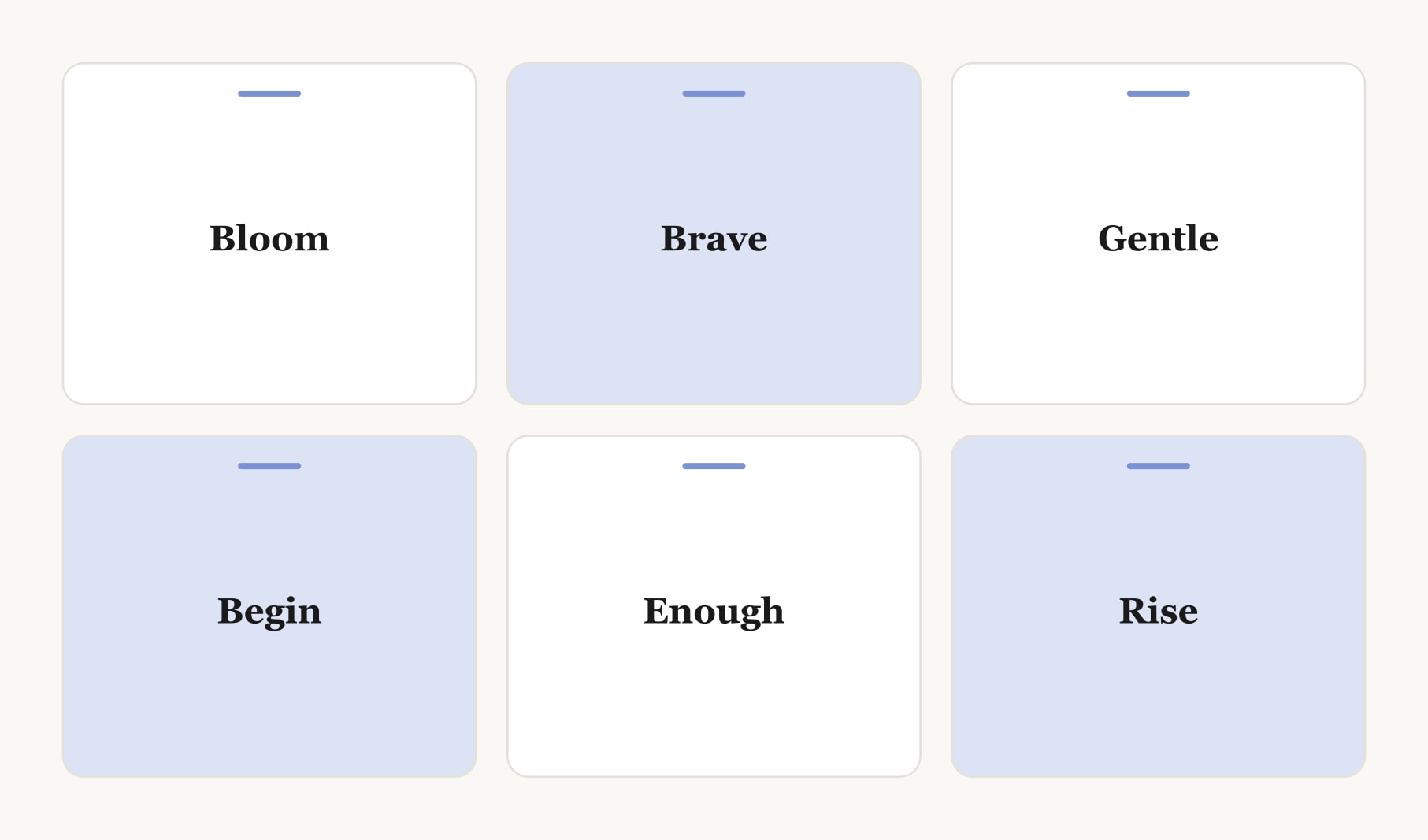
Let the lettering echo the meaning. Flowing script for “bloom”. Bold block capitals for “brave”. Soft bubble letters for “gentle”. Tall, upright letters for “rise”. When style and meaning match, the word feels more alive and easier to remember.
Where should word art go on a board?
Your main word or phrase belongs at the top or in the centre, larger than anything else. Smaller word art can sit in gaps between images. Give every word breathing room; crowded lettering is hard to read and loses its impact.
What does a board with word art look like?
Here is one I made for a friend. “Rise” across the top in tall, faux calligraphy letters in deep blue. Six photos beneath: a mountain at dawn, a studio, a swimming lake, a garden, a train platform and a quiet desk. Under each, a month and a first step in small, neat print. In one gap, “brave” in bold block capitals; in another, “gentle” in soft bubble letters. Three styles, one palette and plenty of space.
What supplies do you need?
A pencil and eraser for sketching, a fine black pen, a brush pen or thick marker, and coloured pens in your board palette. Smooth, heavy paper helps pens glide and stops ink from bleeding. A ruler helps keep lines straight. Stencils and scrap paper are optional. That is all.
Which words suit word art best?
Short ones. Single words and two or three-word phrases letter beautifully; long sentences do not. Choose your guiding word first, perhaps with help from my guide to one word for your vision board, then pick a few supporting words from my guide to words to put on vision board layouts.
How do you practise lettering without stress?
Write the word ten times on scrap paper before touching the board. Try it in two or three styles and pick the one you like. If lettering still feels daunting, draw a simple icon beside a printed word instead; my vision board drawing ideas have plenty. Keep a habit tracker for your vision board nearby too, since lettering the board is just the start and the daily steps are what count.
Keep reading
Vision board word art: your questions
Vision board word art is any word on a board styled with care, such as a hand-lettered word of the year, cut-out collage letters, stencilled phrases or a beautifully set digital title. It makes words a lovely feature rather than an afterthought.
Write the word in joined-up handwriting, then draw a second line beside every downstroke and fill the gap. Faux calligraphy mimics a brush pen, takes about two minutes per word and is the easiest way to make handwriting look like lettering on a vision board.
Pair two fonts on a digital vision board: one expressive font such as a script or bold serif for the main word, and one simple font for captions. Keep the main word large with plenty of space, and avoid using more than two fonts in total.
For vision board word art you need a pencil and eraser, a fine black pen, a brush pen or thick marker and coloured pens in your palette. A ruler keeps lines straight, and stencils or scrap paper for cut-out letters are optional extras.
Short words and phrases suit vision board word art best, such as bloom, brave, gentle or begin, and two or three-word phrases. Long sentences are hard to letter well and are usually better printed in a simple font on the board.
Let the lettering echo the meaning: flowing script for bloom, bold block capitals for brave, soft bubble letters for gentle and tall upright letters for rise. Matching style and meaning makes each word feel more alive and memorable on your vision board.
Practise the word ten times on scrap paper first and try two or three styles. Stencils, cut-out letters and faux calligraphy all look lovely without special skill. You can also print a word neatly and add a small drawn icon beside it on your vision board.
Keep your vision board alive
A board built in your browser resets when you close the tab. Vision Boardly saves your boards, reminds you as each vision date arrives, and tracks the habits and moods moving you toward them.
Get Vision Boardly Free