Pinterest Vision Board Ideas
Pinterest is brilliant for ideas and terrible at making you act on them. Here is how to get from saved pins to a real board.
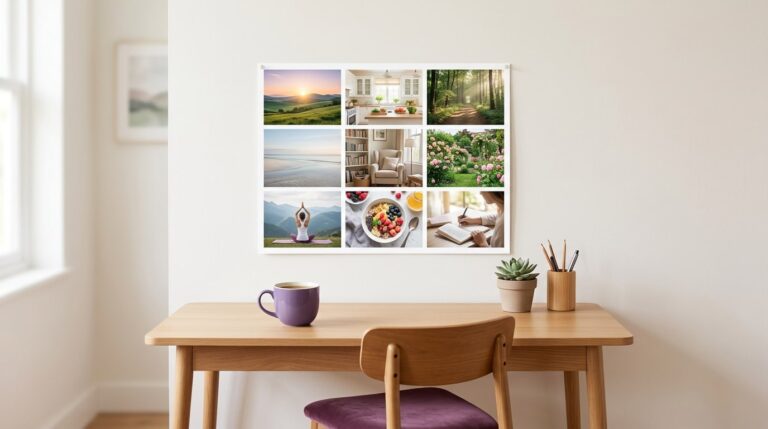
The best Pinterest vision board ideas come from specific searches, such as a room style, a trail or a morning routine, rather than generic vision board pins. Save freely into sections by life area, then pick one image per goal and move it onto a board you see daily, with a date and first step.

I love hunting for Pinterest vision board ideas. I also have private boards with four hundred pins I have never looked at again. Sound familiar? Saving is easy. Turning pins into something you act on takes one extra step, and that is what this guide is for. Quick note: nobody asked me to write this, I just use Pinterest a lot.
What should you search on Pinterest for vision board ideas?
Skip searching “vision board” itself. You will get other people’s finished collages, which are fun but rarely yours. Search for the thing you want instead. Some searches that work well:
- Specific rooms. “Small reading nook”, “sunny kitchen table”, “balcony garden”.
- Routines. “Slow morning routine”, “Sunday reset”, “evening wind down”.
- Places. The actual town, coastline or mountain range you want to visit.
- Skills. “Beginner watercolour”, “sourdough”, “home workout corner”.
- Feelings. “Calm minimal home”, “quiet morning light”, “cosy reading corner”.
How do you organise Pinterest vision board ideas?
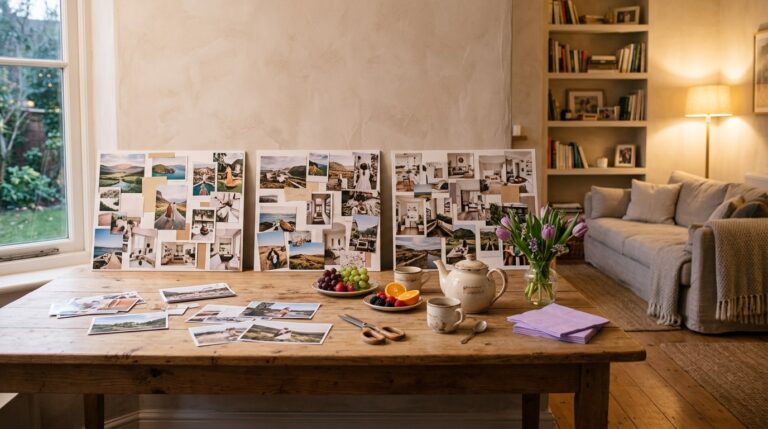
Make one board for your vision and add a section for each life area: career, home, health, people, money, travel, learning, rest. If you need help choosing areas, my main list of vision board ideas is sorted that way. Keep the board private if you like, since Pinterest lets you hide a board from your profile. Save freely into your sections for a week or two. Then stop saving and start choosing.

How do you choose which pins make the cut?
Scroll each section and ask of every pin: do I want this, or do I just like looking at it? Liking is enough for Pinterest. Wanting is the bar for your vision board. Pick one pin per goal, two at most, and let the rest go. They are not going anywhere if you change your mind.
Which Pinterest vision board ideas are worth saving?
- Soft, neutral home corners. They photograph beautifully and translate into small, doable changes.
- Morning and evening routines. Great for habit goals, because the picture shows the behaviour itself.
- Travel close-ups. A single street or cafe rather than a famous landmark, which feels more like your own trip.
- Workspaces. For career goals, a desk says more than a city skyline.
- Food and movement. Colourful plates and outdoor activity, framed around how you want to feel.
If you want ready-made starting points, browse these Pinterest vision board inspo templates and swap in your own pins.
Can you use Pinterest images on a vision board?
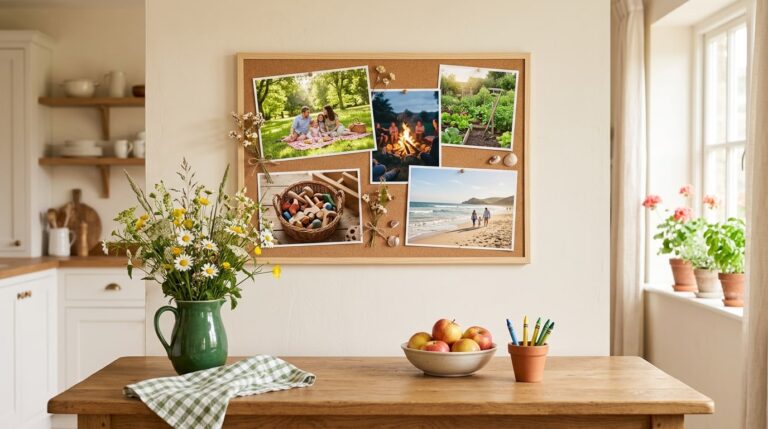
Pinterest images belong to the people who made them. Plenty of people print saved images for a private board at home, but if you want to share your board publicly, swap in your own photos or openly licensed images, such as those released under Creative Commons licences. Your own photos often mean more anyway.

How do you make Pinterest vision board ideas feel like yours?
A pin is somebody else’s life, beautifully lit. To make it yours, ask what the image would look like in your actual home, town or budget, then find or take a photo of that version. The perfect Scandinavian kitchen might become your own kitchen table cleared and set with fresh flowers. It is less glossy and far more motivating, because you can see yourself in it.
Captions help too. Under each chosen pin, write what it means to you in your own words, not the pin’s description. “More slow breakfasts” says far more than “minimal kitchen inspo”.
How often should you refresh Pinterest vision board ideas?
Give your saved pins a quick tidy every month or two. Archive sections for goals you have reached, delete pins that no longer give you a pull, and add a fresh section when a new goal appears. The finished vision board can change less often: swap an image when a goal is done or when it stops feeling like yours. Think of Pinterest as the pantry and the board as tonight’s plate. The pantry can be full. The plate should only hold what you are actually going to eat.
How do you keep Pinterest ideas from staying on Pinterest?
Put your board somewhere Pinterest is not. Print it, or save it as an image and set it as your lock screen. Then add a target date and first step under each picture, and track progress with something simple, like a habit tracker for your vision board. And if you want to share your finished board back to Pinterest, here is how to make a vision board for Pinterest.
Keep reading
Pinterest vision board ideas: your questions
Search for the specific thing you want rather than the phrase vision board. Terms like sunny reading nook, slow morning routine or the name of a town work better, because they return images of the goal itself. Save the ones that give you a pull into sections by life area.
Pick one pin per goal, two at most, which usually means six to nine images on a vision board. Pinterest is for collecting and your board is for choosing. Fewer images get more attention and are much easier to act on than a crowded collage of pins.
It can be. Pinterest lets you hide a board from your profile so only you can see it, which suits personal goals. Many people keep their vision board idea collection private and share only the finished board, if they share it at all. Choose whatever keeps you most honest.
Many people print saved images for a private vision board at home. Remember that the images belong to the people who made them, so keep that board private. If you want to share your board publicly, use your own photos or openly licensed images instead.
Create one Pinterest board for your vision and add sections for each life area, such as career, home, health and travel. Save freely for a week or two, then stop saving and choose one image per goal to move onto the vision board you will actually see.
Good Pinterest vision board ideas for beginners include a calm home corner, a morning routine, a place you want to visit, a workspace you would love and a colourful meal. Each one is specific, easy to picture and easy to link to a small first step this week.
Move your chosen images off Pinterest onto a board you see every day, then add a target date and first step under each one. A quick weekly check-in asking what moved turns Pinterest vision board ideas from inspiration into steady, visible progress.
Keep your vision board alive
A board built in your browser resets when you close the tab. Vision Boardly saves your boards, reminds you as each vision date arrives, and tracks the habits and moods moving you toward them.
Get Vision Boardly Free