Digital Vision Board Ideas
Digital Vision Board Ideas
Ideas for boards that live on your phone, laptop and tablet, where you already look dozens of times a day.
Good digital vision board ideas include a phone lock screen board, a desktop wallpaper board, rotating wallpapers with one goal each, a home screen photo widget, a morning slideshow, a digital collage, a shared board and a fresh mini board each month. Add a date and first step to each goal.

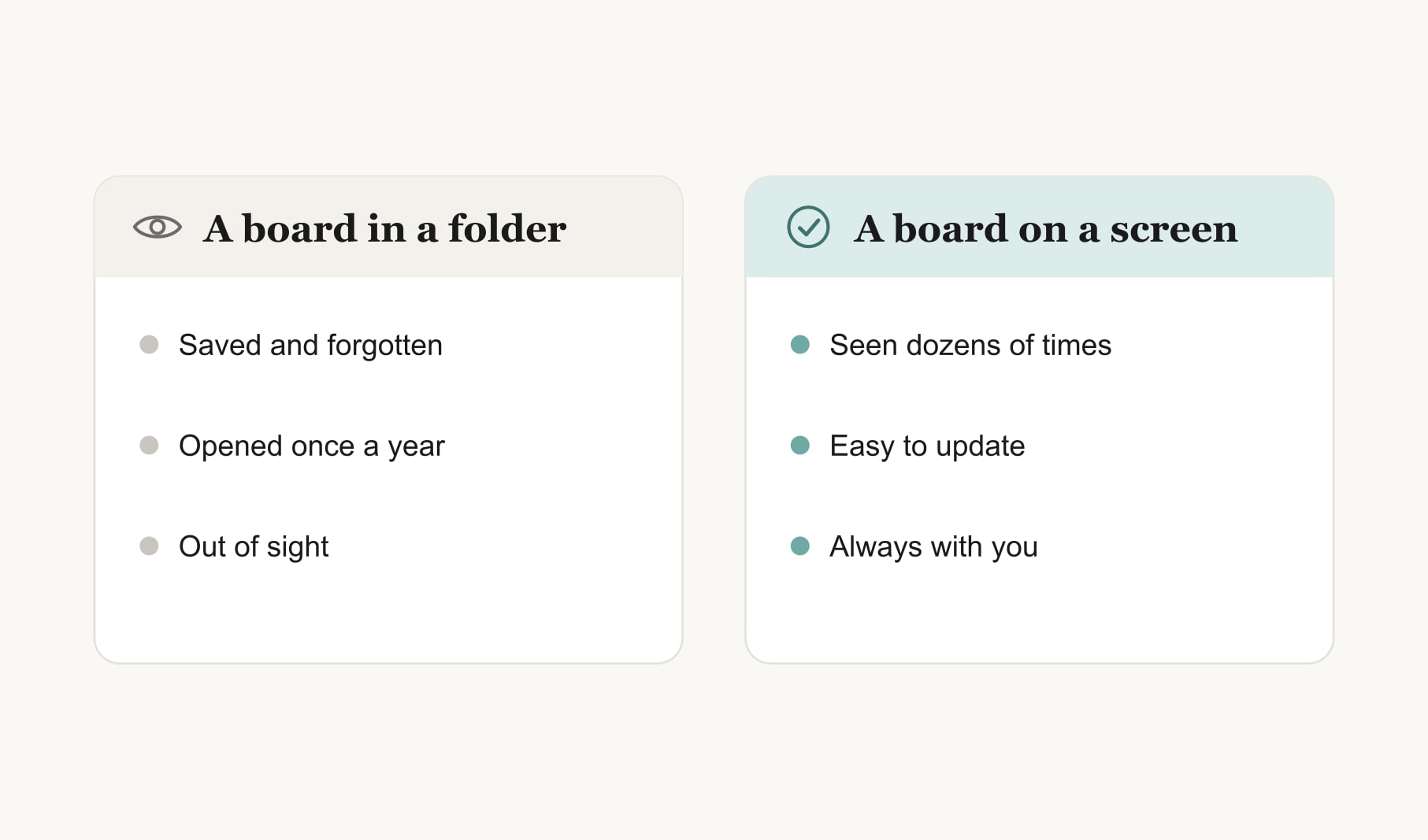
We look at our screens far more than any wall, so a digital board can be the most-seen board you ever make. These digital vision board ideas cover every screen you use, with notes on which suit which kind of goal. For real layouts to copy, see my digital vision board examples.
What are the best digital vision board ideas?
1. A phone lock screen board
Four to six images in a simple grid, with the top third left clear for the clock. It is the board you will see most, often dozens of times a day.
2. A desktop wallpaper board
A wider layout for your laptop or computer, with room for a word across the top and captions under each image. It suits work and study goals.
3. Rotating wallpapers
Save each goal as its own image and set them to rotate, so a different goal greets you each day. Great for larger sets of goals.
4. A home screen widget
A photo widget showing one goal image, sitting beside your apps. Small, but seen constantly. Choose the goal that most needs daily attention, and change the photo when that goal moves.
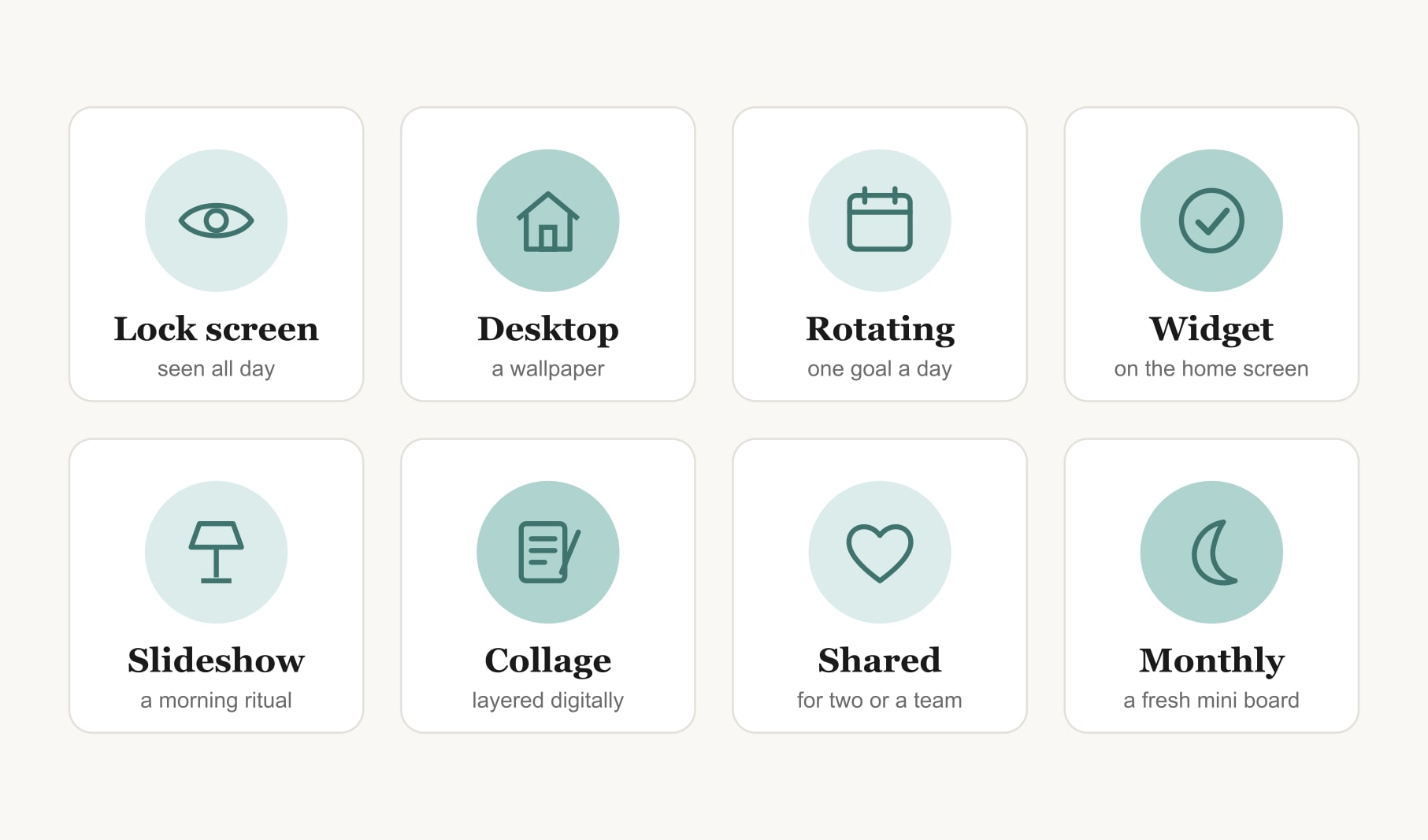
5. A morning slideshow
A short slideshow of your goal images, played while the kettle boils. It turns the board into a one-minute morning ritual.
6. A digital collage
Layered photos, textures and words with soft shadows, like a handmade collage but editable in seconds. The techniques come straight from digital collage art.
7. A shared board
A board you share with a partner, family or team, so everyone sees the same goals. Perfect for couples living apart or small teams working remotely.
8. A monthly mini board
A fresh lock screen each month with one or two goals for the next four weeks. It keeps the phone board from going stale and gives you a small monthly ritual.
Which digital format suits which goals?
Lock screens suit daily habits you want to remember constantly. Desktop wallpapers suit work, study and creative projects. Rotating wallpapers suit big boards with many goals. Shared boards suit couples, families and teams. Many people use two: a phone board for daily life and a desktop board for work.
What does a good lock screen board look like?
A soft sky across the top third, left clear for the clock. Below it, four photos in a two by two grid: a running path, a sunny kitchen, a guitar and a coastal town. Under each, three or four words: “run Saturdays”, “cook four nights”, “lesson Thursday”, “trip in June”. A consistent warm filter across all four. It takes fifteen minutes and gets seen every time you check the time.
Can a digital board and a paper board work together?
Yes, and many people find this the best of both. A printed board on the wall holds the full picture and gets reviewed at home. The phone version carries a few key goals everywhere. Update both at the same monthly review so they stay in step.
What should you avoid on a digital board?
Too many images, tiny text, busy backgrounds behind captions and anything that makes you feel behind when you unlock your phone. A digital board you see fifty times a day needs to feel good fifty times a day.
How do you make a digital board readable?
Fewer, clearer images, since screens are small. A consistent filter so the images feel like a set. Text large enough to read on a phone, with strong contrast. And space around each image. My step-by-step guide on how to make a digital vision board covers sizes and layouts for each screen.
Do digital boards still need dates and steps?
Yes. A small caption under each image with a month and a first step turns a pretty wallpaper into a plan. Without them, a digital board is easy to admire and just as easy to ignore. On a lock screen, keep captions to a few words so they fit.
How do you keep a digital board current?
Update it at a monthly review, which takes minutes on a screen. Track the small daily steps behind each goal in a habit tracker for your vision board. And if you are unsure whether digital suits you at all, my guide to whether you can make a digital vision board that works for you helps you decide.
Keep reading
Digital vision board ideas: your questions
Good digital vision board ideas include a phone lock screen board, a desktop wallpaper board, rotating wallpapers with one goal each, a home screen photo widget, a morning slideshow, a digital collage, a shared board for a couple or team and a fresh monthly mini board.
Use a lock screen for daily habits, a desktop wallpaper for work and study goals, rotating wallpapers for large sets of goals and a shared board for couples or teams. Many people combine a phone board for daily life with a desktop digital vision board for work.
Four to six images suit a phone lock screen, while six to nine work well on a desktop wallpaper. Screens are small, so fewer and clearer images read better on a digital vision board than a crowded grid of tiny photos you have to squint at.
Build the board in a browser tool or collage app, leaving the top third clear for the clock. Save it as an image, then set it as your lock screen in your phone settings. Check that captions are large enough to read at a glance.
Yes. A short caption under each image with a month and first step turns a digital vision board from a pretty wallpaper into a plan. On a lock screen, keep captions to a few words so they fit neatly beneath each photo.
Yes. A shared digital vision board works well for couples living apart, families and small teams, so everyone sees the same goals. Save the board as an image each person can set as a wallpaper, and update it together at a monthly check-in.
Update a digital vision board at a monthly review. It takes only minutes on a screen: move finished goals off, add new ones and refresh captions. A new monthly lock screen also keeps the board from fading into the background of your phone.
Keep your vision board alive
A board built in your browser resets when you close the tab. Vision Boardly saves your boards, reminds you as each vision date arrives, and tracks the habits and moods moving you toward them.
Get Vision Boardly Free