Good Apps for Vision Boards
A good app for one person is clutter for another. Here is what good looks like for five kinds of people who make boards.
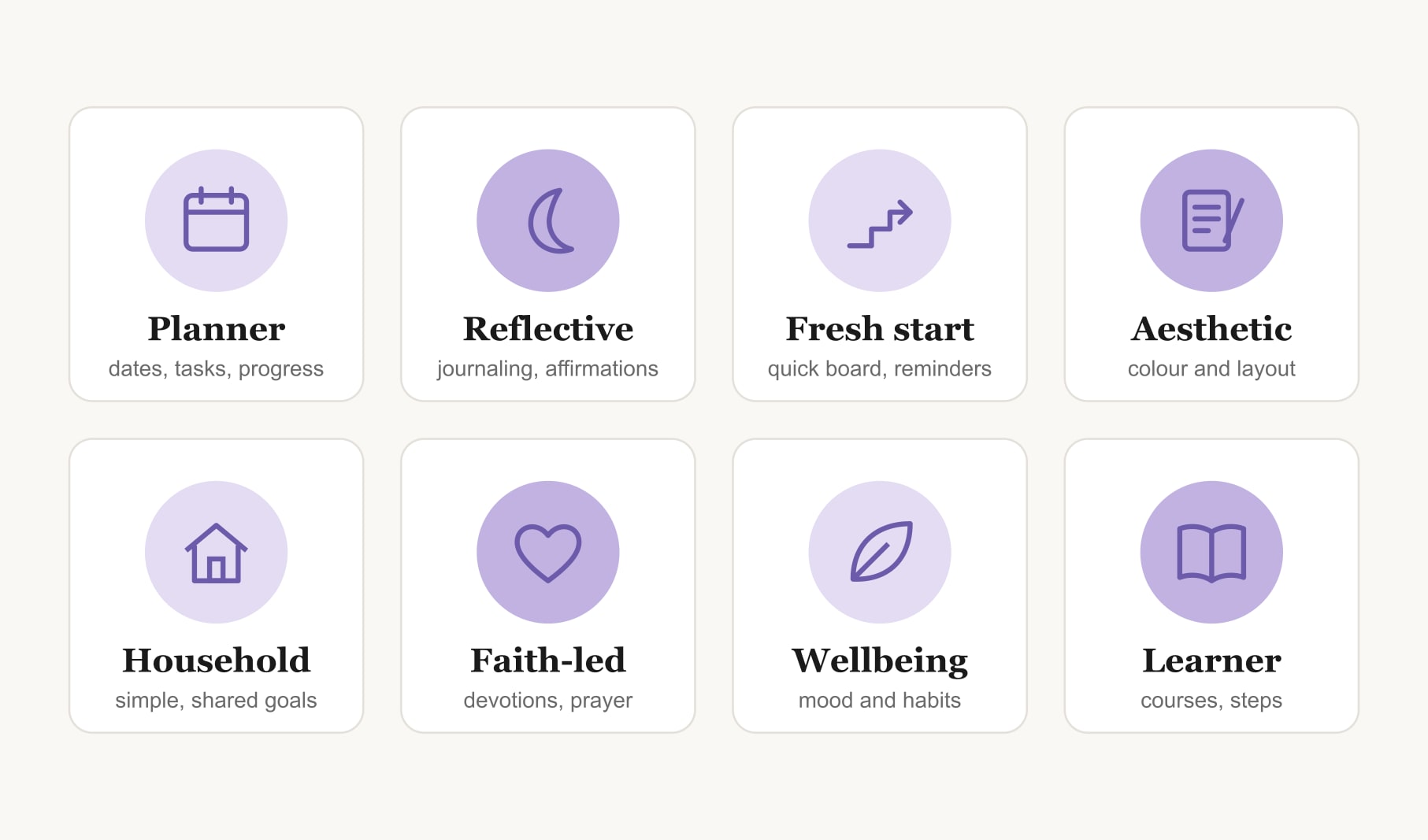
Good apps for vision boards fit the way you work. Planners need dates, tasks and progress tracking. Reflective makers need affirmations, journaling and room for faith or belief. Fresh starters need a quick first board and reminders. Aesthetic creators need colour and layout control. Households need simple boards everyone understands. Choose the one you open without reminders.
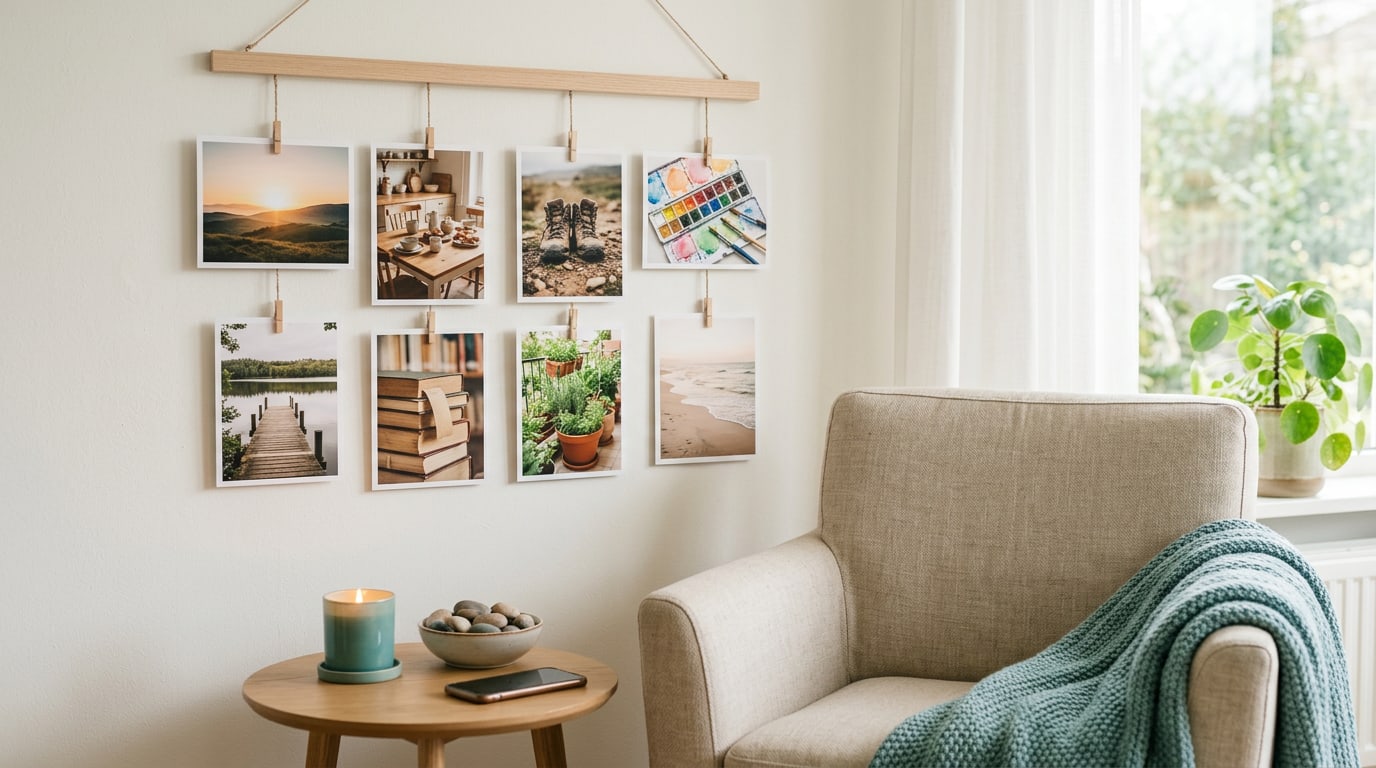
I am often asked to name good apps for vision boards, and my honest reply is a question: good for whom? A planner who loves ticking boxes and someone who uses a board as part of a quiet morning practice want very different things. Both deserve an app that fits. So instead of a list, here is what good looks like for five kinds of people, plus the signs that tell you an app is right after a week.
Read through and notice which description sounds most like you. Most people are a blend of two.
What do good apps for vision boards have in common?
Three things, whoever you are. Each vision on the board can carry a date and a caption in your own words. Your own photos go in easily. And the app gives you a reason to come back, such as a gentle reminder or a place to note progress. Beyond that, good depends on you. The vision board manifestation app page shows how these basics come together in one place.
What is a good app for a planner?
If you love lists, you want goals broken into tasks, habits you can tick off and a clear view of progress toward each vision. Dates matter to you, and so do reminders as they approach. A good app for a planner makes the board the front page of a plan, not a separate piece of art.
What is a good app for a reflective maker?
Some people use a board as part of a daily practice: a few quiet minutes, an affirmation, a moment of gratitude, prayer or intention setting. A good app for you holds affirmations you can choose or write yourself, a journal for reflections, voice notes if writing feels heavy, and perhaps meditation music for the quiet minutes. If faith is part of your practice, look for an app that lets you personalise for your own beliefs, whatever they are. For prayer alongside your board, a prayer tracker for your vision board keeps that rhythm visible.
What is a good app for a fresh starter?
You are making a board for a new year, a birthday, a move or a new job, and you want it done this week. Good for you means a quick first board, by hand or with AI, and reminders that keep the momentum going after the first excited fortnight. The new year vision board builder shows how quickly a fresh-start board can come together.
What is a good app for an aesthetic creator?
You care how the board looks, and that is a real strength, because a board you find beautiful is one you look at. Good for you means control over layout, a colour theme you love for each board, room for your own photos at a good size and a finished board you would happily print and frame. Printed boards and stickers are a lovely bonus if you like your board off the screen too.
What is a good app for a household?
Couples, families and housemates need simplicity above all. A good app for a household keeps boards easy to read, uses plain words and works on the different phones and laptops people already own. Shared goals, like a family trip or a calmer home, should be easy for everyone to see. A self care vision board is a gentle place for a household to start, because everyone can add one thing that helps them rest.
What is a good app for a wellbeing focus?
If your board is mostly about feeling steadier, sleeping better or moving more, you want habits and moods side by side with your visions. A good app lets you tick off small daily habits and note how you feel, so you can see patterns over a few weeks. Keep these goals about routines and intentions, and lean on professional support for anything medical. The board is there to keep kind habits in view.
What is a good app for a learner?
If your visions are about new skills, a good app breaks each one into steps and makes room for courses, practice sessions and small milestones. Picture “conversational Spanish” broken into a weekly lesson, ten minutes of daily practice and one conversation a month. Seeing those steps under the vision keeps a big learning goal from feeling endless.
How can you tell an app is good for you after a week?
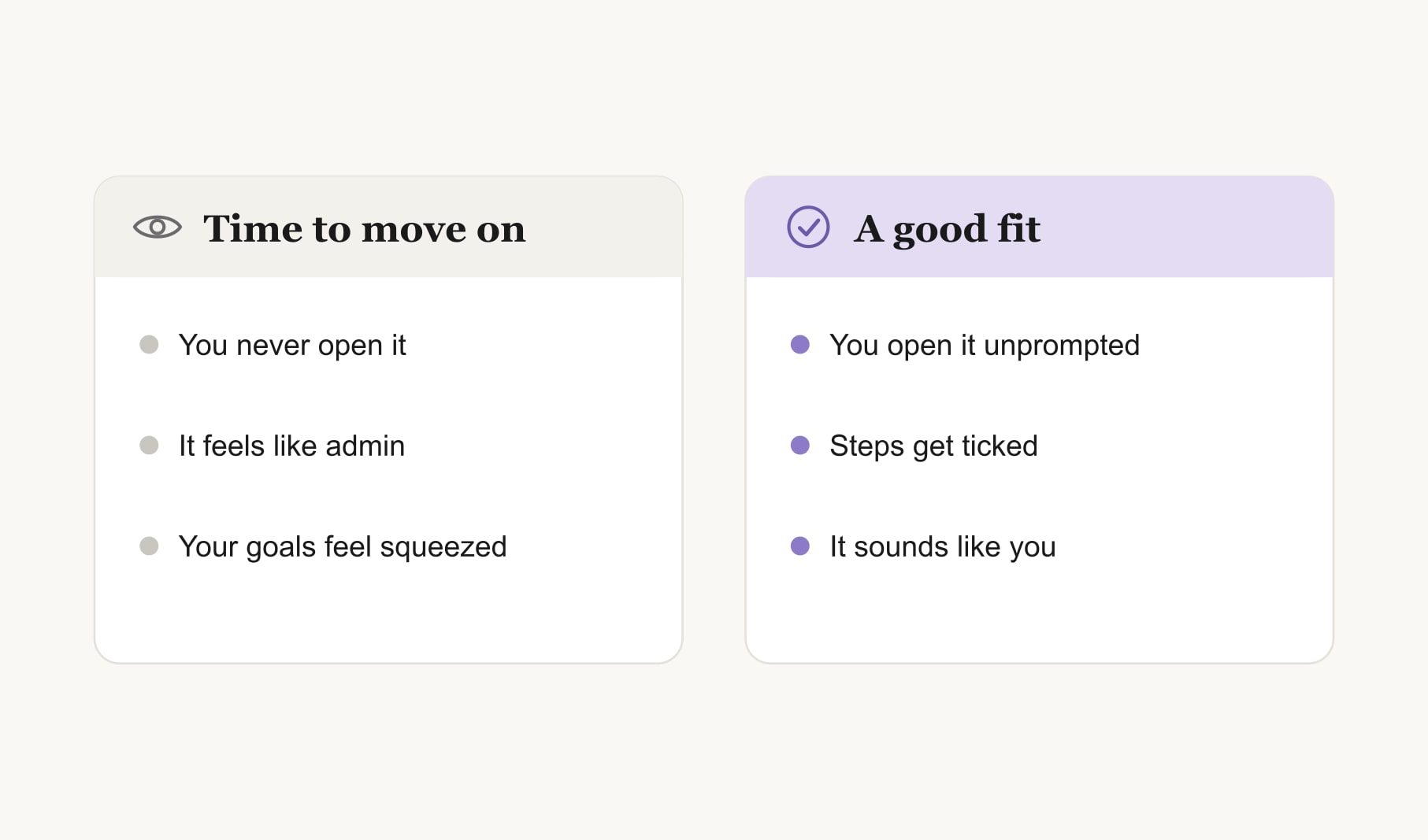
Look for three signs. You opened it without a reminder at least a few times. At least one first step got ticked off. And the words on the board still sound like you rather than like the app. If all three are true, keep going. If none are, the app may not fit, or the board may be too big. Try a smaller board before you switch.
When is it time to try a different app?
When opening it feels like admin. When your goals feel squeezed into boxes that do not fit them. When the app pulls you toward features you do not want and away from the ones you do. Moving on is fine. Your goals and photos are the valuable part, and they come with you.
What does a good first board look like in any app?
Three to five visions, each with one of your own photos, a short caption, a month and a first step. One small habit linked to the vision you care about most. One reminder a week. That board works in any good app, and it shows you quickly whether the app suits the kind of maker you are.
Keep reading
Good apps for vision boards: your questions
A good app for vision boards lets each vision carry a date and a caption, takes your own photos easily and gives you a reason to return, such as a reminder or a place to note progress. Beyond that, a good fit depends on whether you are a planner, a reflective maker or a creator.
A good vision board app for beginners offers a quick first board, by hand or with AI, and simple reminders. Start with three to five visions, each with a photo, a date and a first step. A small, clear board teaches the weekly habit before you add more.
Good vision board apps for spiritual practice hold affirmations, journaling and reflections, and let you personalise for your own faith or beliefs. Look for room for prayer, gratitude or intention setting alongside each vision, so the board fits naturally into the quiet minutes of your daily practice.
Yes. A family can use one vision board app if it keeps boards simple, uses plain words and works on the phones and laptops everyone owns. Put shared goals, like a trip or a calmer home, on a family board that everyone can see and talk about each week.
Try a vision board app for one week with a small, real board. Check whether you opened it unprompted, whether a first step got done and whether the board still sounds like you. If all three are true, it is a good fit worth keeping.
Yes, if looks matter to you. A vision board you find beautiful is one you look at, which is half of what makes it work. Aesthetic makers should look for layout control, a colour theme per board and your own photos shown at a generous size.
Keep your vision board alive
A board built in your browser resets when you close the tab. Vision Boardly saves your boards, reminds you as each vision date arrives, and tracks the habits and moods moving you toward them.
Get Vision Boardly Free