How to Use Pinterest to Create a Vision Board
Pinterest is brilliant at finding. The board itself takes shape when you edit, so here is how to do both.
To use Pinterest to create a vision board, write your goals first, search for specific scenes inside each one and save freely to a private board. Rest it for a few days, then edit in three rounds, notice recurring patterns and pick one image per goal. Build the finished board with a date and first step under each.
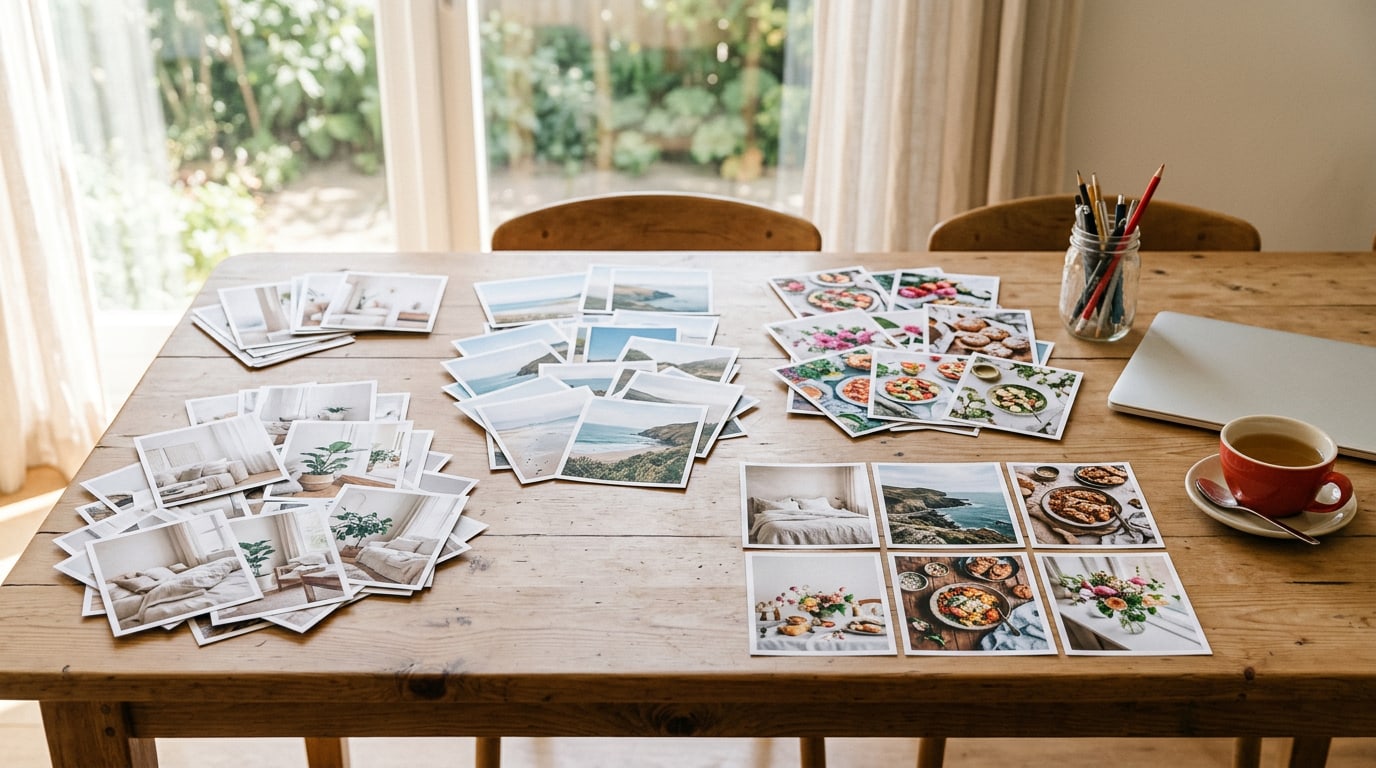
Pinterest is the most popular starting point for a vision board, and for good reason: it is wonderful at showing you things you did not know you wanted. But a board with four hundred pins is a library, not a plan. Knowing how to use Pinterest to create a vision board comes down to treating it as the finding stage, then doing the editing that turns finds into a board you can act on. Here is the method I use, from first search to finished board.
If you want the other two Pinterest jobs, I cover making a board on Pinterest itself, and sharing a board image there, in separate guides linked at the end.
What do you need for how to use Pinterest to create a vision board?
A Pinterest account, three to five goals written down and a place to build the finished board: a browser builder, a vision board app or a sheet of card. Spread the process over a few days. The resting time in the middle is part of the method, not a delay.
How do you use Pinterest to create a vision board, step by step?
1. Write your goals before you search
One sentence per goal, written before you open the app. Without them, Pinterest happily fills an evening with beautiful things that have nothing to do with your life. With them, every search has a job.
2. Search specific scenes for each goal
General searches return general pins. Search for the scene inside the goal instead: “small balcony herb garden”, “reading corner by a window”, “trail run at sunrise”. Specific searches bring back images that feel like a real life rather than a magazine cover. For more search ideas, Pinterest vision board inspo collects themes that work well.
3. Save everything to one private board
Create one board, keep it private and save freely for a few days. Do not judge yet. Save what gives you even a small pull. Private boards help you be honest about what you want, without wondering who is watching.
4. Let the board rest for three days
Close the app. Come back after three days. Distance is what lets you see which pins still matter and which were just pretty in the moment.
5. Edit in three rounds
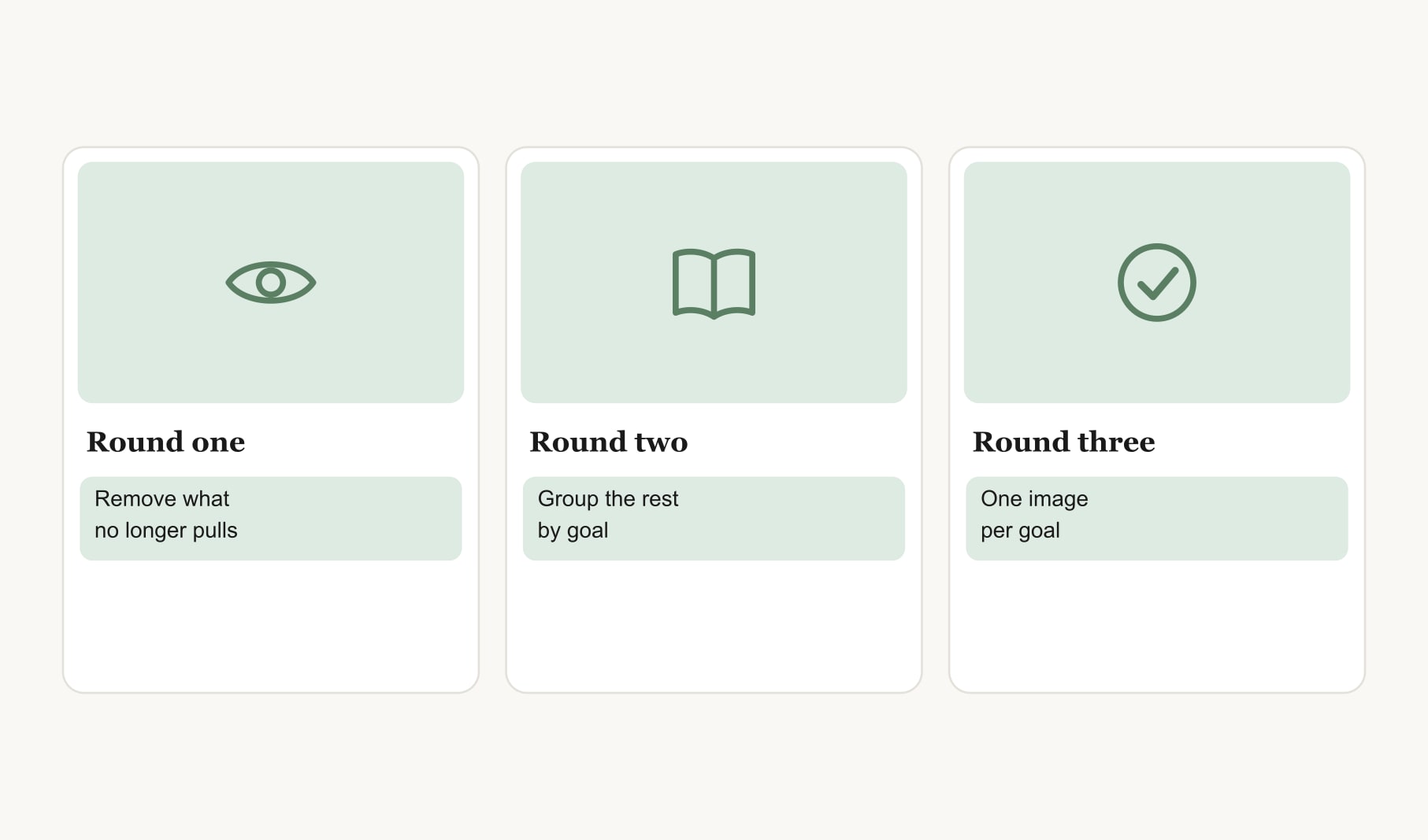
Round one: scroll the board and remove anything that no longer pulls you. Be brisk. Round two: group what is left by goal, using sections if you like. Round three: for each goal, choose the single image that pulls hardest. You should end with three to nine images, one per goal.
6. Notice the patterns and rewrite your goals
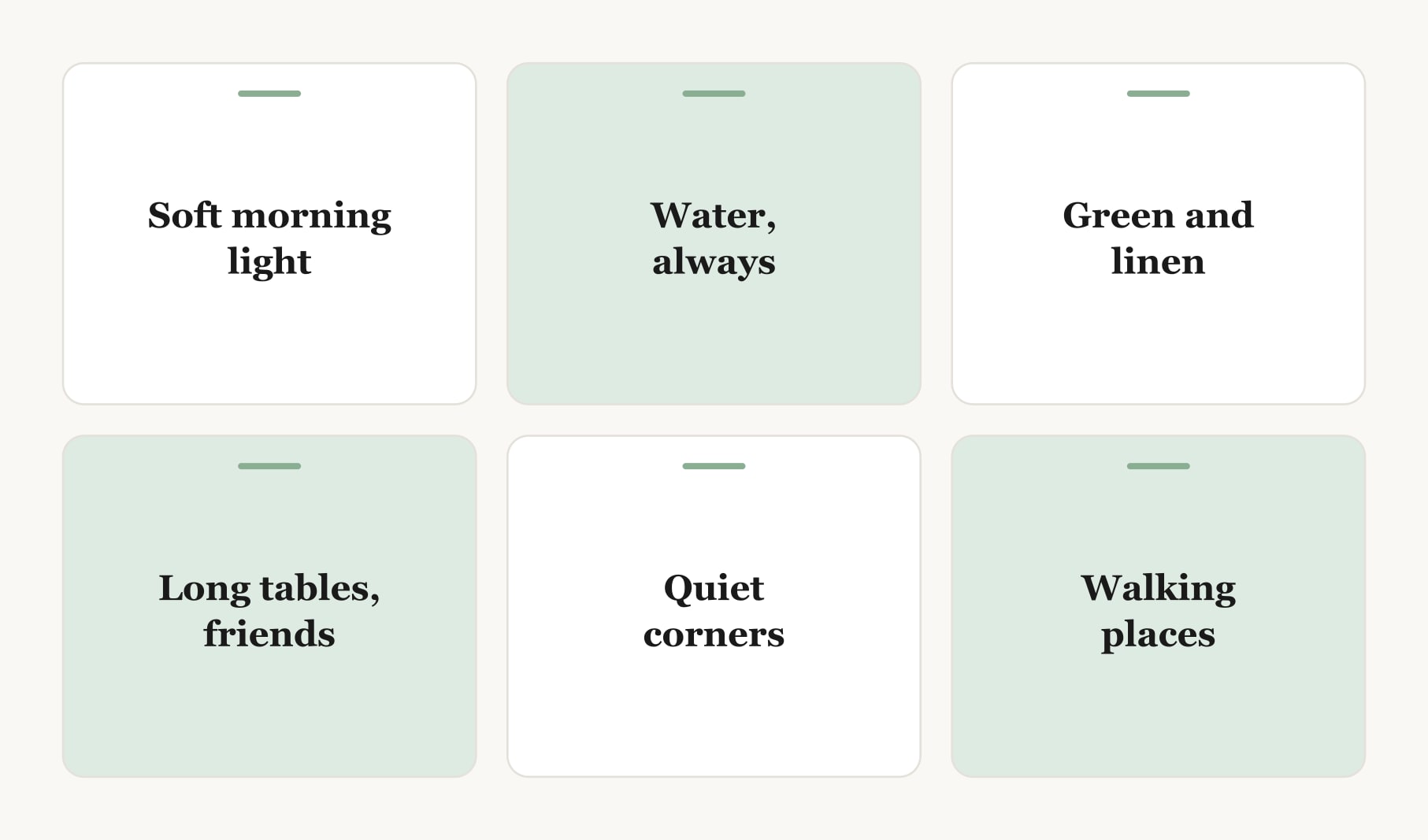
This is the step most people skip, and it is my favourite. Look back over everything you saved, even the pins you removed. What keeps appearing? Water, perhaps, or long tables full of friends, or soft morning light. These patterns often say more than any single pin. If they surprise you, sharpen your goals to match. “Travel more” might become “a week by the sea with friends”.
7. Build the finished board off Pinterest
Now move your chosen images somewhere you will see them every day. A vision board maker in your browser lets you click any square to add an image, then type a date and first step beneath it. If you would like a board shaped for pinning later, the vision board builder for Pinterest sets the tall shape for you. Pins belong to the people who made them, so keep a board built from saved pins for your own private use.
8. Swap pins for your own photos over time
As each goal starts to happen, replace the pin with your own photo: the real balcony with its first herbs, the real trail at sunrise. Watching borrowed images turn into your own is one of the most motivating things a board can do.
How often should you go back to Pinterest?
Less than you think. Return when a goal finishes and you need a new image, or once a season to refresh. Daily browsing tends to replace action with collecting. Keep the energy for the steps on your board. A manifestation tracker is a good home for those steps if intention setting is part of your practice.
What does a finished board from Pinterest look like?
Six images on a calm grid, chosen from about two hundred saved pins. A balcony with herbs in terracotta pots. A long table set for friends in a garden. A trail at sunrise. A small desk by a window. A lake jetty. A loaf of bread cooling on a rack. Each carries a month and a first step underneath. The patterns are visible at a glance: green, light, water and people. Within a few months, two of the six have been swapped for real photos of the balcony and the table.
Can you use Pinterest for a vision board with someone else?
Yes. Couples and friends can each save to their own private board for a few days, then sit together and compare. The overlaps are often the best shared goals. Edit together using the same three rounds, and build one shared board from the images you both chose.
What are the common mistakes when using Pinterest for a board?
Searching before you have goals. Saving for weeks and never editing. Keeping every pin, so the board becomes wallpaper. And leaving the board on Pinterest, where it competes with endless new ideas. The fix for all four is the same: goals first, edit firmly, and build the final board somewhere you look every day.
Keep reading
How to use pinterest to create a vision board: your questions
Write your goals first, search for specific scenes inside each goal and save freely to a private board for a few days. Then edit in three rounds, notice recurring patterns and pick one image per goal. Build the finished vision board somewhere you see daily, with a date and step under each image.
Save as many pins as you like during the finding stage of a vision board, then edit down to three to nine, one per goal. The saving is for discovery. The editing is what turns a large collection into a vision board you can read and act on.
Yes, keep a Pinterest board for vision board research private. Honest goals are easier to explore when nobody is watching, and you can save freely without thinking about how the board looks to others. Share a finished board only if sharing genuinely helps you.
Printing saved images for a vision board you keep at home for private use is how many people work. Pins belong to their creators, so avoid sharing or selling a board made from them. Over time, swap saved images for your own photos as each goal starts to happen.
Search for the specific scene inside each vision board goal, such as a balcony herb garden or a reading corner by a window, rather than general vision board pins. Specific searches return images that feel like a real, reachable life rather than a glossy magazine cover.
Waiting a few days before editing your Pinterest vision board gives you distance. Pins that felt exciting in the moment often fade, while the ones that still pull you after three days are usually tied to something you really want. That makes editing quicker and clearer.
Move your finished vision board off Pinterest to somewhere you see every day, such as your lock screen, a printed board by the mirror or a vision board app. On Pinterest it competes with endless new ideas, which makes it easy to keep collecting instead of acting.
Keep your vision board alive
A board built in your browser resets when you close the tab. Vision Boardly saves your boards, reminds you as each vision date arrives, and tracks the habits and moods moving you toward them.
Get Vision Boardly Free