How to Make a Vision Board That Works
Already have a board that is not doing much? This eight-point checklist upgrades it in under an hour, without starting over.
To make a vision board that works, upgrade the one you have: audit each image, cut to five goals or fewer, add a month and a first step under every image, add an if-then line for the hardest goal, move the board where you see it daily, set it as your lock screen and book a weekly review.
Most people who ask me how to make a vision board that works already have one. It is on a wall somewhere, lovely to look at and not doing much. The good news is you rarely need to start again. This eight-point checklist upgrades an existing board in under an hour. If you are starting from nothing, my guide on how to make a vision board that really works builds one from scratch.
How to make a vision board that works, step 1: audit your board
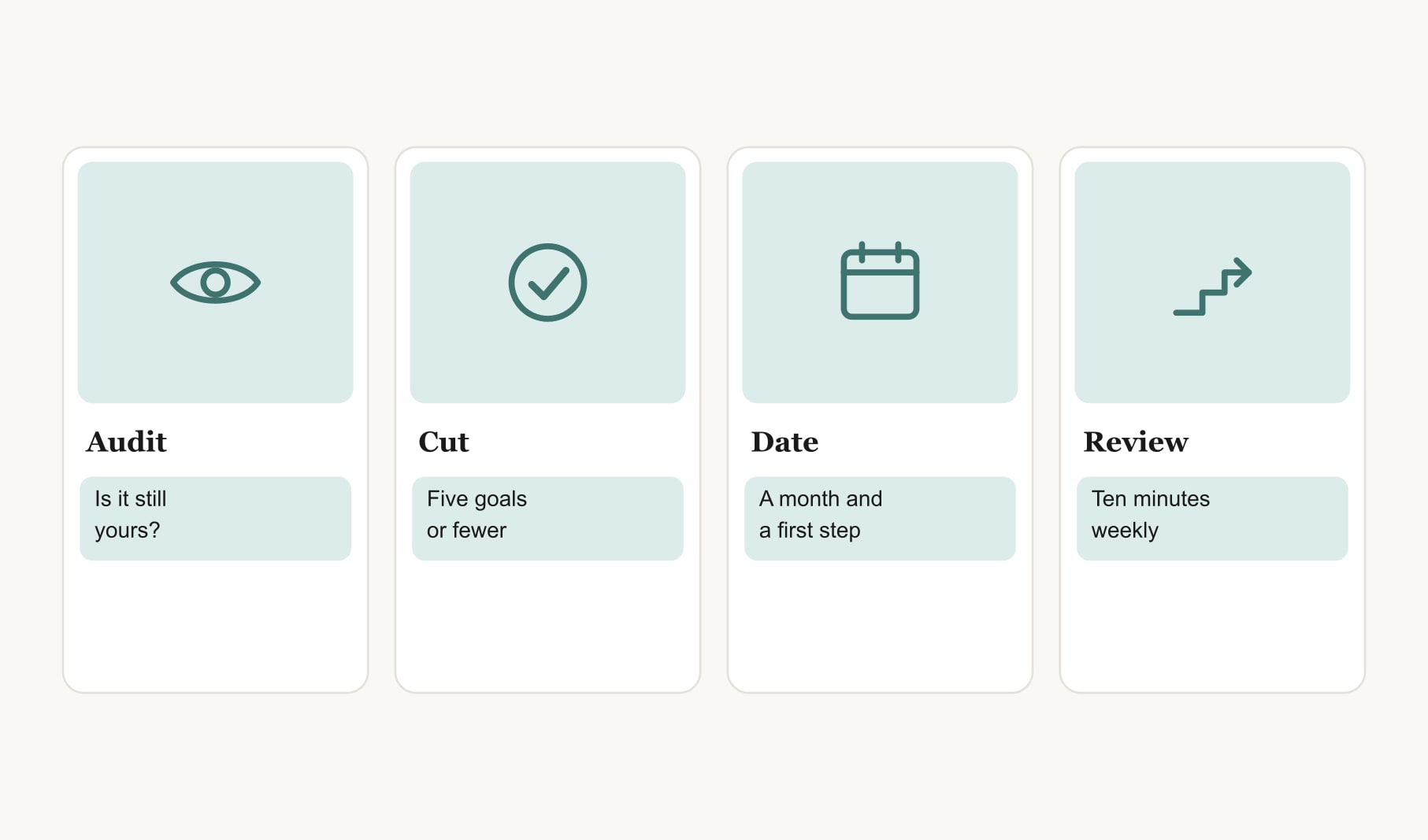
Look at each image and ask two questions. Is this goal still mine? Could I say what done looks like? If the answer to either is no, it goes in the maybe pile. Be honest; a board often collects goals we have quietly outgrown.
Step 2: Why cut to five goals or fewer?
Because attention is limited. A board with twenty images becomes wallpaper; your eye slides over it. Five goals get looked at. Keep the ones that still pull at you and let the rest go, or save them for a later board.
Step 3: Why add a month to every goal?
Without a month, nothing ever feels due. Write a target month under each image and spread them across the year so they are not all competing at once.
Step 4: What is the first step for each goal?
The smallest action you could take this week. “Book the first lesson.” “Clear one shelf.” “Put trainers by the door.” Write it on a small tag under the image. This is the single change that makes the biggest difference.
Step 5: Why add an if-then line?
For the goal most likely to stall, write a short if-then plan: “If I am too tired, then I do ten minutes.” It prepares you for the exact moment you would usually give up. You can add one to every goal later, but start with the hardest.
Step 6: Where should the upgraded board go?
Somewhere you pass every morning: by the kettle, the mirror or the front door. A board in a spare room or a drawer cannot do its job, however beautiful it is.
Step 7: Why set it as your lock screen?
Because you look at your phone far more than any wall. A photo of the upgraded board as your lock screen puts your goals in front of you dozens of times a day, and it takes thirty seconds.
Step 8: What happens in the weekly review?
Ten minutes, once a week. Which first steps happened? What is the next one? Does any date need moving? Put it in your calendar as a recurring event. Log actions in a goal tracker for your vision board so the review is quick and you can see what is adding up. Building the review into a habit matters more than any single session.
What does an upgraded board look like?
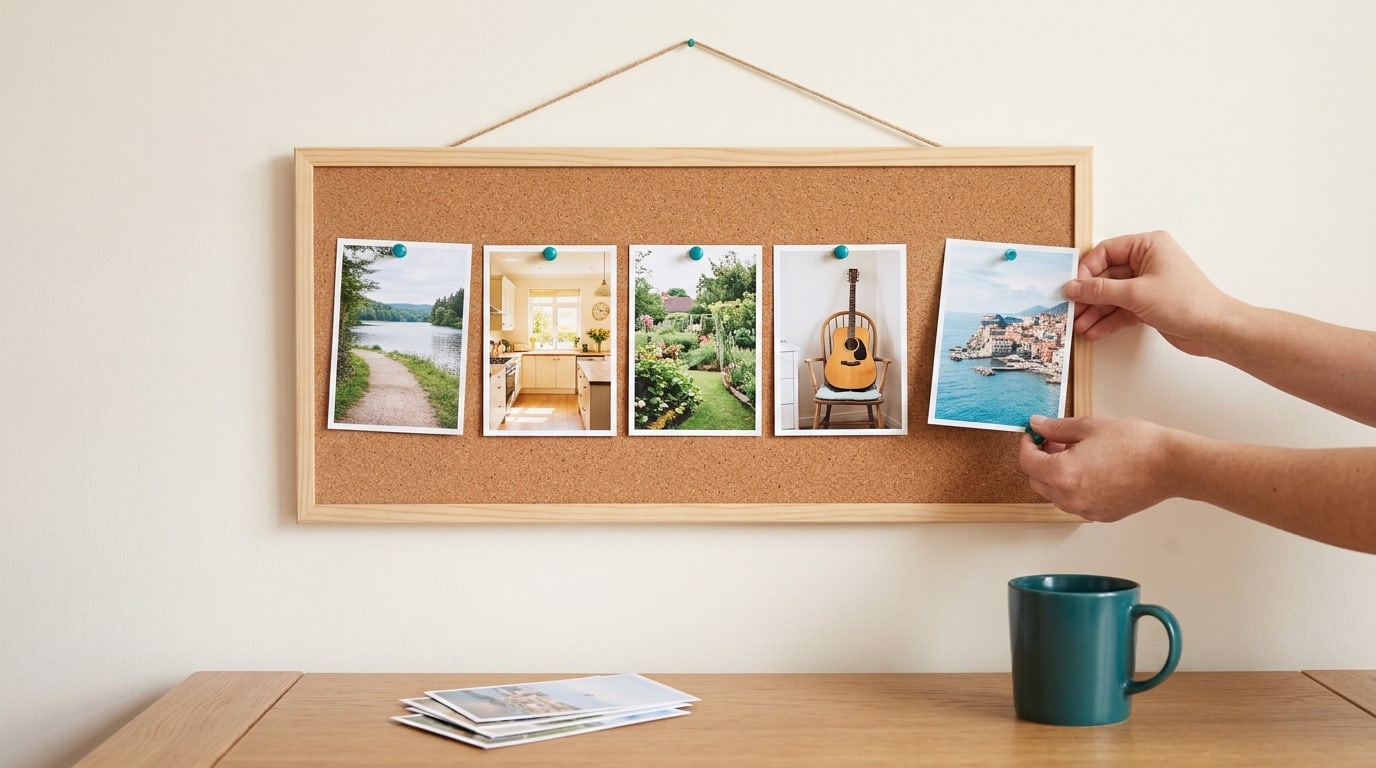
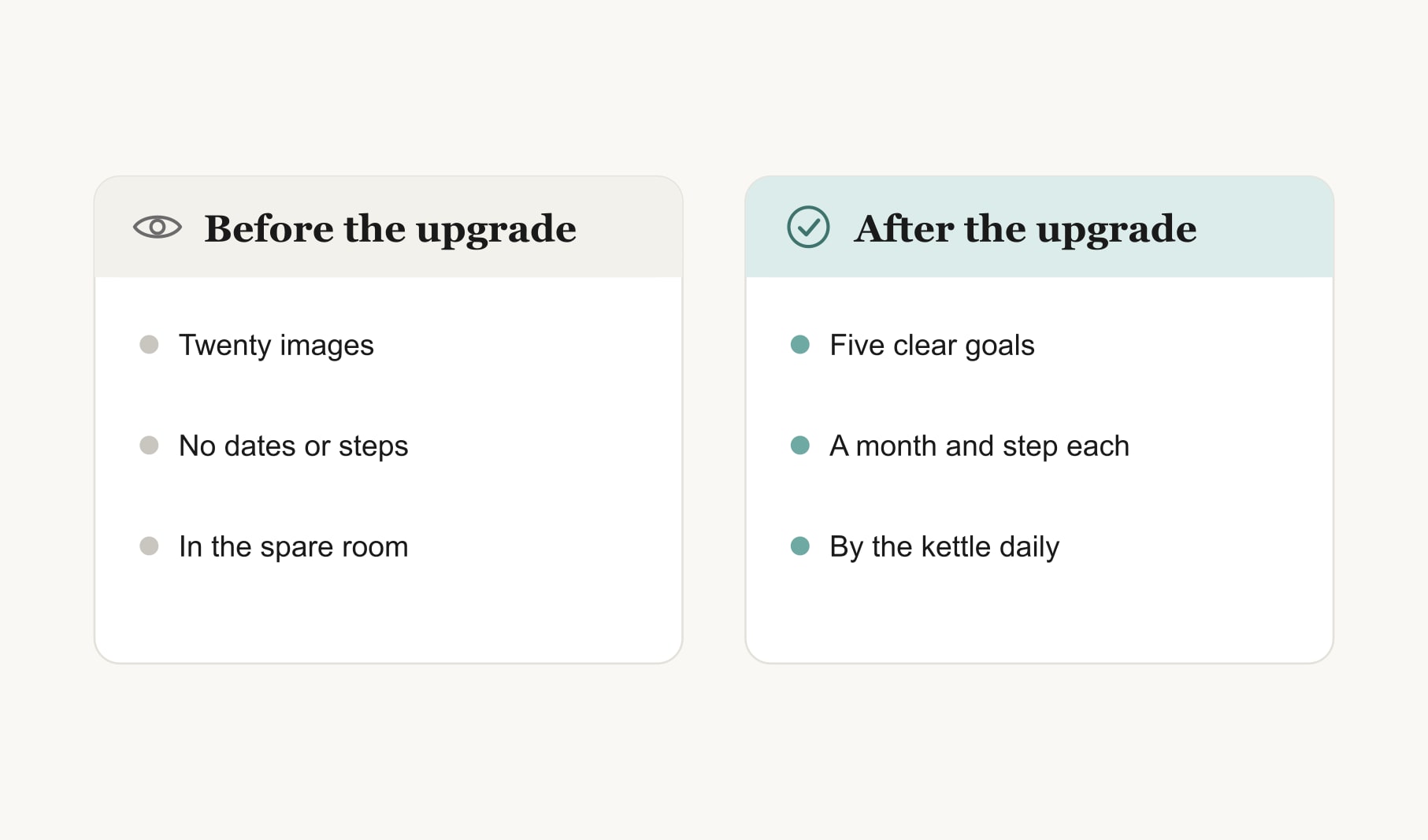
Here is one I helped a friend with. Before: twenty-three images, a few words cut from magazines, no dates, pinned in a spare room. After: five photos in a clean row above the kettle. A lake path, “walk three mornings a week, from March, first step, set the alarm”. A guitar, “ten lessons by summer, first step, book one”. A kitchen, “cook at home four nights, first step, plan Monday”. A garden, “herbs on the windowsill by May”. A coastal town, “a long weekend in September”. Same person, same dreams, a far more useful board.
What if you do not want to cut any goals?
Then split the board. Keep five active goals on the main board and move the rest to a second, smaller “later” board. Nothing is lost, but your daily attention goes where it counts. When an active goal is done, promote one from the later board.
How do you know the upgrade worked?
After a month, count your small actions. If there are more than usual, the board is working. My thirty-day test in does vision boards work gives you a simple way to check.
Should you change the layout too?
Only if it helps readability, and only after the goals themselves are sorted. A clean grid with space around each image is easier to scan than a crowded collage. My guide to vision board layout covers grids, zones and timelines if you want to rearrange as part of the upgrade.
Keep reading
How to make a vision board that works: your questions
Upgrade the board you have: audit each image, cut to five goals or fewer, add a month and first step under every image, add an if-then line for the hardest goal, move the board where you see it daily, set it as your lock screen and review weekly.
Usually not. Most vision boards can be upgraded in under an hour by cutting goals, adding months and first steps, moving the board somewhere visible and booking a weekly review. Starting again is only worth it if none of the goals on the board still fit your life.
Five goals or fewer suit a working vision board. Attention is limited, and a board with twenty images becomes wallpaper that your eye slides over. Fewer goals get looked at more often each day and are far more likely to actually move.
Write a target month and the smallest first step you could take this week, such as March, book the first lesson. For the goal most likely to stall, add a short if-then line. These notes turn a vision board into a plan.
Put a vision board somewhere you pass every morning, such as by the kettle, mirror or front door, and set a photo of it as your lock screen. A board in a spare room or a drawer rarely helps, however beautiful it looks.
Review your vision board for about ten minutes once a week. Check which first steps happened, choose the next ones and move any dates that need it. Putting the review in your calendar as a recurring event makes it far more likely to happen.
After a month, count the small actions you took toward your goals and compare them with a normal month. If there are more, your upgraded vision board is working, even if the bigger goals themselves will take a while longer to finish.
Keep your vision board alive
A board built in your browser resets when you close the tab. Vision Boardly saves your boards, reminds you as each vision date arrives, and tracks the habits and moods moving you toward them.
Get Vision Boardly Free