Best Apps for Digital Vision Board
A digital board lives on a small, busy screen. These seven tests show which apps build boards that still work there.
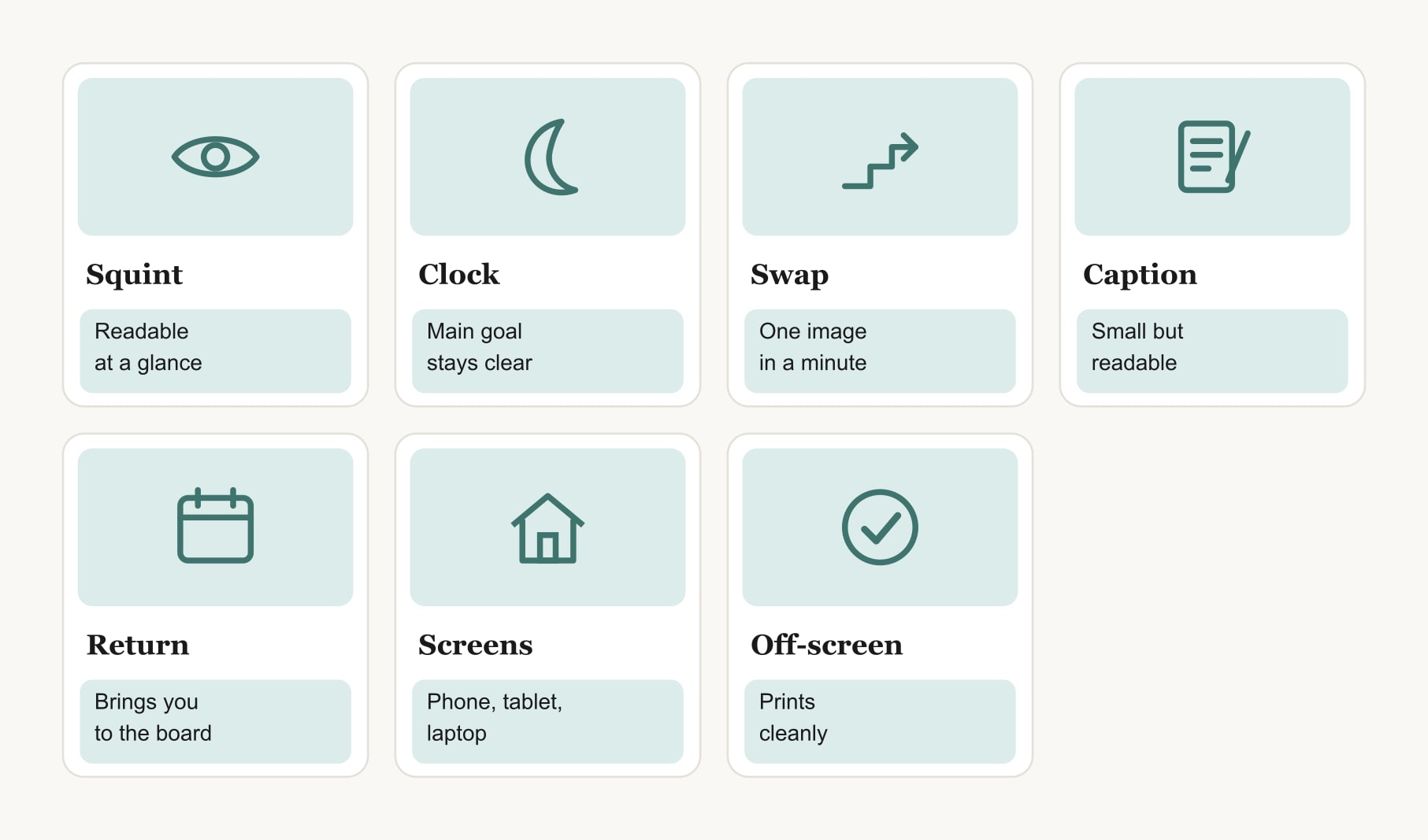
The best apps for a digital vision board make boards that read at phone size, keep your main goal clear of the clock, let you swap an image in under a minute, keep captions readable when small, bring you back to the board itself, and work on every screen you own. Run seven quick screen tests before you commit.
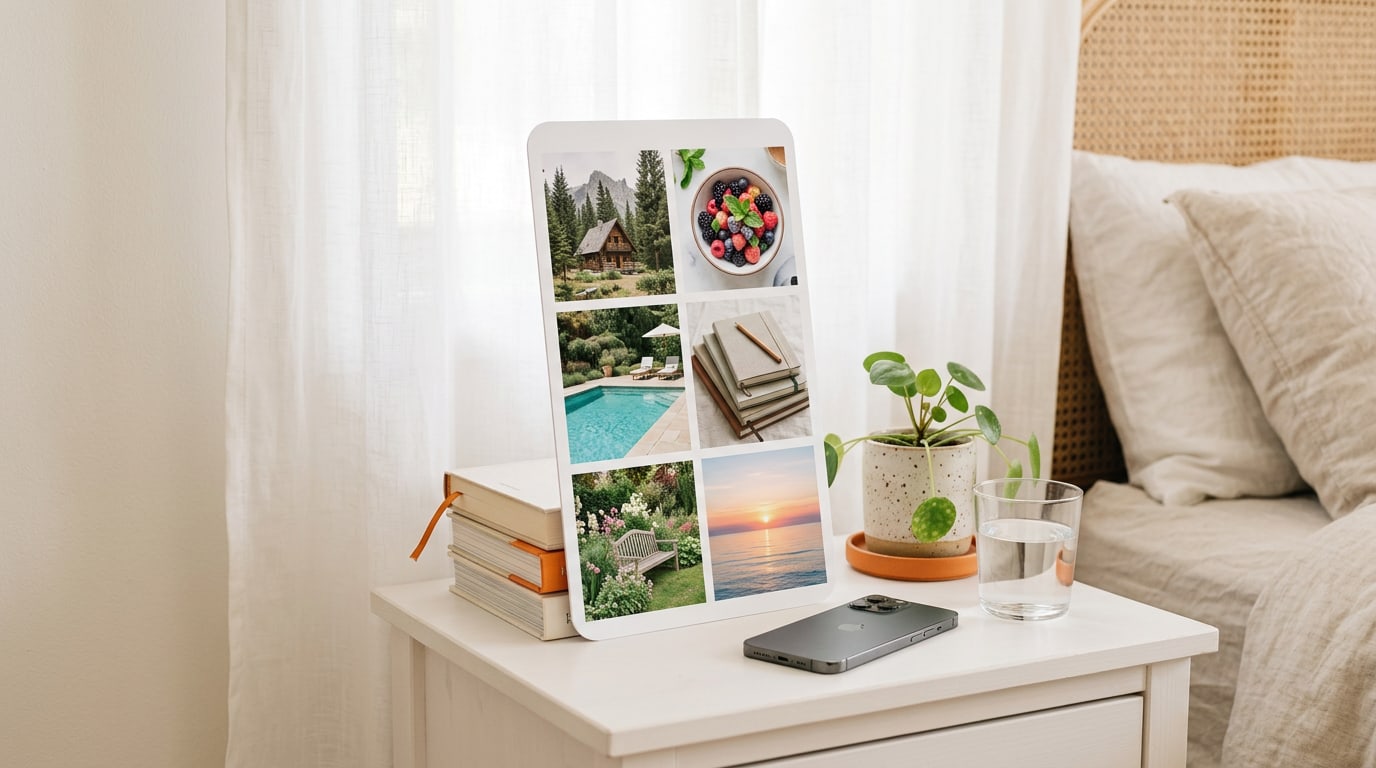
Most advice about the best apps for digital vision board making focuses on features. I care more about one thing: how the finished board behaves on a small, busy screen. A digital board competes with messages, news and everything else on your phone. If it is hard to read or hidden behind the clock, you will stop seeing it within a week. So instead of ranking apps, I test how the boards they make actually live on a screen.
These seven tests take about ten minutes per app. Build the same small board in each app you are considering, then run them.
What makes the best apps for digital vision board use different?
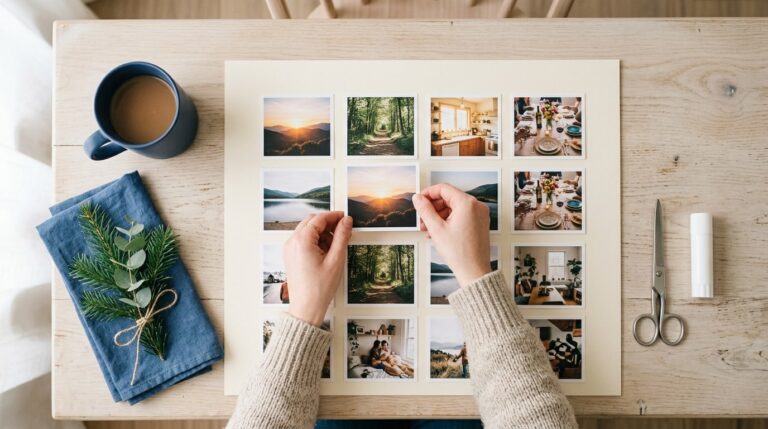
A paper board has a whole wall. A digital board has a few square inches and a glance of a second or two. The best apps design for that: big images, short words, a layout that respects the clock and a fast way to change things. If you want to feel the difference, build a test board in a digital vision board maker and look at it on your phone from arm’s length.
Test 1: Does the board pass the squint test?
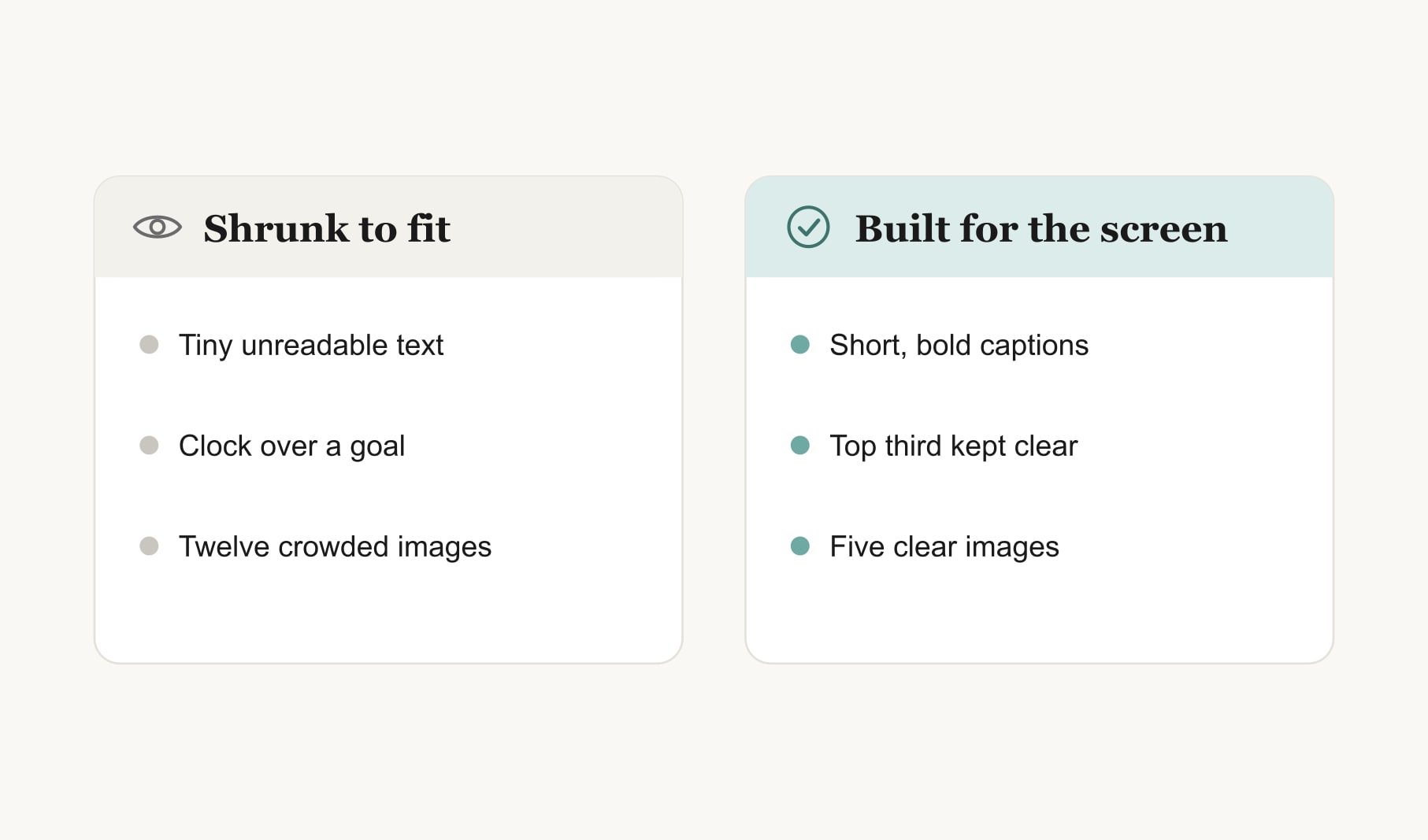
Set the board as your lock screen, hold the phone at arm’s length and squint. Can you still tell which goal each image stands for? If the board turns into a blur of colour, it has too many images or too little contrast. Good apps make it easy to stay at three to six images, large and clear.
Test 2: Does your main goal stay clear of the clock?
On most phones the time and notifications cover the top third of the lock screen. Check where your most important image lands. The best apps let you build in a tall shape and position images precisely, so your main goal sits in the centre where your eye goes first.
Test 3: Can you swap one image in under a minute?
Goals finish and change. Time yourself replacing one image and saving the board again. If it takes longer than a minute, you will put it off, and an out-of-date board is one you stop believing. Quick swaps keep a digital board honest.
Test 4: Do captions stay readable when small?
A date and a first step under each image is what makes a board a plan. On a phone, that text gets tiny. Check that captions stay legible at full board size on your screen. The best apps keep caption text bold and short, or show the caption when you tap a vision.
Test 5: Does the app bring you back to the board?
Notifications are easy. Good ones are rarer. Notice where a reminder takes you. The best apps open the board itself, or the vision whose date is coming up, so the nudge leads straight to the goal. A reminder that dumps you on a generic home screen is one you will learn to ignore.
Test 6: Does it work on every screen you own?
Many people plan on a laptop and glance on a phone. Some love a tablet for evening reflection. Open your test board on each device you use. The goals, dates and progress should be the same everywhere. A board that only exists on one device is easy to forget about on the others.
Test 7: Can the board leave the screen?
Even a digital board benefits from a paper twin by the mirror or the desk. Save or print your test board and check that it comes out sharp. If you prefer a ready shape for your phone, a vision board wallpaper builder sets the tall layout for you, and a best digital vision board page shows how one board can serve phone and wall at once.
How do you score the seven tests?
Give each test a simple yes or no. Five or more yeses is a strong app for a digital board. Three or four means it may work if you are patient. Fewer than three, keep looking. Then use the top scorer for a week and notice whether you open it without a reminder. That habit matters more than any single test.
How many boards should live on your screens?
One main board is plenty for most people. A second can work if it has a clear, separate job, such as a desk board for work goals on your laptop and a personal board on your phone. More than that and they start to compete for the same glance. If you want several themes, rotate them instead: one board for a month, then the next. The best apps make switching boards quick, so rotating feels like a fresh start rather than a chore.
What does a well-built digital board look like?
Five photos on a tall board. The top third is a calm sky photo, so the clock sits on empty space. Below it, a sunny kitchen in the centre, slightly larger, with a trail, a guitar, a garden and a coastal town around it. Each image carries two or three bold words and a month. It reads in a second, even at arm’s length.
How do you keep a digital board working once it is built?
Pair the glance with action. Every morning, look at the board and pick one small step. Once a week, review each goal. A goal tracker for your vision board holds the steps and progress, so the board itself can stay clean and easy to read.
Keep reading
Best apps for digital vision board: your questions
The best apps for a digital vision board make boards that read clearly at phone size, keep the main goal clear of the clock, let you swap images quickly, keep captions readable and bring you back to the board. Test each app with a small three goal board before committing.
Three to six images suit a digital vision board on a phone. Fewer images stay readable in a one second glance, which is how most people see their lock screen. A desktop wallpaper board can hold up to nine, because the screen is larger and you sit closer.
Place your main goal in the centre of a phone vision board, below the clock. The top third of most lock screens is covered by the time and notifications, so use a calm background image there and keep your most important vision where your eye lands first.
People stop noticing a digital vision board when it is cluttered, out of date or hidden behind the clock. Keep it to a few large images, swap any picture you skip over, and refresh the board whenever a goal finishes so it stays current and worth a look.
Yes, a little. A digital vision board works best with two or three bold words and a month under each image. Keep the text short, because it shrinks on a phone screen. Longer notes, steps and reflections belong in a tracker or journal next to the board.
Yes. Save or export your digital vision board at full size and print it on matte paper. A printed twin by the mirror or desk works alongside the phone version, so the same goals greet you at home and on the go throughout the day.
Build the same small digital vision board in each app, set it as your lock screen and run quick checks: readability at arm’s length, clock position, how fast you can swap an image, caption size and where reminders take you. Then use the best one for a week.
Keep your vision board alive
A board built in your browser resets when you close the tab. Vision Boardly saves your boards, reminds you as each vision date arrives, and tracks the habits and moods moving you toward them.
Get Vision Boardly Free