Best Apps to Create a Vision Board
The best way to judge an app is to build something in it. Here is the twenty minute test I run on every one.
The best apps to create a vision board make every stage of building feel easy: starting from blank, a template or AI, adding your own photos, arranging them, writing a date and caption for each, changing your mind and saving the result. Run the same twenty minute build in each app and score each stage.
Reviews of the best apps to create a vision board tend to list features. Features matter, but they do not tell you how it feels to sit down and build. And that feeling decides whether you finish your board and come back to it. So I judge apps by making something in them. I run the same twenty minute build in each one and score every stage. You can do the same in an evening, and the winner is usually obvious.
How do you test the best apps to create a vision board?
Prepare once, then repeat. Write three goals on paper. Pick three photos from your camera roll, one per goal. Set a timer for twenty minutes. Then build the same board in each app, scoring each stage from one, which felt like work, to three, which felt effortless. Same goals, same photos, same time, so the only difference is the app.
Minutes 0 to 2: how does it start?
Notice how quickly you reach a board you can work on. Good apps offer a few clear starting points: a blank board, a simple template or an AI draft from a sentence about your goals. If you are still tapping through screens at the two minute mark, score it low. To see how an AI first draft can work, try creating a vision board with AI and compare it to starting blank.
Minutes 2 to 8: how easily do your own photos go in?
Add your three photos. Can you pull them straight from your camera roll? Do they crop sensibly, or do you fight the frame? Your own photos are the heart of a personal board, so this stage deserves real weight. An app that nudges you toward stock images instead is building someone else’s board.
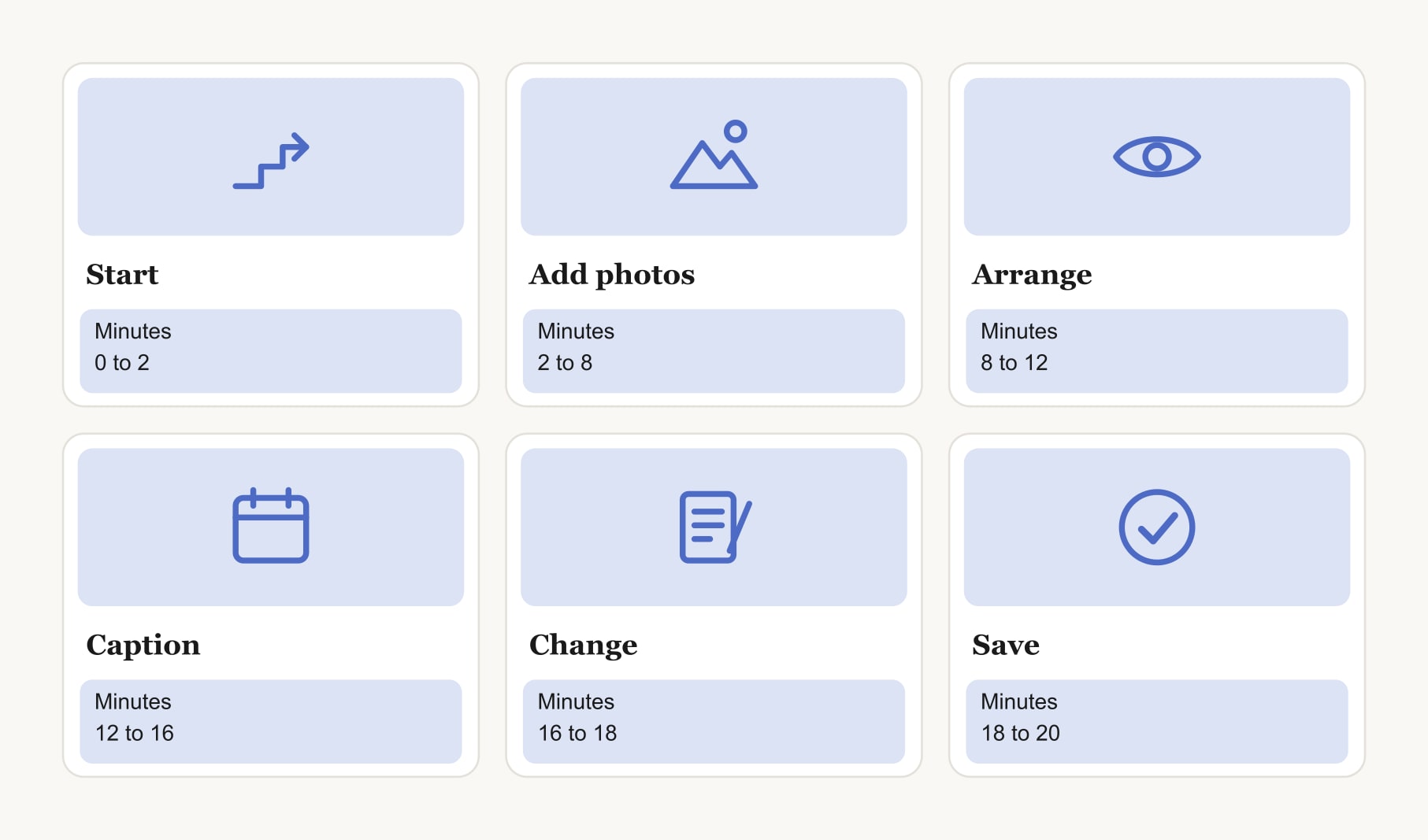
Minutes 8 to 12: does arranging feel natural?
Move the images around. Put your main goal in the centre. Resize one. Good apps let you drag with confidence, snap things into line and see the whole board while you work. A vision board builder with a ready grid is a useful baseline here, because the arranging is already done for you.
Minutes 12 to 16: can every vision carry a date and caption?
Under each image, add a target month and a first step. This is the stage most apps were never designed for. Check that the text sits with its image, stays readable and does not break the layout. If you have to fake it with a separate text box for every picture, score it low. A board without dates is a mood board; a board with them is a plan.
Minutes 16 to 18: how does it handle a change of mind?
Swap one image for another. Undo something. Move a date. Real boards change often, so editing should be as easy as building. If one change sends the layout into chaos, you will avoid updating the board, and an out-of-date board stops working.
Minutes 18 to 20: what happens when you finish?
Save the board. Can you keep it in the app and also save a copy as an image for your wallpaper or a print? Can you find it again tomorrow? Does the app offer anything after the build, such as reminders as dates arrive or a place to track the habits behind each goal? Building is the start. What happens next is what makes the board useful.
How do you read the scores?
Add up the six stages. Fifteen or more out of eighteen is an app you will enjoy building in. Ten to fourteen can work if one feature matters a lot to you. Under ten, move on. If two apps tie, choose the one where the date and caption stage scored higher. That stage is what separates a picture from a plan. The best app for creating a vision board page shows what a high score on every stage looks like.
What should you do after the test?
Use the winner for a full week with your real goals. Add the rest of your visions, set one reminder and check in on day seven. Track the small daily actions in a habit tracker for your vision board if the app you chose keeps only the board. By the end of the week, you will know whether the build experience carries through into daily use.
What does a high-scoring build look like?
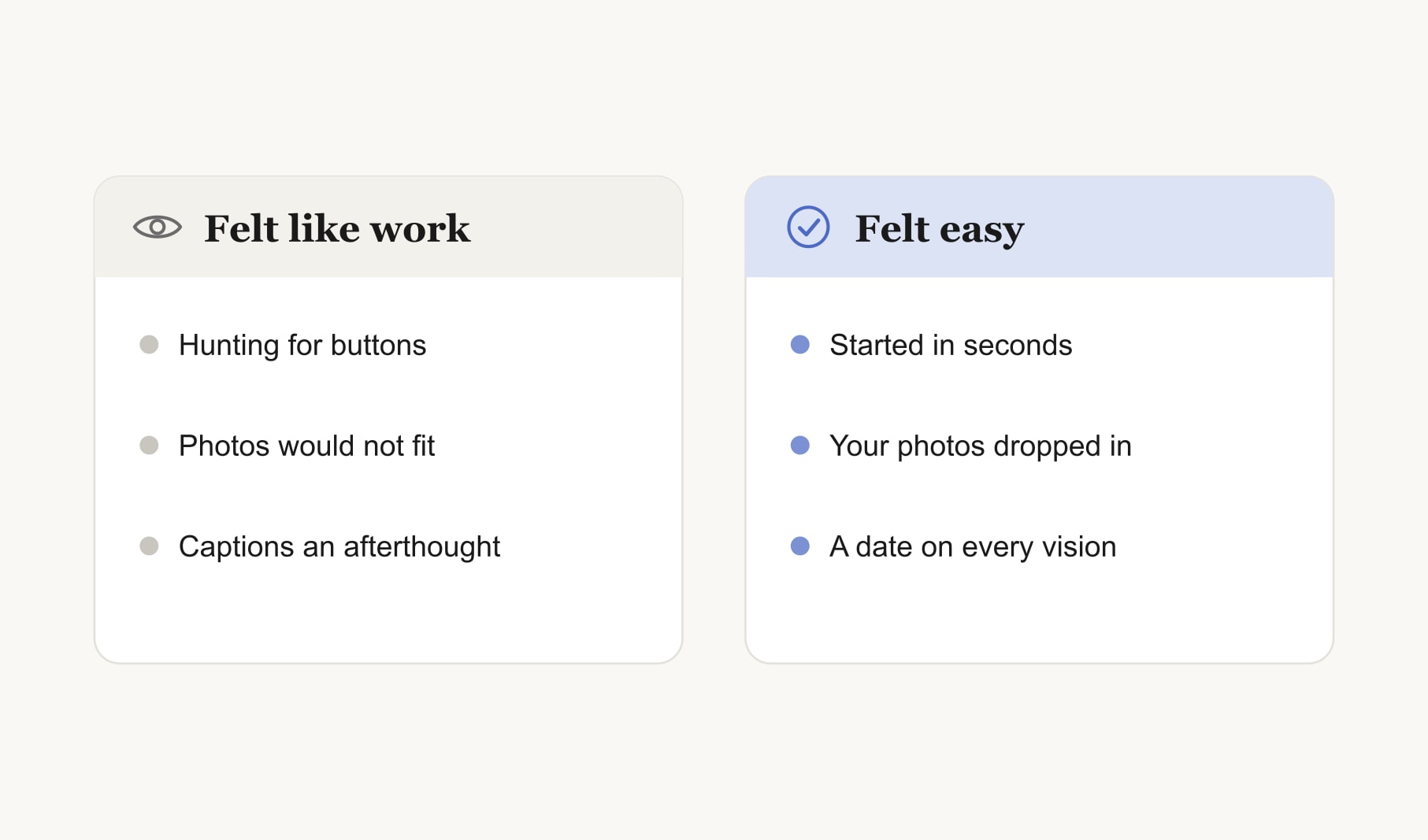
You open the app and have a board on screen within a minute. Your three photos drop in from the camera roll and crop to neat squares. You drag the sunny kitchen photo to the centre without a fight. Under each image you type “Cook four nights, March, plan Sunday” and it sits right where it belongs. You swap the trail photo for a better one in a few seconds. You save, set a reminder and close the app with eight minutes to spare. That is a three on every stage, and it feels calm rather than clever.
What if you enjoy building more than using?
Lots of people feel that way, and it is fine. Some people love the making and find the follow-through harder. If that is you, give extra weight to minutes 12 to 20 when you score. An app that makes dates, changes and reminders easy will carry the board forward on the weeks when your enthusiasm dips.
Keep reading
Best apps to create a vision board: your questions
The best apps to create a vision board make every stage of building easy: starting, adding your own photos, arranging, writing a date and caption for each vision, editing and saving. Build the same small board in each app you are considering and score each stage to find your favourite.
Use the same three goals and three photos in every app, set a twenty minute timer and build the same vision board in each. Score each stage from one to three. Keeping goals, photos and time identical means the only difference you notice is the app.
Start a vision board from a template if a blank screen stalls you, because a ready grid gets you building in seconds. Start blank if you already picture the layout. An AI draft is another good start, as long as you swap in your own photos afterwards.
Your own photos make a vision board personal. A picture of a place you love, or a stand-in you photographed on purpose, carries meaning a stock image cannot. Choose an app that pulls photos straight from your camera roll and crops them sensibly without a fight.
A first vision board in a good app takes about twenty minutes for three goals, including photos, dates and captions. A full board with six to nine visions usually takes under an hour. If a small board takes much longer, the app is probably adding friction.
Being able to add a date and a first step to every vision matters most. Images make a vision board inviting, but dates and steps turn it into a plan you can act on. After that, look for easy editing, so updating the board never feels like a chore.
Keep your vision board alive
A board built in your browser resets when you close the tab. Vision Boardly saves your boards, reminds you as each vision date arrives, and tracks the habits and moods moving you toward them.
Get Vision Boardly Free