Can I Make a Vision Board Online
Yes, you can. The better question is what holds people back, so here are the seven worries I hear most, answered one by one.
Yes, you can make a vision board online with any device that has a web browser. Open a browser board builder, add one image for each of your goals, give each a date and a caption, and save the finished board as an image. You can then print it, share it or set it as your wallpaper.
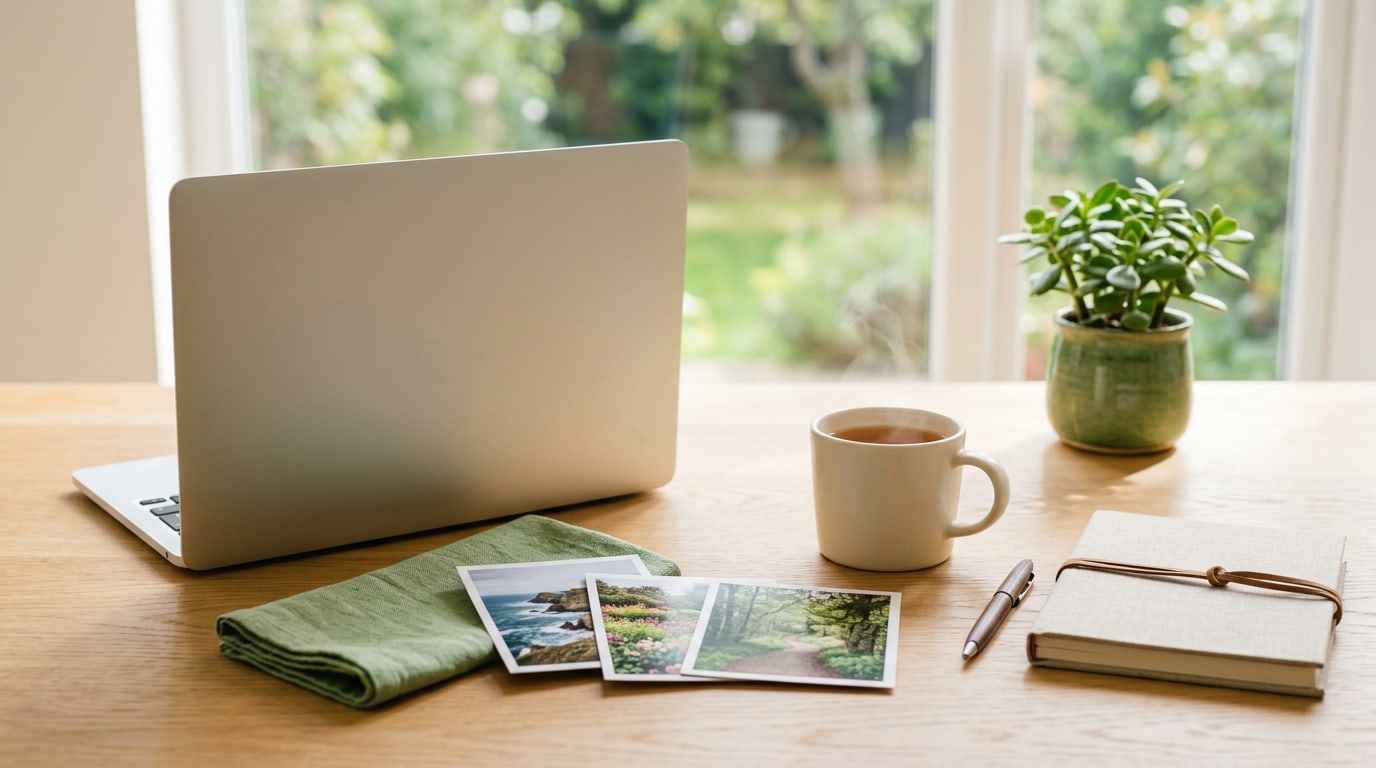
People ask me “can I make a vision board online?” in a slightly guilty tone, as if a board made on a screen does not count. It counts. A vision board works because it keeps your goals in front of you and nudges you to act, and the material it is made from has nothing to do with that. So yes, you can make a vision board online, and for many people it is the easiest way to start.
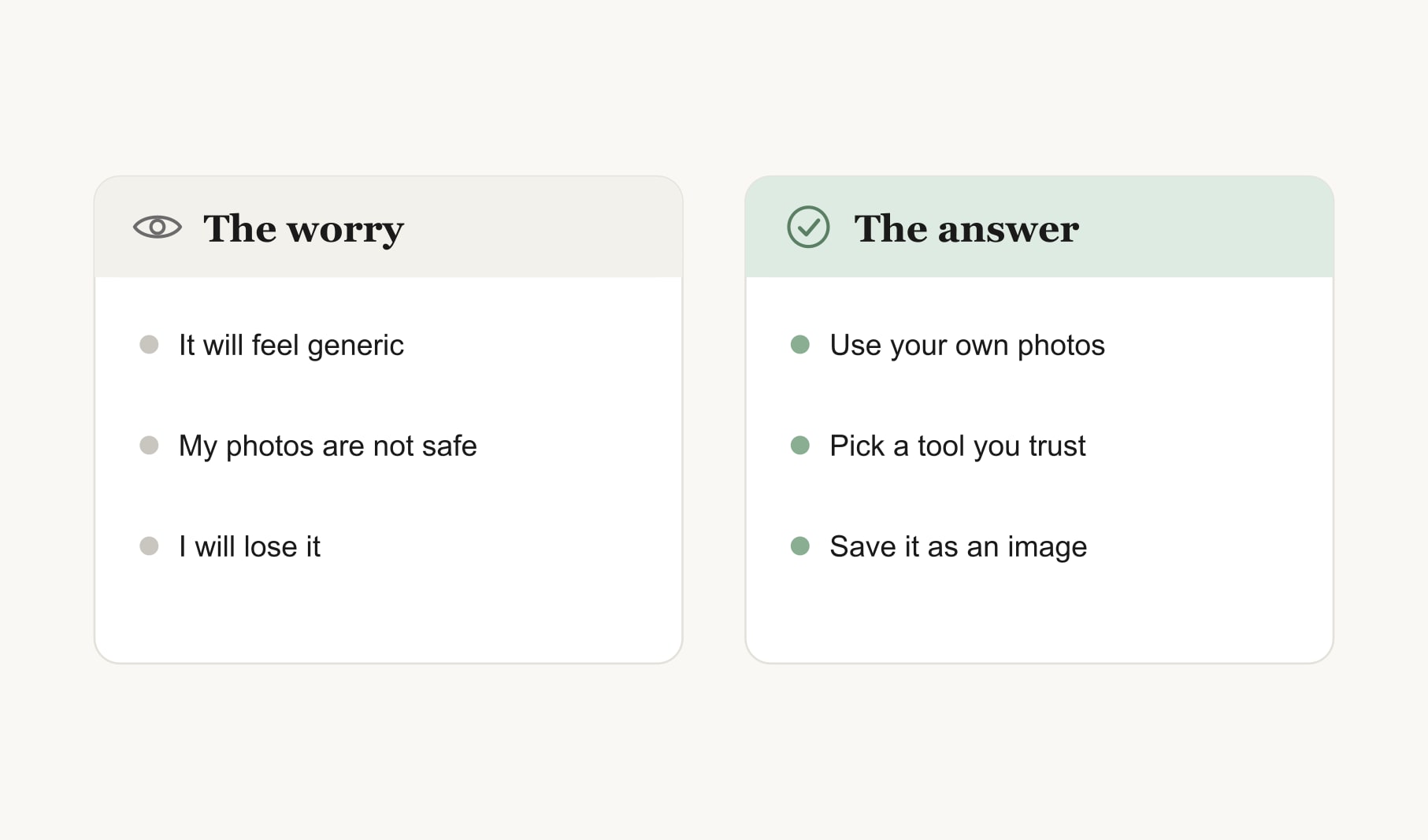
The yes is quick. What usually holds people back is a handful of worries, so let me take them one at a time.
Can I make a vision board online that feels personal?
This is the worry I hear most. People picture a board full of glossy stock photos that could belong to anyone. The fix is simple: use your own pictures. Your camera roll is full of moments that already mean something, like the beach you want to return to or the corner of your home you are slowly making lovely. Add a short caption in your own words under each one. A board with your photos and your words feels like yours, whatever it is built on.
Do I need to sign up for anything?
Not to start. Plenty of browser builders open and work straight away. The online vision board maker on this site loads in your browser and is ready to use, so you can try the whole process before deciding whether you want an app to keep your boards.
Where do my photos go when I make a board online?
That depends on the tool, so it is worth a minute of reading. Some builders run entirely in your browser, so your images stay on your device while you work. Others save boards to an account so you can come back to them. Both can be fine. Choose based on what you are comfortable with, and read the privacy page before you upload anything very personal.
Can I make a vision board online on my phone?
Yes. A good builder works in your phone’s browser as well as on a laptop. Phones are actually handy here, because your photos are already on them. Build the board in portrait if it will become your lock screen, and keep the captions short so they stay readable on a small screen.
Can I make a vision board online if I am not good with technology?
Yes. If you can attach a photo to a message, you can make a board online. A good builder shows you a grid and asks you to click a square to add a picture. That is the whole skill. Type a few words under each image and press save. If anything feels fiddly, ask a friend to sit with you for the first one. After that, you will not need help.
Will I lose a vision board I make online?
Only if you skip one step. Browser tools that keep nothing once you leave need you to save the board as an image before you close the tab. Make it a habit: finish, save, then close. Keep every saved board in one folder, and you will build a lovely record of how your goals have changed over the years.
Can I print a vision board I make online?
Absolutely. Once the board is saved as an image, print it at home or at a print shop. Thick matte paper looks best and avoids glare. Many people keep a printed copy by the mirror and the same image on their phone, so the goals follow them through the day.
Can I make an online vision board with someone else?
Yes, and it is one of the nicest reasons to go online. Partners, friends and families can build together over a video call, one person sharing their screen while everyone suggests images. A couples vision board builder gives two people a shared space for joint goals. Save the result and send it to everyone, so the whole group sees the same board.
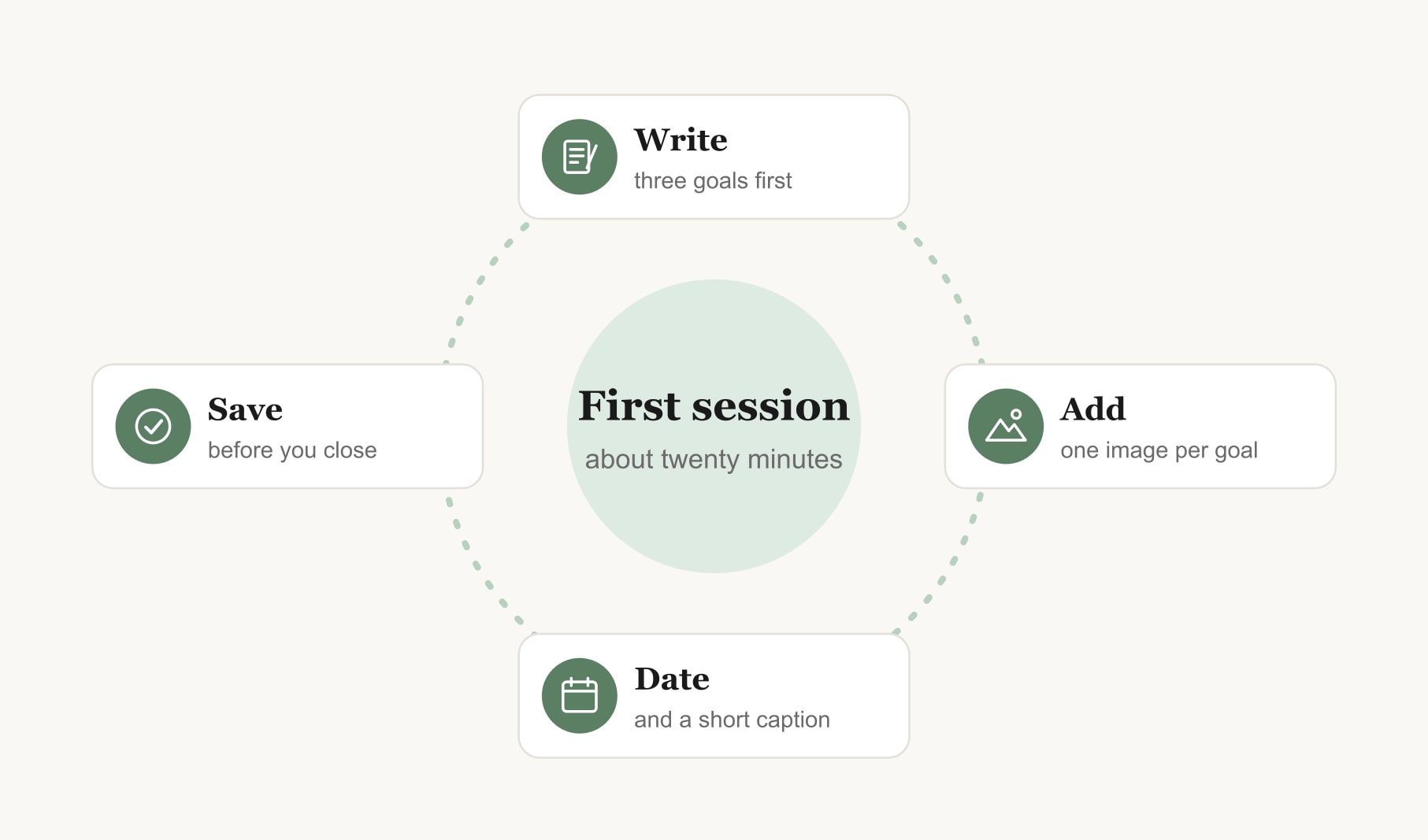
What does a first online session look like?
Keep the first one small. A first board is a draft, not a final answer, so give yourself permission to make it rough. Write three goals on paper before you open anything. Pick one image for each from your camera roll. Add a month and a first step under every picture. Save the board as an image and set it as your wallpaper. That is twenty minutes, and you have a working board.
Then check in once a week. Ask what moved and what the next step is. Noting how you feel as you work toward each goal helps too, and a mood tracker for your vision board makes that a thirty second habit.
What should an online vision board include?
The same things as any good board. Three to nine goals, never more. One image per goal that gives you a small jolt of “yes”. A short caption in your own words. A target month and a first step under every picture. And one spot on the board, usually the centre, for the goal that matters most right now. Everything else is decoration, and decoration is optional.
So, can I make a vision board online and have it work?
Yes. A vision board made online works the same way as one made with scissors and glue: clear goals, images that mean something, a date and a first step for each, and a weekly look. The screen just makes it quicker to start and easier to change. If the worries above were holding you back, pick one tonight and make a rough first board. You can always improve it next week.
Keep reading
Can i make a vision board online: your questions
Yes, you can make a vision board online with a free browser tool. Open the builder, add one image per goal, give each a date and a caption, and save the finished board as an image. Your own photos work best and keep the whole board personal and meaningful.
An online vision board works the same way as a paper one: it keeps clear goals in front of you and prompts small actions. Paper suits people who love making things by hand. Online suits people who want speed and easy updates. Many people keep both versions of the same board.
It depends on the tool, so read its privacy page before uploading personal photos to an online vision board. Some builders keep images on your device while you work, while others store boards in an account. Choose the approach you are comfortable with for the images you plan to use.
Yes. Most browser vision board builders work on a phone as well as a laptop. Build in portrait if the board will be your lock screen, use photos already in your camera roll, and keep captions short so they stay readable on a small screen.
Save the finished vision board as an image before you close the browser tab, especially with tools that keep nothing after you leave. Store the image in one folder, set it as your wallpaper and print a copy if you want the same board on your wall.
Yes. Two people can build one vision board online over a video call, with one person sharing their screen while both choose images and write captions. Save the finished board and send it to each other, so both of you see the same shared goals every day.
A simple vision board online takes about twenty minutes: a few minutes to write three goals, ten to choose images, and five to add dates and captions and save the board. A larger board with nine goals usually takes closer to an hour.
Keep your vision board alive
A board built in your browser resets when you close the tab. Vision Boardly saves your boards, reminds you as each vision date arrives, and tracks the habits and moods moving you toward them.
Get Vision Boardly Free