Best Vision Board Apps 2027
Rankings go out of date fast. These seven tests help you judge any vision board app yourself, in about ten minutes.
The best vision board apps for 2027 let you build a board quickly, add a date and first step to each goal, remind you as dates arrive, track habits or moods, keep your images private, export your board and work on every device you use. Test any app against these seven points before committing your goals to it.
I get asked about the best vision board apps 2027 almost every week, and my honest answer is that the best one is the one you will still open in March. Rankings go out of date quickly as apps change, so instead of a list I will give you the seven tests I use to judge any vision board app. It takes about ten minutes per app, and it saves you from rebuilding your board somewhere else later.
What makes the best vision board apps 2027 stand out?
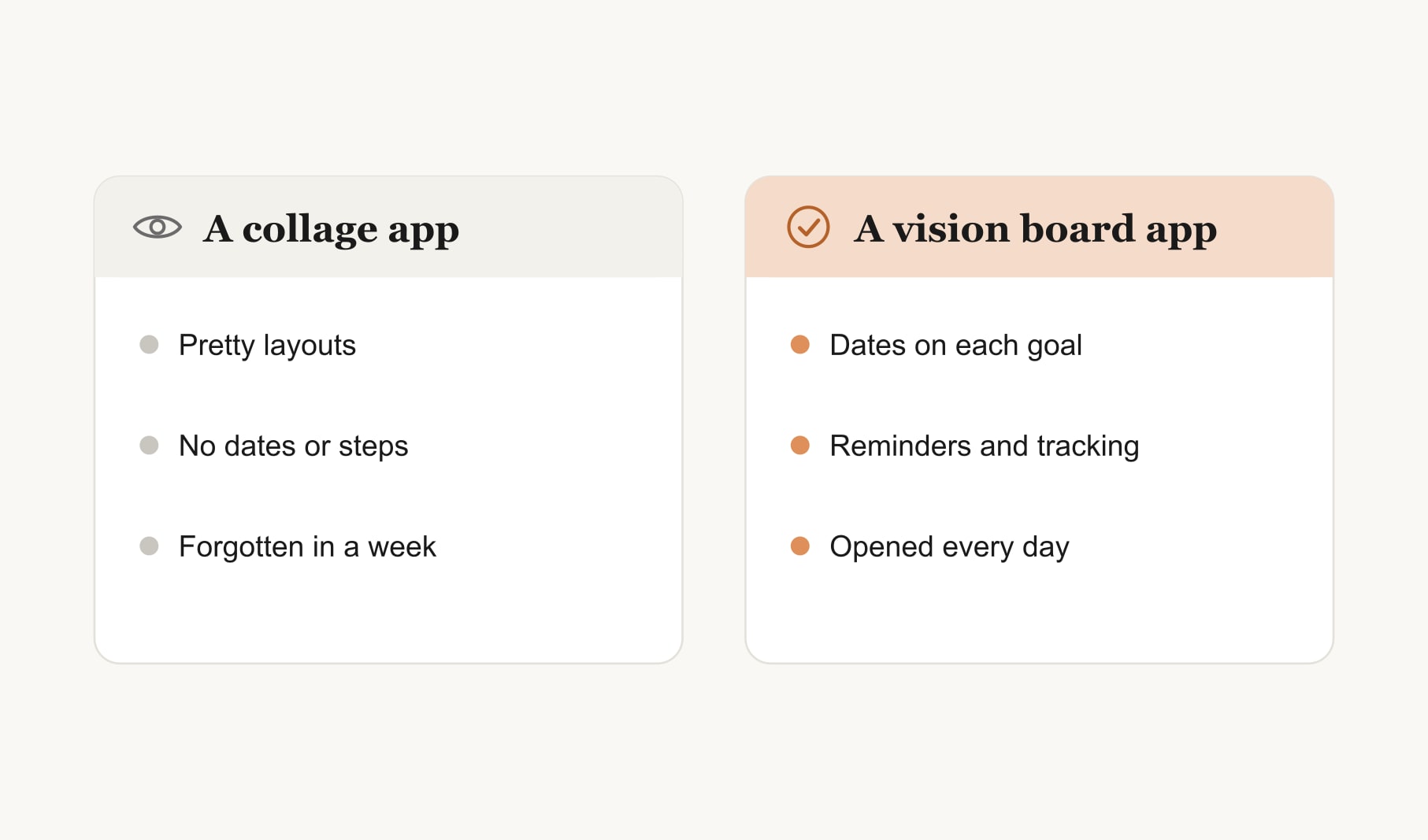
A good app does two jobs. It makes a board you love looking at, and it helps the goals on that board actually move. Plenty of apps do the first job. The best ones do both.
Test 1: How quickly can you build a board?
Time yourself. You should be able to add images, arrange them and save a board within fifteen minutes on your first try. If you are still in a tutorial after ten, it will not become a daily habit.
Test 2: Can each goal have a date and a first step?
This is the feature I care about most. A picture alone is a wish. A picture with a target month and a first step is a plan. Check that you can add both to every image, not just to the board as a whole.
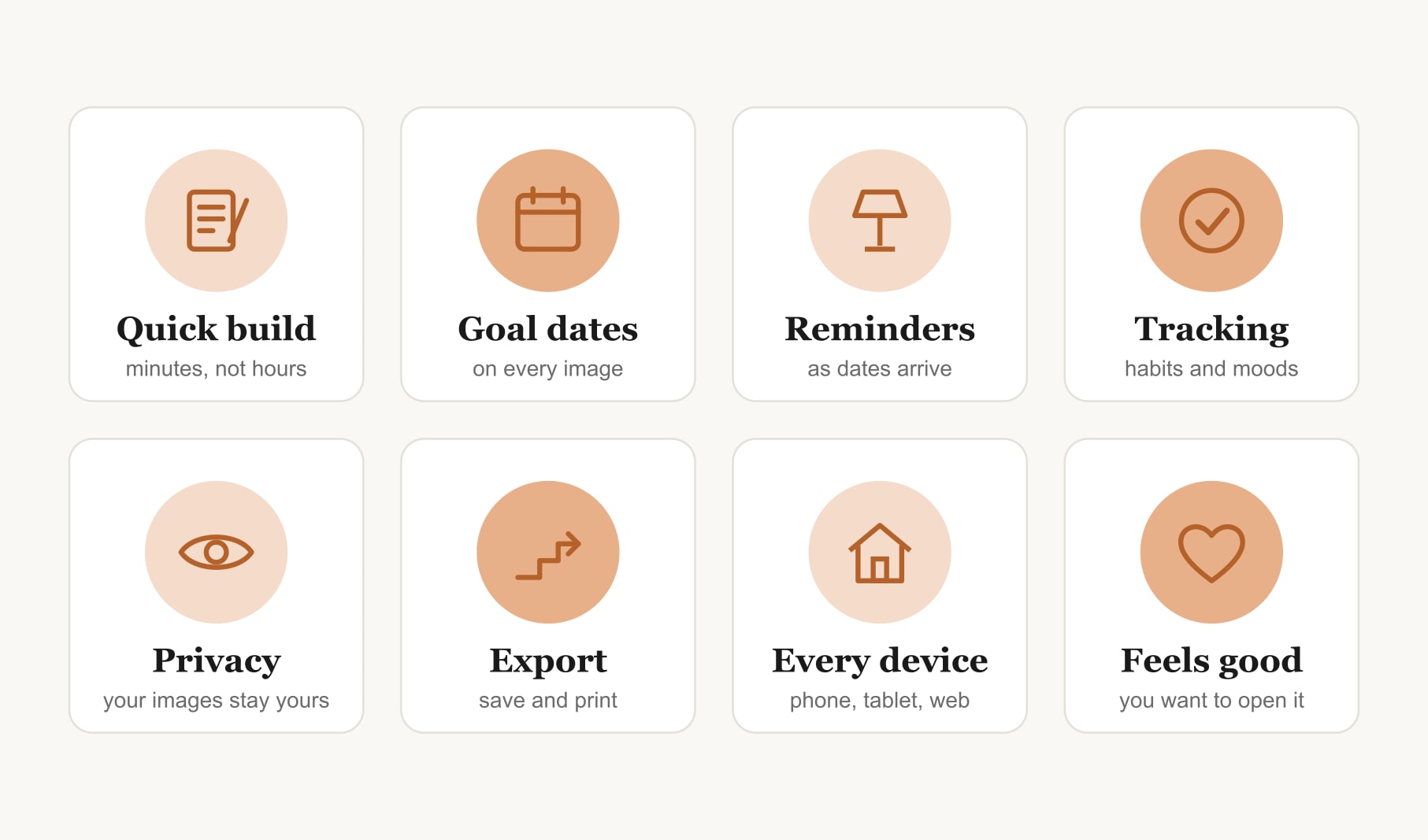
Test 3: Does it remind you at the right time?
Look for gentle reminders as goal dates approach, and a weekly or monthly nudge to review the board. Avoid apps that send so many notifications you end up turning them all off.
Test 4: Can it track habits or moods?
The small daily actions behind each goal are where progress happens. An app that lets you tick off habits or note your mood alongside the board shows you whether things are moving. If you want to see what that looks like, try the free habit tracker for your vision board in your browser first.
Test 5: Are your images and goals private?
Your board holds personal hopes and often personal photos. Read the privacy policy. Check whether your images are used for anything beyond showing you your board, whether you can delete your data, and whether boards are private by default.
Test 6: Can you export and print your board?
You should be able to save the board as an image for your lock screen and print it for your wall. An app that locks your board inside it makes you depend on it forever.
Test 7: Does it work on every device you use?
If you plan on your laptop and glance at goals on your phone, you need both. Check that boards sync between devices and that the phone version is not an afterthought.
What about apps versus software?
Apps suit people who want their board in their pocket with reminders. Desktop software suits people who like designing on a big screen and printing. My guide to the best vision board software 2027 covers the desktop side with the same kind of tests.
Do you need an app at all?
Not necessarily. A paper board on the wall works well for many people. An app adds reminders, tracking and portability, which help if you tend to forget your goals once the board is up. If you are unsure, read my guide on whether you can make a digital vision board that suits you, or my step-by-step guide to how to make a digital vision board.
What are the warning signs in a vision board app?
A few things make me close an app quickly. Boards that cannot be exported. Constant pop-ups or notifications. Stock images covered in watermarks. No way to add dates or steps. Vague privacy terms. And any app that promises results just from looking at pictures. A good app helps you plan and act; it never claims your goals will happen on their own.
What should you set up in your first week with a new app?
Keep it small. Build a board of three goals, add a date and a first step to each, and turn on one daily reminder at a time that suits you. Save the board as your lock screen. At the end of the week, check how often you opened it and whether any first steps happened. That tells you more than any review.
How do you choose between two good apps?
Build the same small board of three goals in each, then use both for a week. The one you open without thinking about it is your answer, because an app only helps once opening it has become a habit. Features matter, but the habit of opening it matters more.
Keep reading
Best vision board apps 2027: your questions
The best vision board apps for 2027 let you build a board quickly, add a date and first step to each goal, send gentle reminders, track habits or moods, keep images private, export your board and work on every device. Test any app against these points before committing.
A good vision board app should offer quick board building, a date and first step on every image, reminders as dates arrive, habit or mood tracking, clear privacy settings, image export for printing and lock screens, and syncing between phone, tablet and computer.
A vision board app adds reminders, tracking and portability, while a paper board is harder to ignore on a wall. Neither is better for everyone. Many people use both, printing their board for home and keeping the same board in an app.
Build the same small board of three goals in each vision board app and use both for a week. The one you open without thinking is usually the right choice, because the habit of opening it matters more than any single feature.
Privacy varies between vision board apps. Read each privacy policy, check whether your images are used for anything beyond showing your board, confirm you can delete your data and make sure boards are private by default before adding any personal photos.
Many vision board apps let you export a board as an image for printing or a phone wallpaper. Check this before committing, since an app that keeps your board locked inside it makes it harder to move your goals elsewhere later.
No. You can make a vision board on paper or in a free browser tool. A vision board app becomes useful when you want reminders, habit tracking and your board on your phone, especially if you tend to forget goals once the board is made.
Keep your vision board alive
A board built in your browser resets when you close the tab. Vision Boardly saves your boards, reminds you as each vision date arrives, and tracks the habits and moods moving you toward them.
Get Vision Boardly Free