Digital Vision Board Examples
Digital Vision Board Examples
Six real ways people keep a board on a screen, with the layout and goals written out for each.
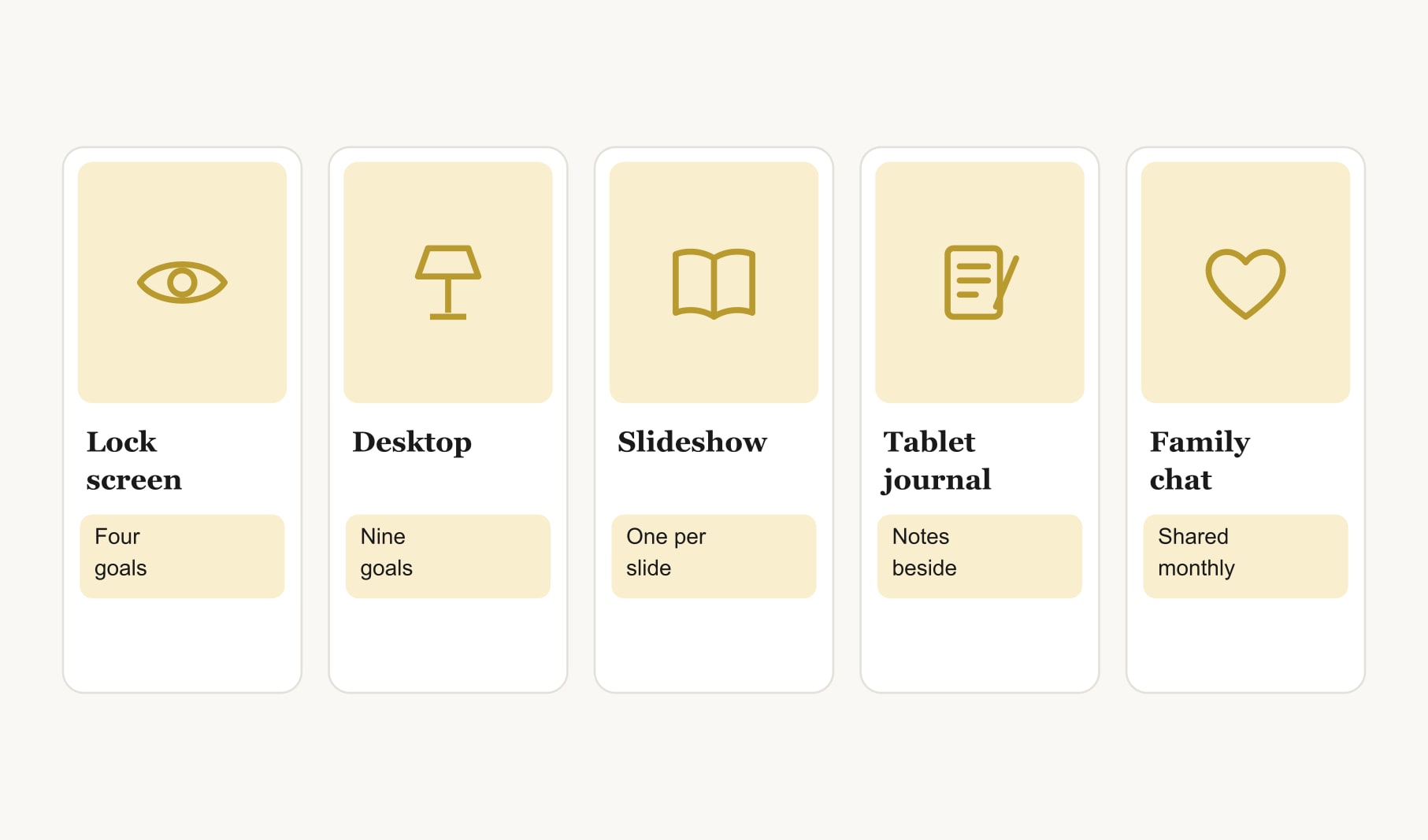
Useful digital vision board examples include a tall phone lock screen with four images and short captions, a wide desktop wallpaper of six to nine images, a slideshow of one goal per slide, a tablet journal page, and a shared family board in a group chat. Each one keeps goals in view where you already look.

People always ask me what a digital board actually looks like in practice. So here are six digital vision board examples, the ways I and people I know keep boards on screens, each with the layout and goals written out. Copy the format, then fill it with your own life.
If you have not made one yet, my guide on how to make a digital vision board walks through the steps.
What does a phone lock screen vision board look like?
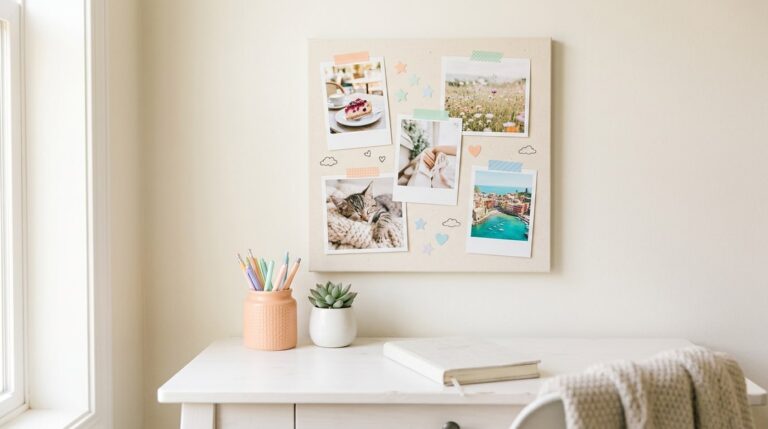
Tall and simple. Four images in two columns, the main goal just below the clock, and a short caption under each: “Run a 10K, October.” “Finish the course, March.” “Calm home, spring.” “Week by the sea, June.” The top quarter stays clear so the clock does not cover anything. It is seen dozens of times a day, which makes it the most effective digital board there is.
What does a desktop wallpaper vision board look like?
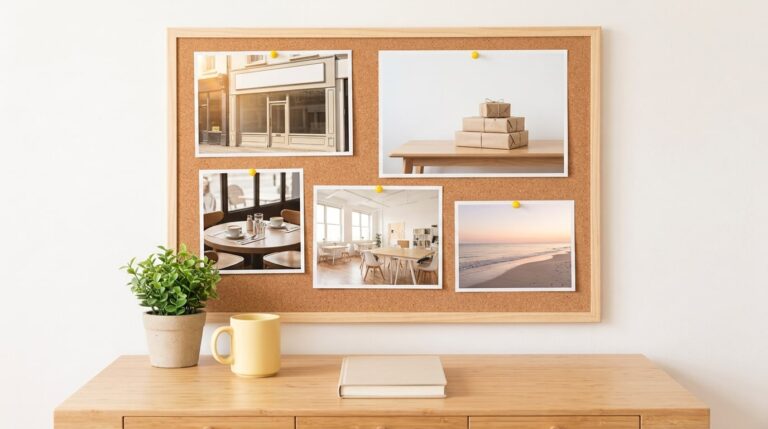
Wide, with six to nine images in a grid and space left for your desktop icons. The main goal sits slightly off-centre, where your eye goes when you close a window. Captions can be a little longer here, with dates and first steps. Great for anyone who works at a computer.

What does a slideshow vision board look like?
One goal per slide, each with a large image, the goal in a sentence and the next step. Some people set these as a rotating wallpaper, so a different goal appears each day. Others open the slideshow every Sunday for a weekly review.
What does a tablet journal vision board look like?
A board on the first page of a digital notebook, with images at the top and space below for weekly notes on progress. It combines the picture and the tracking in one place, and suits people who journal anyway.
What does a shared family digital board look like?
A single image posted in the family group chat, with one square per person and a few shared squares for trips and rituals. Everyone replies once a month with what moved. It works brilliantly for families spread across homes.
What does a browser-built board look like?
A nine square grid made in a browser tool, saved as an image and used on any of the screens above. It is the quickest route: you can go from nothing to a finished lock screen in twenty minutes. A digital vision board template gives you the grid to start from.
What makes good digital vision board examples?
Three things show up in every example that works. It lives on a screen you already look at often. It holds only a few goals, so each is readable at small sizes. And it has a short caption with a date under each image. Digital boards are a form of digital collage, but the ones that work are simpler than most collages: clean, readable and easy to update.
Which digital vision board example should you start with?
The phone lock screen, almost every time. It is the screen you see most, it needs only four images, and you can make it in twenty minutes. Once that habit is working, add a desktop version for your working hours, or a family board if you share goals at home. Slideshows and journals suit people who enjoy a weekly ritual. If you already use a tablet for notes, the journal page is a natural fit.
What do most digital boards get wrong?
They are built for a big screen and then squeezed onto a small one. Nine tiny images with long captions become a blur on a phone. Design for the screen first: tall for phones, wide for desktops, with fewer images and shorter captions than you think you need. The other common mistake is never updating it. A digital board is the easiest board in the world to change, so change it whenever a goal is done.
Can you combine several digital examples?
Yes, and many people do: a lock screen for daily motivation and a desktop board for planning.
How do you keep a digital board current?
Swap images as goals are reached, and review weekly. Keep the tracking out of the image itself, so it stays clean; a goal tracker for your vision board handles progress while the board handles motivation. For more ways to use a screen creatively, browse my digital vision board ideas.
Keep reading
Digital vision board examples: your questions
Good digital vision board examples include a tall phone lock screen with four images and short captions, a wide desktop wallpaper with six to nine images, a slideshow with one goal per slide, a tablet journal page and a shared family board posted in a group chat.
A phone vision board works best as a tall layout with about four images in two columns, the main goal just below the clock and a short caption under each image. Keep the top of the screen clear so the clock does not cover any part of your board.
Four to six images suits a phone vision board, while six to nine works well on a desktop. Digital boards are viewed small, so fewer, clearer images read better than a crowded grid. Keep extra images in a folder, ready for future goals.
Yes. Some people save each goal as its own image and set them as a rotating wallpaper, so a different goal appears each day. This works well for larger sets of goals and keeps a digital vision board feeling fresh all year.
Families can share a digital vision board by posting one image in a group chat, with a square for each person and shared squares for trips and rituals. A monthly check-in where everyone replies with what moved keeps the board alive across different homes.
Yes, but keep it short. A target date and a few words about the first step under each image make a digital vision board more useful. Text becomes small on phones, so one short line per image usually works best on the smallest screens.
Update a digital vision board whenever a goal is reached or stops feeling right, and give it a short review every week. Because swapping an image takes only seconds, a digital board is far easier to keep current throughout the year than a paper one.
Keep your vision board alive
A board built in your browser resets when you close the tab. Vision Boardly saves your boards, reminds you as each vision date arrives, and tracks the habits and moods moving you toward them.
Get Vision Boardly Free