How to Make a Vision Board for Pinterest
Pinterest can be your vision board, or the place you share one. Here is how to do both properly.
To make a vision board for Pinterest, either create a Pinterest board with a section for each life area and a chosen cover pin, or design your board as a tall 2:3 image, around 1000 by 1500 pixels, then save it and pin it with a clear title, description and alt text.
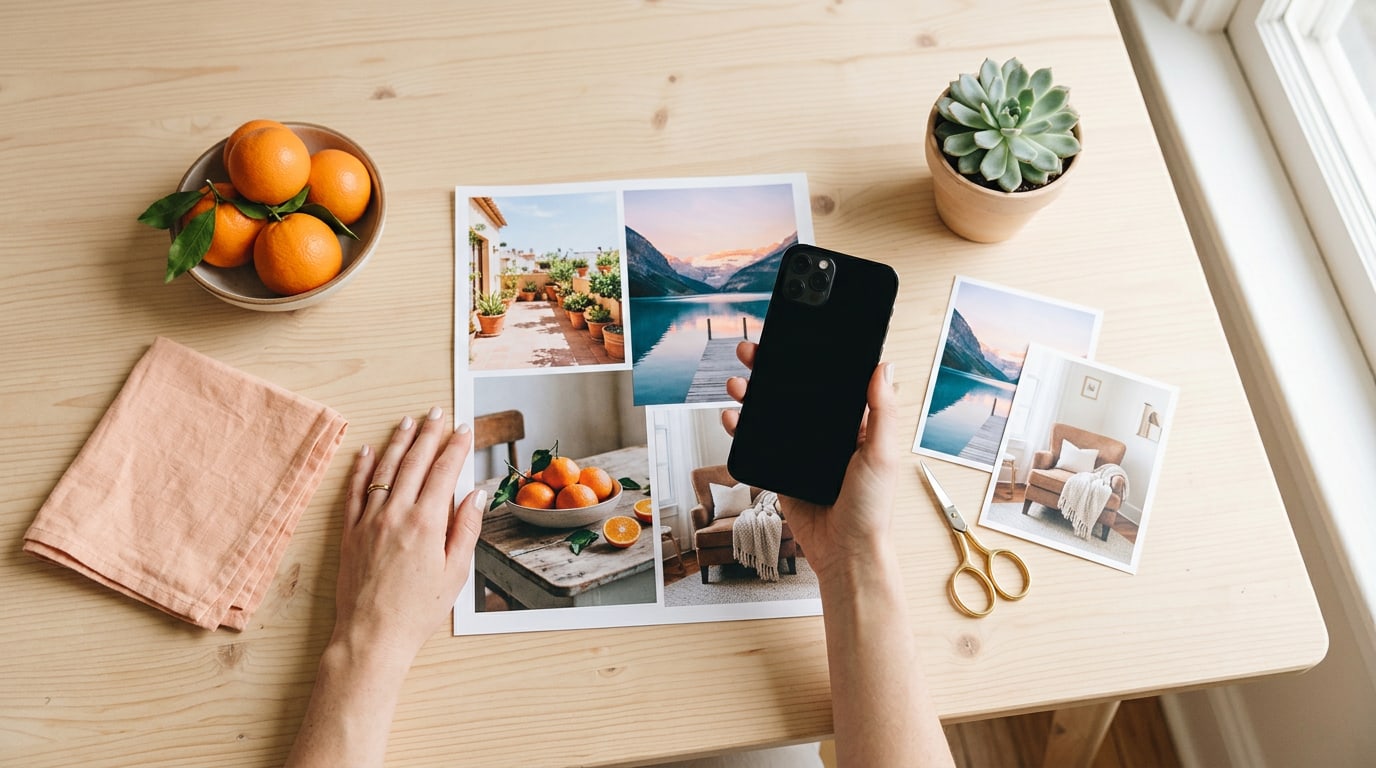
People mean two very different things when they ask how to make a vision board for Pinterest. Some want to use a Pinterest board as their vision board. Others want to make a board and share it on Pinterest. I do both, so here is how to do each one properly. Not sponsored, just a heavy Pinterest user.
If you are still at the ideas stage, start with my Pinterest vision board ideas for what to search and save.
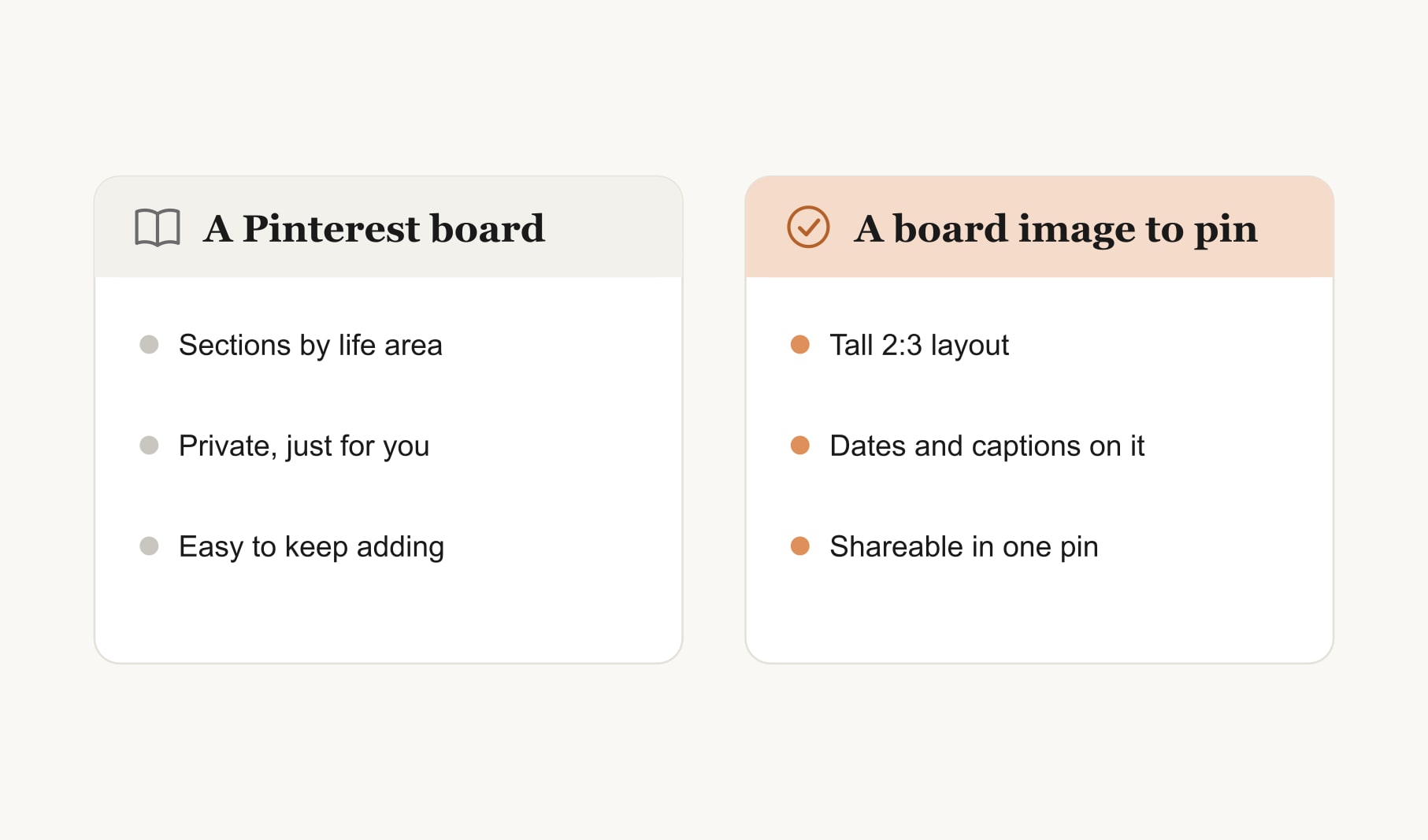
Want to know how to make a vision board for Pinterest as a board?
1. Create a board and keep it private
Create a new board with a clear name, like “My vision”. Pinterest lets you hide a board from your profile, which I recommend for personal goals. Honest goals are easier to write when nobody is watching.
2. Add a section for each life area
Sections keep the board organised: career, home, health, people, money, travel, learning, rest. Only add sections for the areas you are actually working on this year. Empty sections are just noise.
3. Save one or two pins per goal
Resist saving everything. For each goal, keep the one or two pins that give you a real pull and move the rest to a separate ideas board. A vision board with four hundred pins is not a vision board. It is a library.
4. Choose a cover and write your goals down
Pick the pin that sums up your year as the board cover, so it is the first thing you see. Then use the board description to list your goals with their target dates and first steps. That turns a mood board into a plan.
How do you make a vision board image to pin?
5. Design for a tall pin
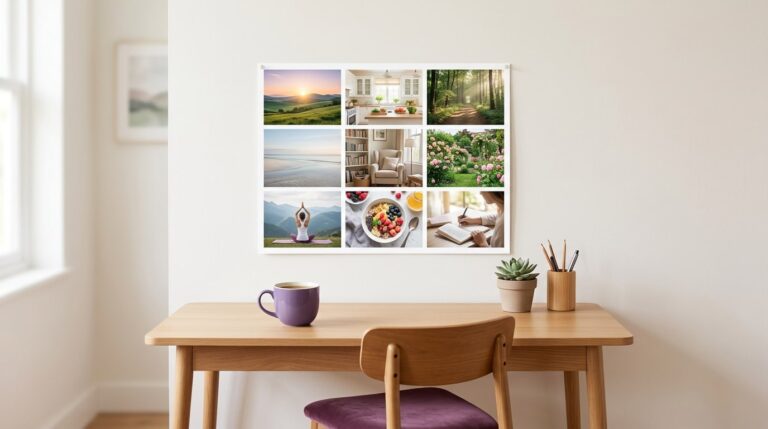
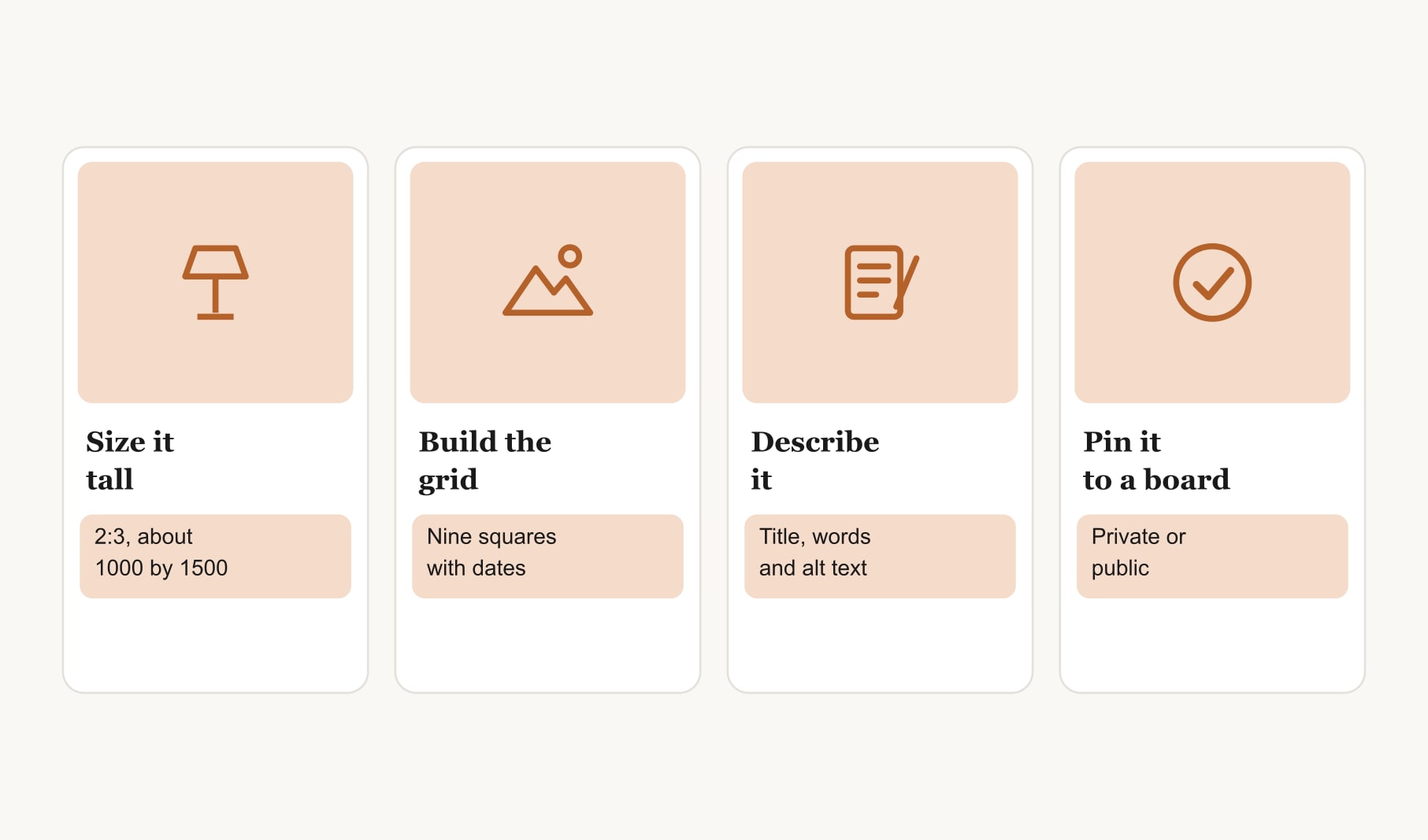
Pinterest favours a 2:3 ratio for standard pins, such as 1000 by 1500 pixels. A square grid of nine images can sit inside that frame with a short title above it. Design for that shape from the start and you avoid an awkward crop later. For layouts that work, look at these Pinterest vision board examples.
6. Save it and write a clear title and description
Save the board as an image, upload it as a new pin and describe it in plain words: what the board is for and what is on it. Add alt text too, describing the images for people who use screen readers. It is kind, and it helps the pin make sense.
7. Pin it to a board you will actually open
Pin your finished board to your private vision board, or to a public board if you want to share it. I keep mine private and set the same image as my lock screen, so I see it outside Pinterest too.
What should a Pinterest vision board description say?
Treat the description as the written half of your board. List each goal on its own line with a target month and a first step: “Run a 10K, October, three short runs a week.” Add your word of the year at the top if you have one. Keep it honest and short enough to read in one scroll. When you open the board, the pictures pull you in and the description tells you what to do next, which is exactly the pairing that makes any vision board work.
Should your Pinterest vision board be public or private?
For personal goals, private. Share publicly only if it genuinely helps you, for example to inspire friends or to keep yourself accountable. And if you share a board image, use your own photos or openly licensed images, since other people’s pins belong to them. Pinterest is built around saving and sharing other people’s images, which is fine for collecting and worth a second thought for publishing.
How do you make sure a Pinterest vision board leads to action?
Pinterest is built for saving, so put the doing somewhere else. Set your board image as your lock screen, write a first step for each goal, and track the habits behind them in a habit tracker for your vision board. Check in once a week on what moved. For the full method behind any board, see how to make a vision board.
That is how to make a vision board for Pinterest either way. Use a private board to collect and choose, design a tall board image to share, and keep the pair working together. The collecting feels lovely, but the choosing, the dates and the weekly look are what turn a beautiful board into a year that actually changes. Start with one goal, one pin and one first step, and build from there.
Keep reading
How to make a vision board for Pinterest: your questions
Yes, a Pinterest board can work as a vision board if you keep it focused. Add sections for each life area, save only one or two pins per goal, choose a cover pin and list your goals with target dates in the board description, so it holds a plan.
A vision board made for Pinterest works best as a tall image in a 2:3 ratio, such as 1000 by 1500 pixels, which is the shape Pinterest favours for standard pins. A square grid of images can sit inside that frame with a short title.
For personal goals, a private Pinterest vision board is usually best, since honest goals are easier to write when nobody is watching. Share a board publicly only if it helps you, and use your own or openly licensed images if you do.
Save your finished vision board as an image, then create a new pin and upload it. Add a clear title, a short description of what the board is for and alt text describing the images. Pin it to your own board, private or public.
Keep a Pinterest vision board small: one or two pins per goal, which usually means six to eighteen pins across a few sections. A focused board is easier to act on than hundreds of saved images. Keep extras in a separate ideas board.
Saving other people’s pins to a private Pinterest vision board is how Pinterest works. If you design your own board image to share publicly, use your own photos or openly licensed images, because the original images belong to the people who made them.
Add a target date and first step for each goal, set your finished board image as your lock screen, and check in weekly on what moved. A Pinterest vision board becomes a plan when it also lives outside Pinterest, where you see it every day.
Keep your vision board alive
A board built in your browser resets when you close the tab. Vision Boardly saves your boards, reminds you as each vision date arrives, and tracks the habits and moods moving you toward them.
Get Vision Boardly Free