How to Make a Vision Board That Actually Works
Start with the moment you will look at the board, not with the pictures. Build for that moment and the board earns its place on your wall.
To make a vision board that actually works, design it around how you will use it. Choose the daily moment you will look at it, pick a format that fits that moment, keep three to five visions, define each finish line, add an image, a date and a first step, then track and update weekly.
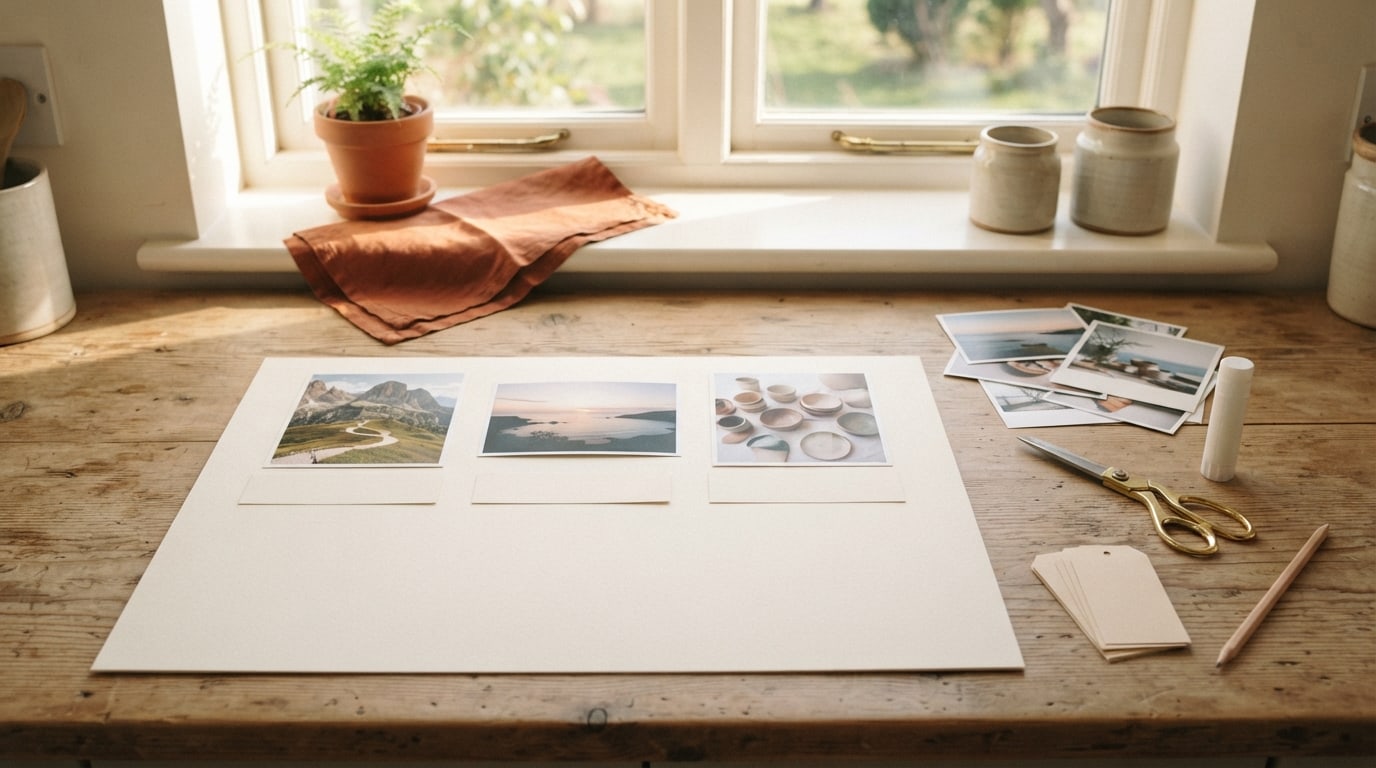
Most guides on how to make a vision board that actually works start with the pictures. I start somewhere else: with the moment you will look at it. A board that actually works is designed around its use, the two seconds a day when it meets your eyes and the five minutes a week when you update it. Build for those moments and the pretty part takes care of itself.
If you already have a board and want to improve it, my upgrade checklist for an existing vision board is the quicker route. This guide is for building one from the start, use first.
How to make a vision board that actually works: start with the moment
Step 1: Choose your looking moment
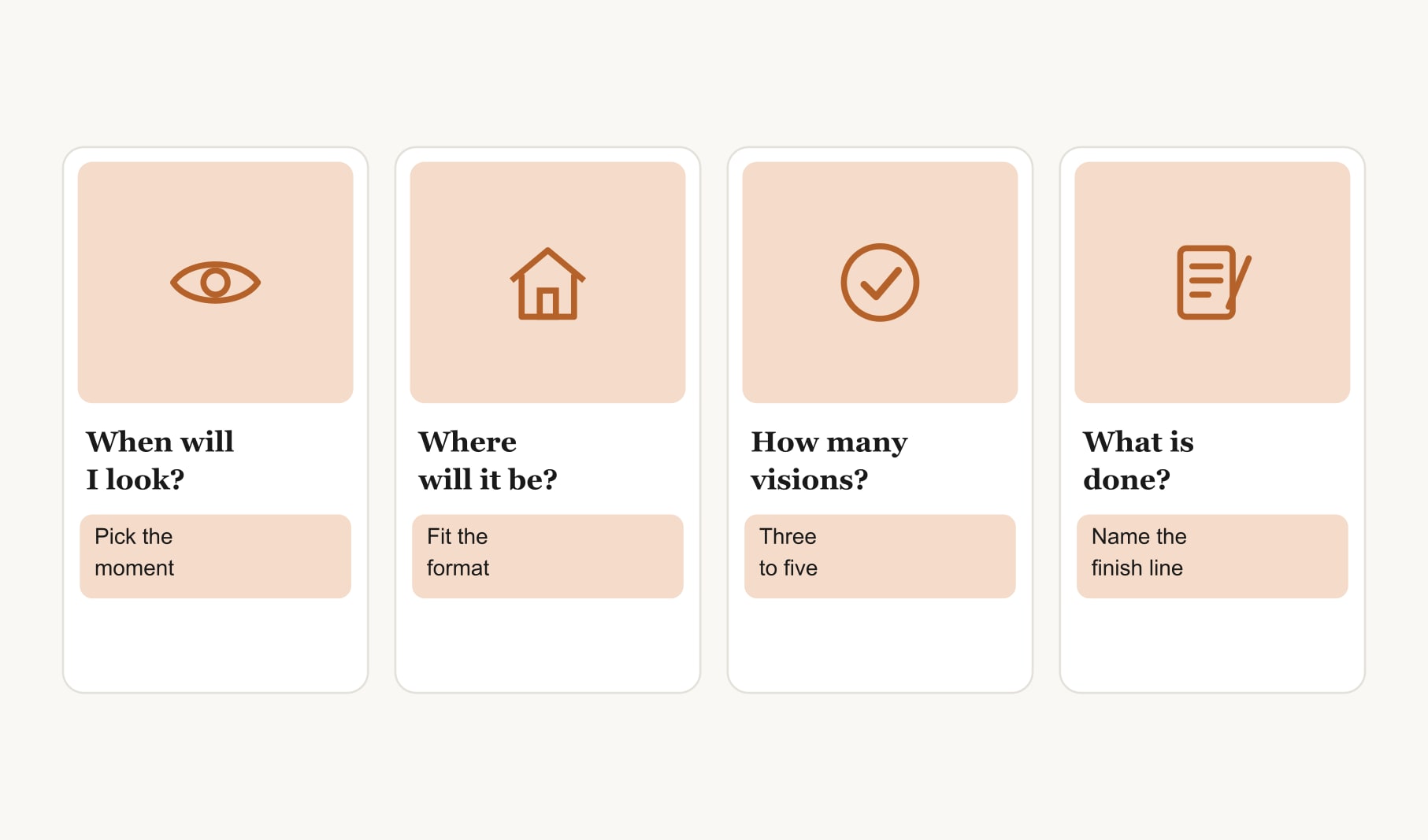
Every day already has small pauses: waiting for the kettle, sitting down at your desk, unlocking your phone, brushing your teeth. Pick one. That pause is where your board will live, because a board only helps at the moments you actually see it. Choose a pause that happens every day, including weekends, and where you are calm enough to take in a picture.
Step 2: Pick a format that fits that moment
Now let the moment decide the format. A kettle pause suits a small card propped against the wall. A desk suits a sheet pinned at eye level. A phone pause suits a lock screen image, and you can create a vision board on your phone sized for exactly that. If you love paper, a printable vision board template gives you a tidy layout to fill in and pin up.
Step 3: Limit the board to what you can read in two seconds
A glance is short. Three to five visions can be taken in during one; fifteen cannot. Choose the goals that matter most right now and keep the rest on a list for later. This is the hardest step for most people, and the one that makes the biggest difference.
Step 4: Write what done looks like
Before any picture, write one sentence per vision describing a finish line you would recognise. Not “get fitter” but “walk a full ten kilometres.” Not “write more” but “finish a first draft of six short stories.” A clear finish line tells you what to picture and how to know you got there.
Step 5: Choose an image of the finish line
Now find a picture, and make it a picture of the finish line itself. The end of a long trail rather than a generic gym. A neat stack of printed pages rather than a stock image of a writer. Your own photos often work best, because they make the goal feel personal. Ideally, choose an image taken from where you would stand when the goal is done.
Step 6: Add a date and a first step
Under each image, write a month or season and the smallest action you could take this week. “Ten kilometres by late summer. First step: a two kilometre walk on Saturday.” The date makes the vision due. The step turns your daily glance into a decision you can act on.
Step 7: Add a tracking strip
Give each vision a short row of boxes underneath, one per week, and tick a box whenever you take a step. It sounds small, but a row of ticks is one of the most motivating things you can put on a board. If your board lives on your phone, a goal tracker for your vision board does the same job and keeps every goal’s progress in one view.
Step 8: Set a weekly update and a retire rule
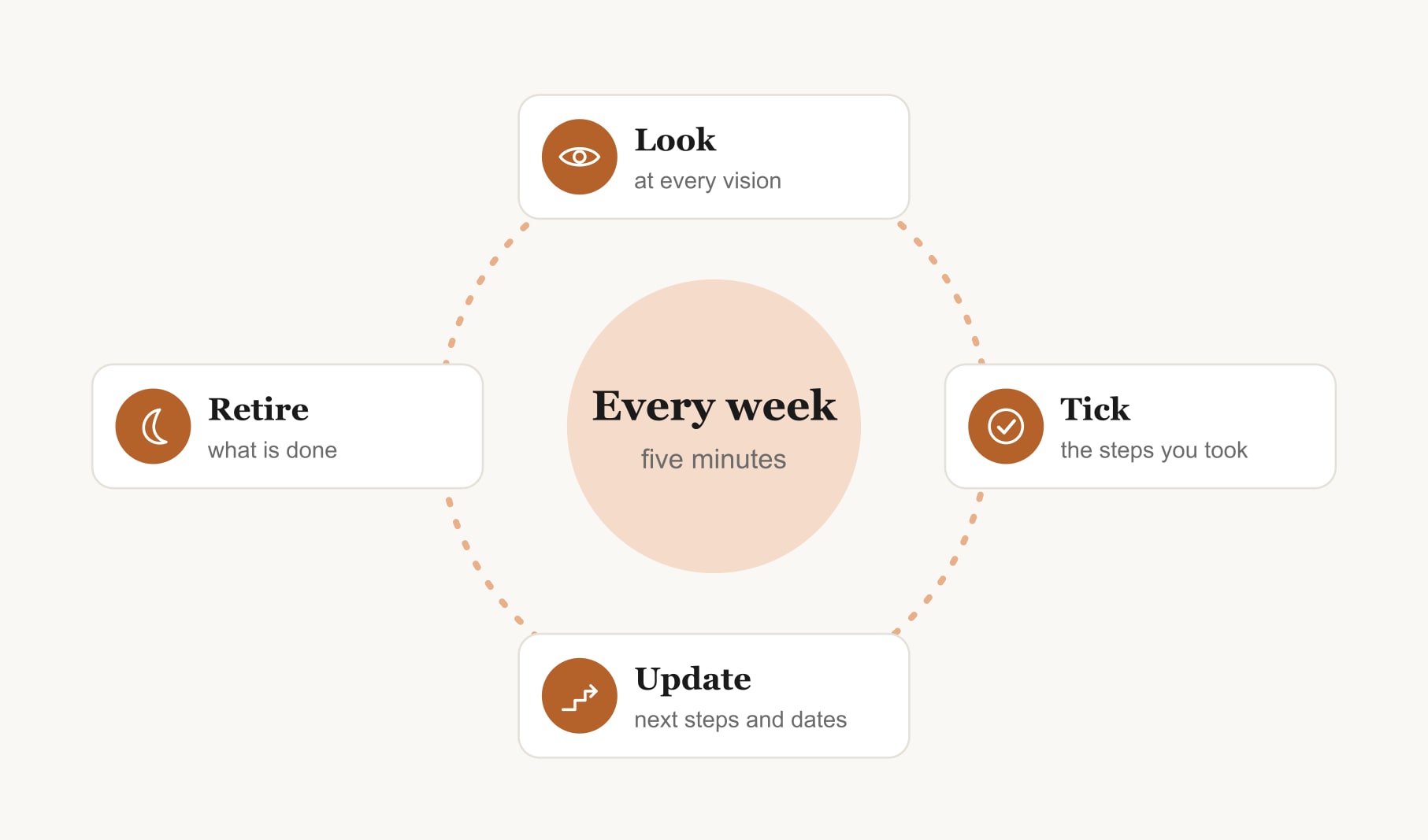
Book five minutes each week in your calendar. Look at every vision, tick the steps you took, write the next step where the old one was and move any date that needs moving. Then apply one simple rule: when a vision is done, or no longer feels like yours, it comes down. Celebrate the finished ones first.
What does a board built this way look like?
Here is an example. The looking moment is the kettle, so the board is a small card propped beside it. Four visions sit in a row. A trail’s end at a lake: “Ten kilometres by late summer. First step: Saturday walk.” A neat pile of pages: “Six short stories drafted by winter. First step: write for twenty minutes on Tuesday.” A calm, cleared desk: “Home office sorted within a month. First step: empty one drawer.” A tent beside a river: “A camping weekend with my oldest friend this year. First step: pick two dates.” Each has a row of tick boxes beneath. It is plain, and it gets looked at every single morning.
What are the common mistakes with this method?
Three come up again and again. The first is choosing a looking moment you do not actually have every day, such as a gym visit that happens twice a week. Pick a pause that never skips. The second is writing finish lines that are really wishes, like “be happier,” which no tick box can track. Make each one something you could photograph. The third is skipping the retire rule, so finished goals stay up and the board slowly fills with old news. Take them down, celebrate them and make room.
Why does designing around use work better?
Because a board that fits your routine gets seen, and a board that gets seen gets acted on. Most boards fail through invisibility and vagueness, not through bad pictures. Designing from the looking moment fixes the first problem. Finish lines, dates and first steps fix the second. The pictures still matter; they just come fourth rather than first.
Keep reading
How to make a vision board that actually works: your questions
Design the vision board around how you will use it. Choose a daily moment when you will see it, pick a format that fits, keep three to five visions, define each finish line, add an image, a date and a first step, then track progress and update it weekly.
Put your vision board at a daily pause you never skip, such as beside the kettle, at your desk or on your phone lock screen. A pause gives you a calm second to take in the images, and daily visibility matters more than the size or style of the board.
Three to five goals suit a working vision board, because that is what you can take in during a quick glance. More goals blur together and stop catching your eye. Keep a separate list of later goals and add one whenever a current vision is done.
An image of the finish line, such as the end of a trail you plan to walk, makes the goal concrete and tells you exactly what you are working toward. Generic images of success are easy to ignore, while a clear finish line keeps a vision board specific.
A tracking strip is a short row of boxes under each vision, one per week, that you tick whenever you take a step. It makes progress visible at a glance and is surprisingly motivating, because a growing row of ticks shows your vision board turning into action.
Take a goal off your vision board when it is done, after you have celebrated it, or when it no longer feels like yours. Removing finished or outgrown goals keeps the board honest and frees space for a new vision that matters to you now.
Most people can make a vision board that works in about an hour and a quarter. Deciding the looking moment and format takes a few minutes, writing finish lines takes around twenty, choosing images takes the longest, and dates, steps and tracking strips take about fifteen.
Keep your vision board alive
A board built in your browser resets when you close the tab. Vision Boardly saves your boards, reminds you as each vision date arrives, and tracks the habits and moods moving you toward them.
Get Vision Boardly Free