Vision Board Ideas for Students Pinterest
Pinterest is where many student boards start. Here is how to search, sort and choose pins so yours ends up as a plan, not a scroll.
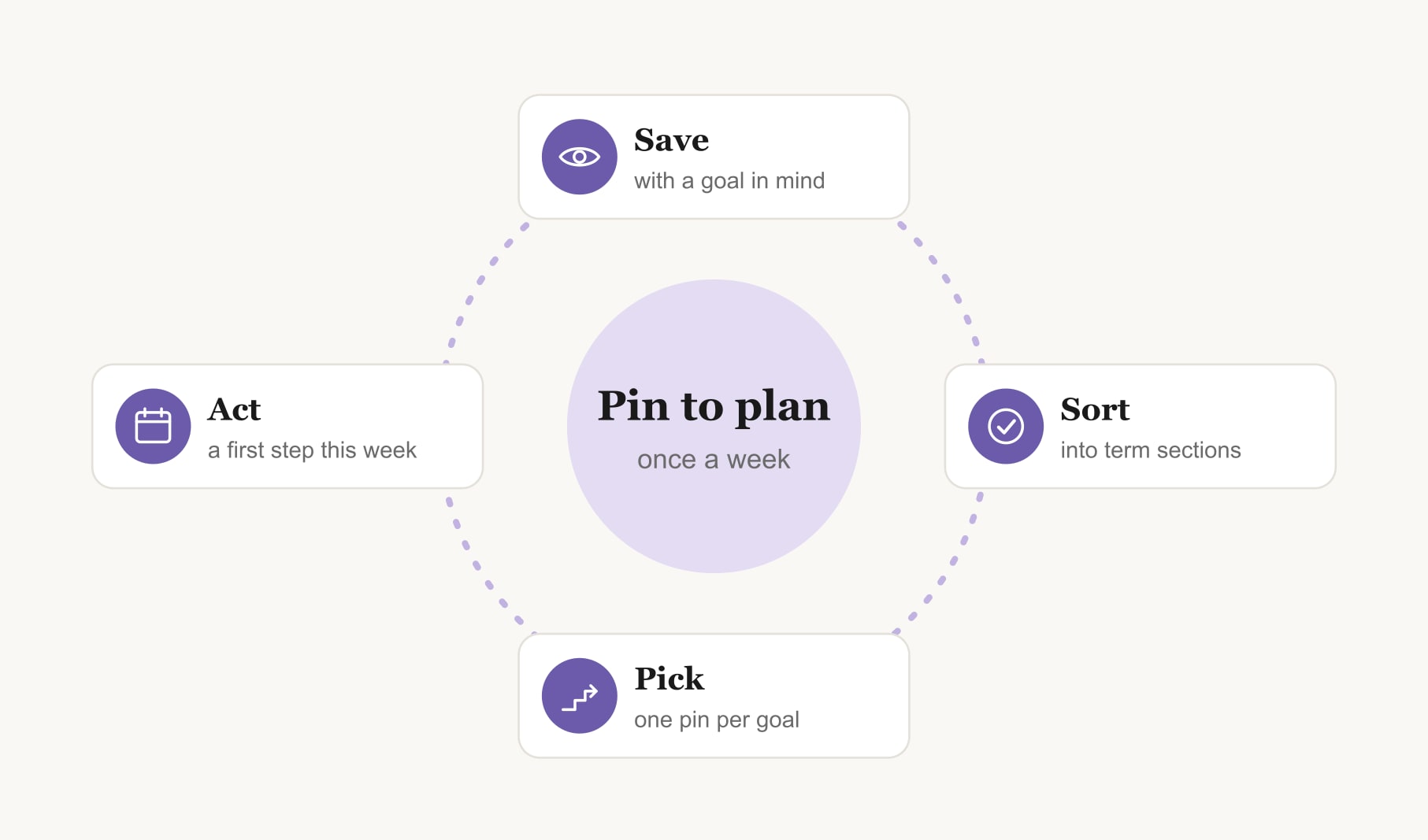
For vision board ideas for students on Pinterest, search specific phrases like study desk setup, campus life or your subject plus inspiration. Save pins into sections for study, campus, skills, careers and wellbeing. Then pick one pin per goal, add a term date and first step, and move your picks onto a board you see daily.
If you are hunting for vision board ideas for students on Pinterest, you are in good company. It is one of the best places to find study spaces, campus scenes and career inspiration. It is also one of the easiest places to lose an evening. This guide shows you how to search, sort and choose like a student with a plan, so your pins become a board you actually use.
Pinterest here is simply the tool you use to collect ideas. The goals, and the board, are all yours.
What should students search on Pinterest for vision board ideas?
General searches bring general results. Add your own detail to every search. Some phrases that work well for students:
- Study space: “minimal study desk setup”, “library study aesthetic”, “dorm desk organisation”.
- Campus life: “campus in autumn”, “student society”, “university library”.
- Your subject: your subject plus “inspiration”, like “marine biology inspiration” or “architecture student”.
- Careers: the job you are curious about plus “day in the life”.
- Skills: “language learning journal”, “coding desk”, “sketchbook ideas”.
- Wellbeing: “student morning routine”, “simple dorm meals”, “evening wind down”.
Search for the feeling as well as the thing. “Calm study morning” brings up very different pins from “study motivation”.
How should students organise vision board pins?
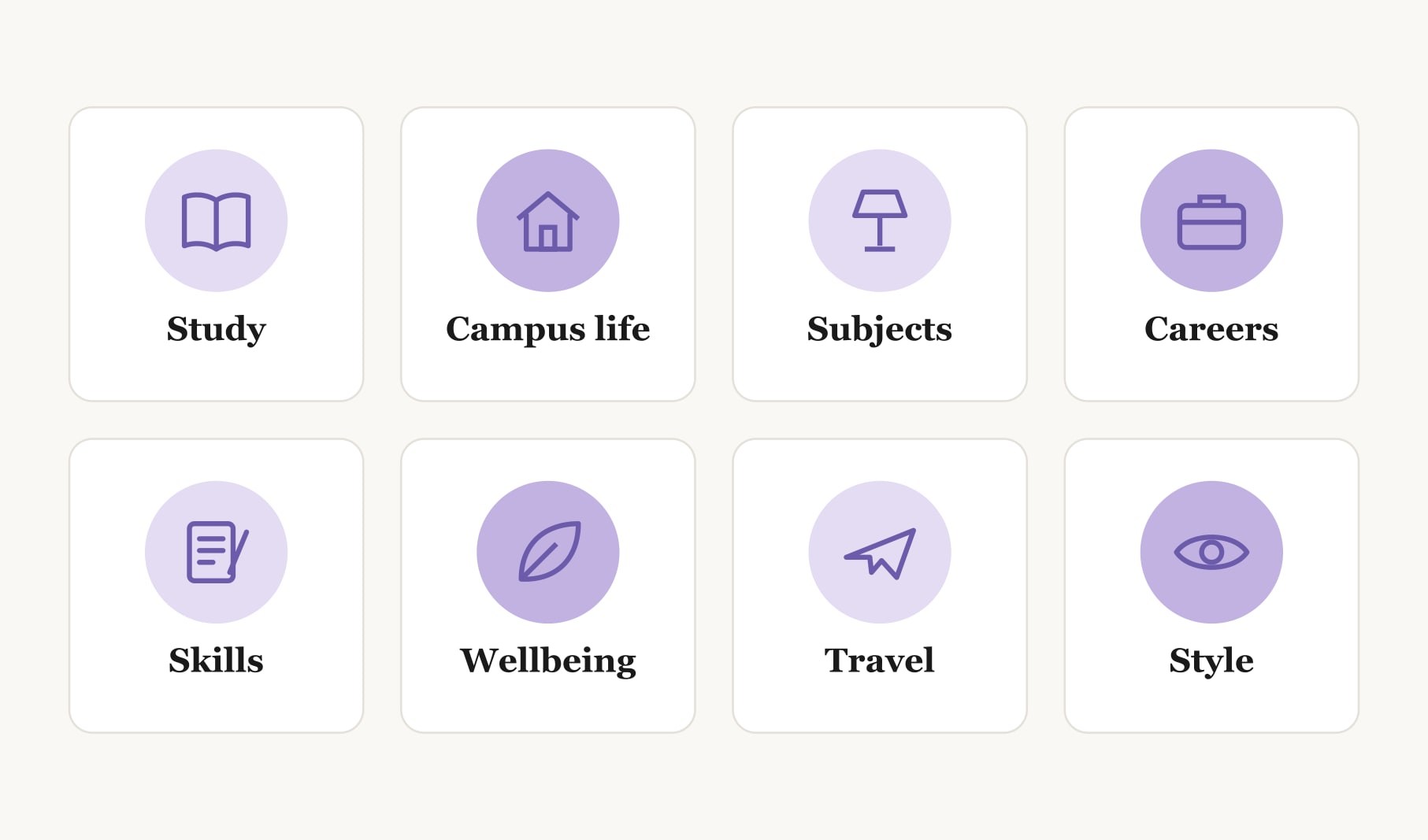
Make one board for the term or year and give it sections, one per life area. A student set might be study, campus life, subjects, careers, skills, wellbeing, travel and style. Keep the board private if you prefer, so you save honestly rather than for anyone watching.
Name each board by term, like “spring term board”, so every one has a clear start and finish.
How do students choose which pins make the cut?
Saving is easy. Choosing is where the board takes shape. Once a section has ten or more pins, go through it with three questions. Does this pin match a goal I have this term? Can I picture myself doing this, not just looking at it? Is there a small step I could take this week? Keep one or two pins per goal and archive the rest. Five strong pins beat fifty you scroll past.
How do you move pins onto a student vision board?
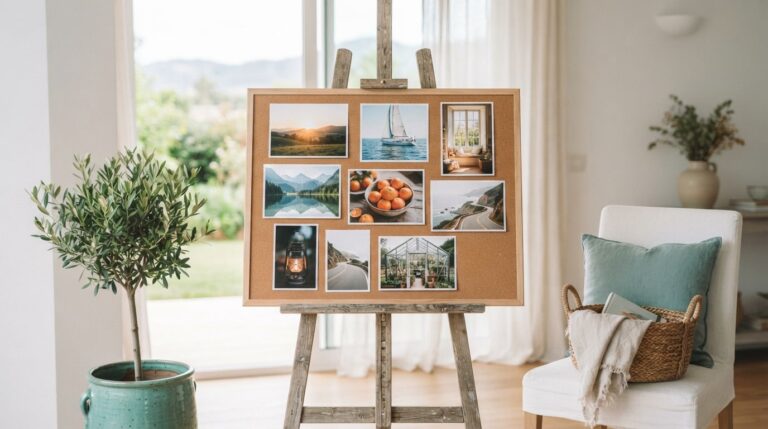
Pick your final pins and move them somewhere you will see them away from the scroll. You have a few options. Print them small and pin them above your desk. Arrange them into a phone wallpaper. Or use the vision board maker for Pinterest images, which gives you a grid where you click any square to add your own picture, with a date and caption beneath. For a board built around student life, the vision board for students layout starts with study and campus examples you can swap for your pins. If you would rather keep everything on screen, a student digital vision board sits on your laptop between classes.
Wherever the board ends up, write your own caption under each image. A pin of a tidy library desk means nothing until you add “three library sessions a week, first step: find my quiet floor.”
What does a Pinterest-inspired student board look like?
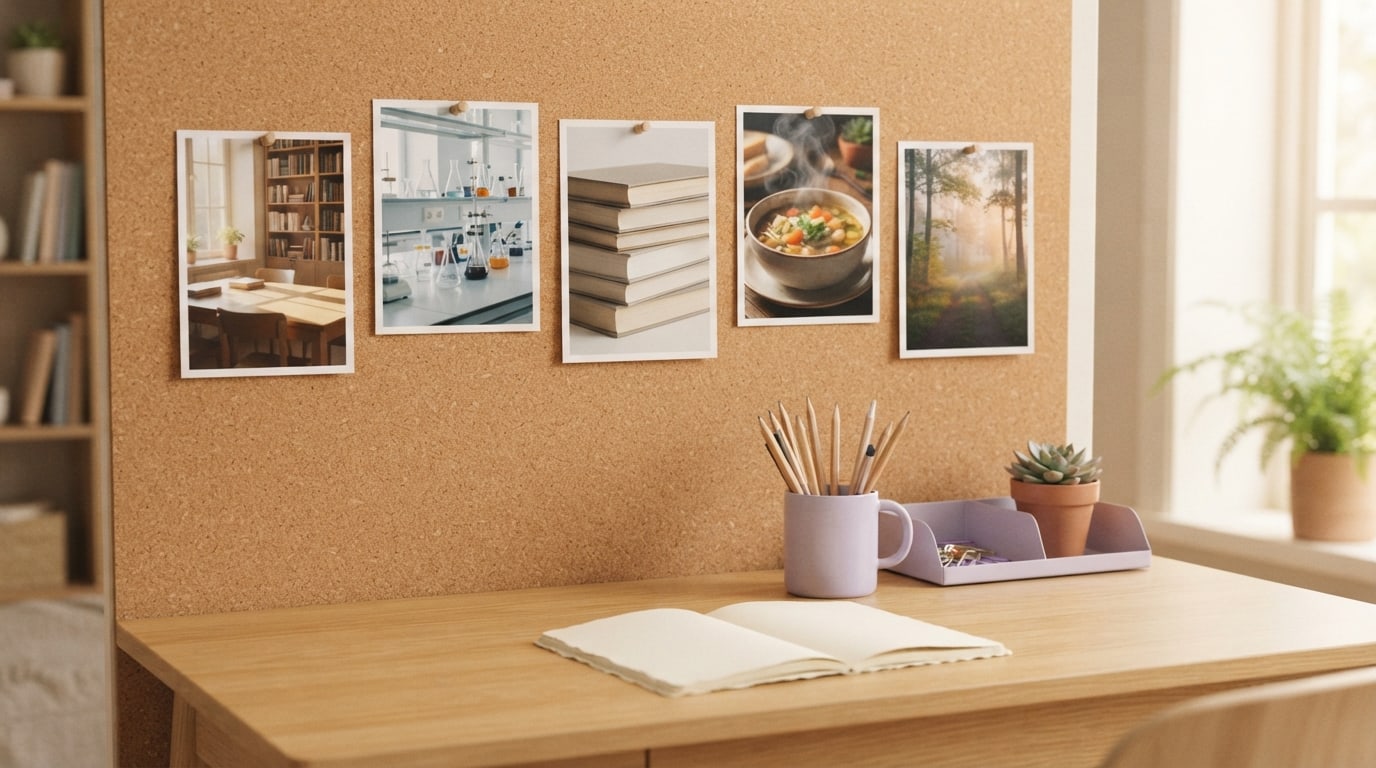
Picture a term board with five images. A sunlit library table: “study there on Tuesday and Thursday mornings.” A lab bench: “ask my tutor about a summer placement.” A shelf of language books: “twenty minutes of Spanish daily.” A bowl of homemade soup: “cook three dinners a week.” A trail at dawn: “walk before lectures twice a week.” Each pin came from a section, and each now has a date and a first step.
Which pins should students skip?
Skip pins that sell a lifestyle rather than show a goal. A perfect dorm room styled for a photo shoot can make your own space feel shabby, and that feeling rarely leads anywhere useful. Skip study pins built around extreme schedules, like studying through the night, because a board should support sleep, not compete with it. Skip anything that makes you compare your progress with a stranger’s. And skip pins you saved only because they were popular. If you cannot name the goal a pin stands for, it does not belong on your board.
Can a class or club share a Pinterest vision board?
Yes, and it can be a lovely way to start a term together. A club might share one board with a section for each member, or a class might pin images for a shared goal like a field trip or an exhibition. Keep personal goals on personal boards, and agree a few simple rules first: what belongs on the shared board, who can add to it and when the group will look at it together.
How do students keep Pinterest from eating study time?
Give pinning a box. Twenty minutes, once a week, with a timer. When the timer ends, close the app and move one pin into action. Turn off pin notifications during study hours. And notice how you feel after scrolling: if you leave feeling behind rather than inspired, spend less time searching and more time on the board you already have.
How often should students refresh a Pinterest vision board?
Once a term works for most students. Archive the old board, start a new one with fresh sections, and carry over any goals that are still in progress. Between refreshes, a habit tracker for your vision board keeps the weekly actions behind each pin visible, so the board stays about doing, not just saving.
Keep reading
Vision board ideas for students pinterest: your questions
Good Pinterest searches for student vision board ideas are specific: try minimal study desk setup, campus in autumn, your subject plus inspiration, or a career plus day in the life. Adding a feeling, such as calm study morning, brings up pins that match the mood you want your board to carry.
A student vision board works best with one or two pins per goal and three to six goals in total. Save as many pins as you like while searching, then narrow them down. A focused board with a handful of strong images is easier to act on than dozens of saves.
A private Pinterest vision board suits most students, because it lets you save honestly without thinking about who might see it. A public board can work for shared class or club goals. Either way, the goals on the vision board should reflect what you want, not what looks impressive.
Many students print saved images small for a personal vision board kept at home. Keep those prints for your own wall. For anything shared, posted or sold, use your own photos or images you have permission to use, and credit the original creators wherever you can.
Set a timer for twenty minutes of pinning once a week, then stop and turn one saved pin into a first step. Turning off notifications during study hours helps too. A vision board is meant to support study time, so keep searching short and acting frequent.
Useful sections for a student Pinterest vision board are study space, campus life, subjects, careers, skills, wellbeing, travel and personal style. Sections keep saves sorted by life area, so choosing one pin per goal becomes quick, and you can see which areas still need ideas.
Updating a student Pinterest vision board once a term works well. Archive the previous board, start fresh sections for the new term and carry over goals still in progress. A quick weekly look in between keeps the vision board connected to what you are actually doing.
Keep your vision board alive
A board built in your browser resets when you close the tab. Vision Boardly saves your boards, reminds you as each vision date arrives, and tracks the habits and moods moving you toward them.
Get Vision Boardly Free