Where to Make a Digital Vision Board
The right place to build depends on where the board will live. Decide the destination first and the rest follows.
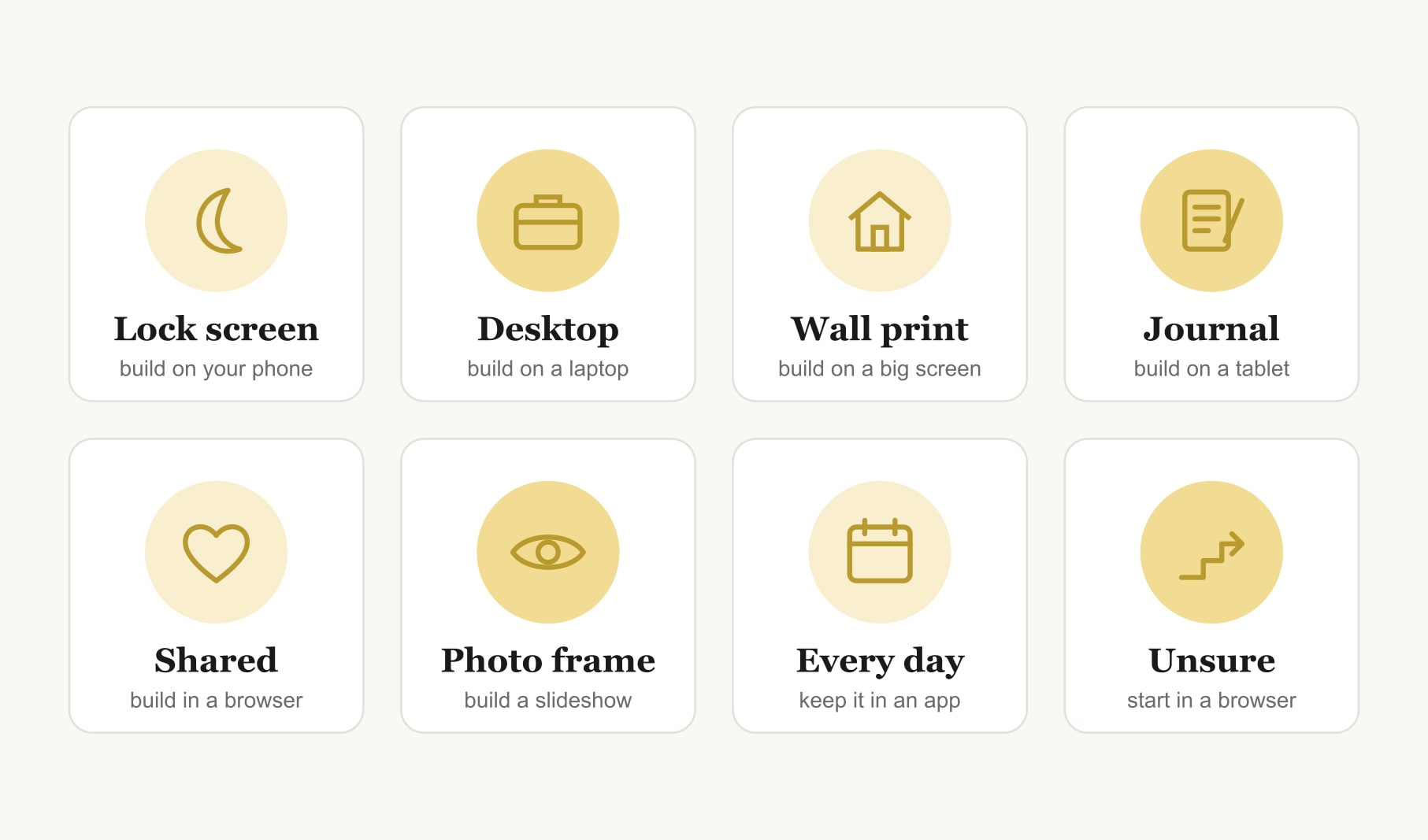
Where to make a digital vision board depends on where it will live. Build on your phone for a lock screen board, on a laptop for a desktop or printed board, on a tablet for a drawn board, and in a shared browser session for a board made with others. An app keeps it on every device.
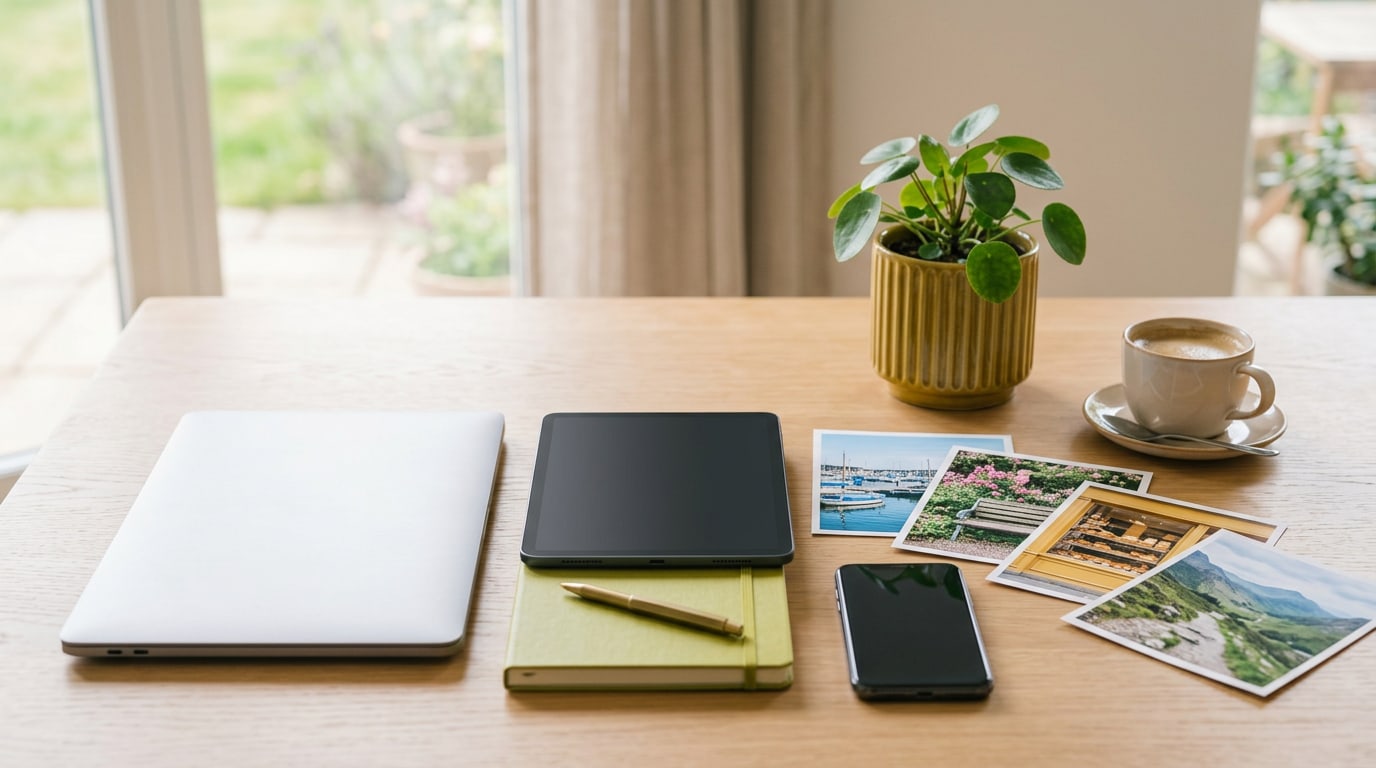
When people ask me where to make a digital vision board, they usually expect one answer. There are several good ones, and the right choice depends on a question most people skip: where will the finished board live? A board for your lock screen wants to be built differently from one for your desktop, your wall or a shared family screen. Decide the destination first, and the best place to build becomes obvious.
Why does the destination decide where to make a digital vision board?
Because shape and size matter. A lock screen is tall and narrow, with a clock across the top. A desktop is wide. A printed board needs large, sharp images. If you build in the wrong shape, you end up squeezing or cropping, and the board never looks quite right. Building on the device the board will live on, or at least in its shape, saves all of that. If you are still undecided, the best place to make a vision board builder lets you try a layout before you commit.
Where should you build a lock screen board?
On your phone. Your photos are already there, the screen shape is right and you can check the clock position as you go. Use a builder in your phone’s browser or a vision board app, keep the board to three to six images and leave the top third calm.
Where should you build a desktop or printed board?
On a laptop or desktop computer. The bigger screen makes arranging easier, and you can see details that a phone hides, like whether a photo is sharp enough to print. An online vision board tool in your browser works well here. If you use a Mac, a vision board builder for Mac walks you through the same thing in your usual browser.
Where should you build a drawn or journal-style board?
On a tablet. A tablet with a stylus lets you sketch icons, letter your word for the year by hand and mix drawings with photos. It suits people who find typing captions a little flat. The iPad vision board builder is a good place to start if that is your device.
Where should you build a board with other people?
In a browser, on one shared screen. Sit together at a laptop, or share your screen on a video call, so everyone sees the same board as it grows. Agree on goals first, then let each person choose an image or two. Save the finished board and send it to everyone, so it can live on each person’s phone as well.
Where should you build a board for a digital photo frame or TV?
Build it as a short slideshow rather than one image. Give each goal its own picture with a few words, set it to change slowly, and let it play in a room where you spend time. A slideshow suits a frame better than a single dense board, because each goal gets the whole screen for a moment.
Browser or app: which is the better place to build?
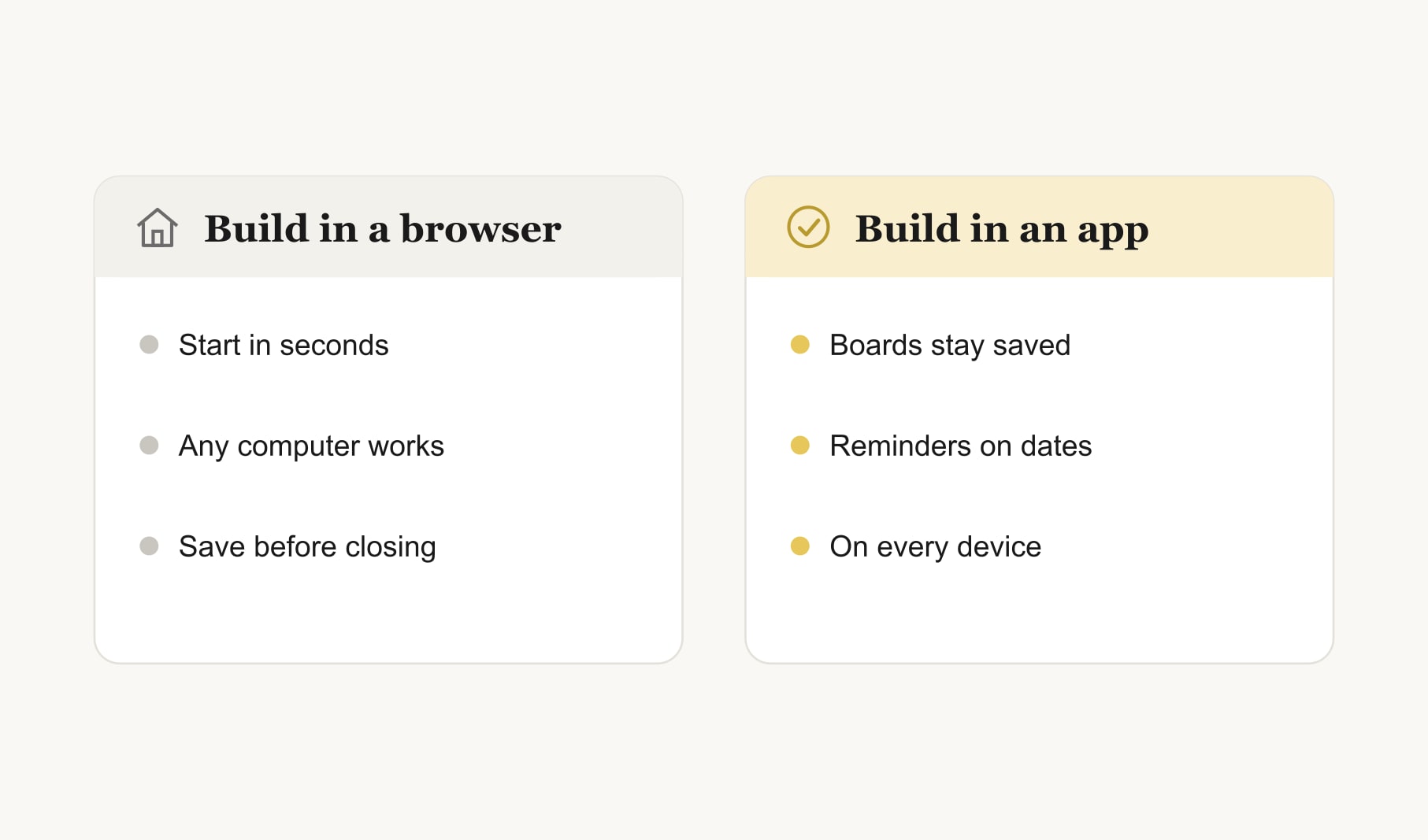
A browser is the fastest place to start and works on any computer. Some browser tools keep nothing once you close the tab, so you save the board as an image before leaving. An app keeps your boards saved, reminds you as dates arrive and travels between devices. Many people build the first board in a browser to see if they like the habit, then move into an app to keep it going.
What if your board needs to live in more than one place?
Pick a main home and a copy. Most people choose the phone as the main home, because it goes everywhere, and keep a printed or desktop copy too. Build in the main shape first, then make the copy. Keep the goals, dates and captions identical, so you never wonder which version is current.
Does the place you build change how the board feels?
More than people expect. A board built quickly on a phone on the bus often feels light and practical. A board built slowly on a laptop on a quiet Sunday tends to feel more considered, with better photos and clearer captions. Neither is wrong. If your first board felt rushed, try building the next one somewhere calmer, with a cup of tea and no other tabs open. Where you make a digital vision board shapes the attention you give it, and that attention shows in the finished board.
What should you do once the board is built?
Name the file with your word for the year or the season, so you can find it later, and keep every version in one folder on the device you built it on. Put it in place the same day, while the energy is fresh. Set the lock screen, change the desktop background or print the copy. Then decide on a weekly check-in time. A goal tracker for your vision board holds the steps and progress, so the board itself can stay clean, wherever it lives.
What does a good first decision look like?
Here is a common one. Destination: phone lock screen, with a printed copy by the desk. Build on the phone, in a tall layout with five photos. Save it, set it, then print the same image on matte paper. Total time, under an hour. One board, two homes, and no guessing about where to make the next one.
Keep reading
Where to make a digital vision board: your questions
The best place to make a digital vision board depends on where it will live. Build on your phone for a lock screen board, on a laptop for a desktop or printed board, on a tablet for a drawn board and in a shared browser session for a board made with others.
Make a digital vision board on your phone if it will be your lock screen, because the shape and clock position are easy to check. Use a computer if the board will be a desktop background or a print, because the larger screen shows detail and sharpness better.
Yes. A browser is one of the fastest places to make a digital vision board and works on any computer. Some browser tools keep nothing once you close the tab, so save the finished board as an image before you leave and keep it in one folder.
A tablet is great for a drawn or journal-style digital vision board. With a stylus you can sketch icons, letter words by hand and mix drawings with photos. The screen is also large enough to arrange images comfortably while you sit on the sofa.
Choose one main home for your digital vision board, usually your phone, and build in that shape first. Then make copies for your desktop or a print with the same goals, dates and captions. An app that runs on every device keeps them in step automatically.
Make a shared digital vision board in a browser on one screen, either together at a laptop or over a video call with screen sharing. Agree on the goals first, let everyone choose an image, then save the board and send a copy to each person.
Keep your vision board alive
A board built in your browser resets when you close the tab. Vision Boardly saves your boards, reminds you as each vision date arrives, and tracks the habits and moods moving you toward them.
Get Vision Boardly Free