Vision Board Design Ideas
Design is not decoration. It is what makes a board readable in the two seconds you glance at it each morning.
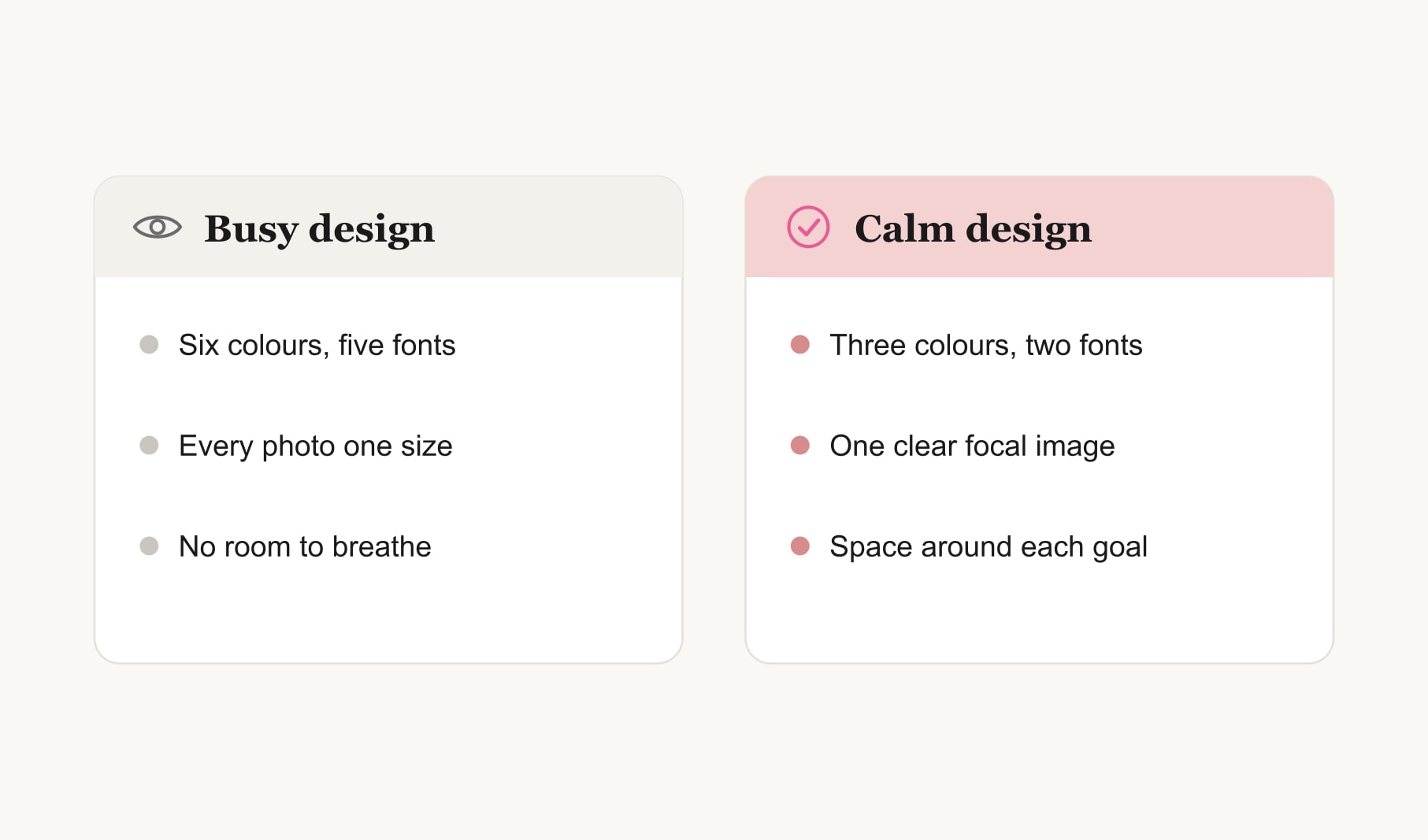
The best vision board design ideas make goals easy to read at a glance: one focal image, a three colour palette, colour coding by life area, one matching treatment for every photo, two fonts at most, neat caption strips, a simple frame and plenty of breathing room. Good design is what keeps you looking.
Most advice about boards is about what to put on them. These vision board design ideas are about how it looks, and I do not mean pretty for its own sake. A well designed board can be read in the two seconds you glance at it each morning. A badly designed one becomes wallpaper within a week. The ten details below are the ones that make the difference.
If you are still deciding how to arrange your images, my guide to vision board layout covers the main arrangements. Design sits on top of layout: it is the colour, type, size and finish.
Which vision board design ideas matter most?
Three matter more than the rest: a focal point, a limited palette and breathing room. Designers talk about visual hierarchy, the way size, colour and position tell the eye where to look first. A board with a clear hierarchy guides you straight to your most important goal. One without it leaves your eye wandering.
1. How do you create a focal point?
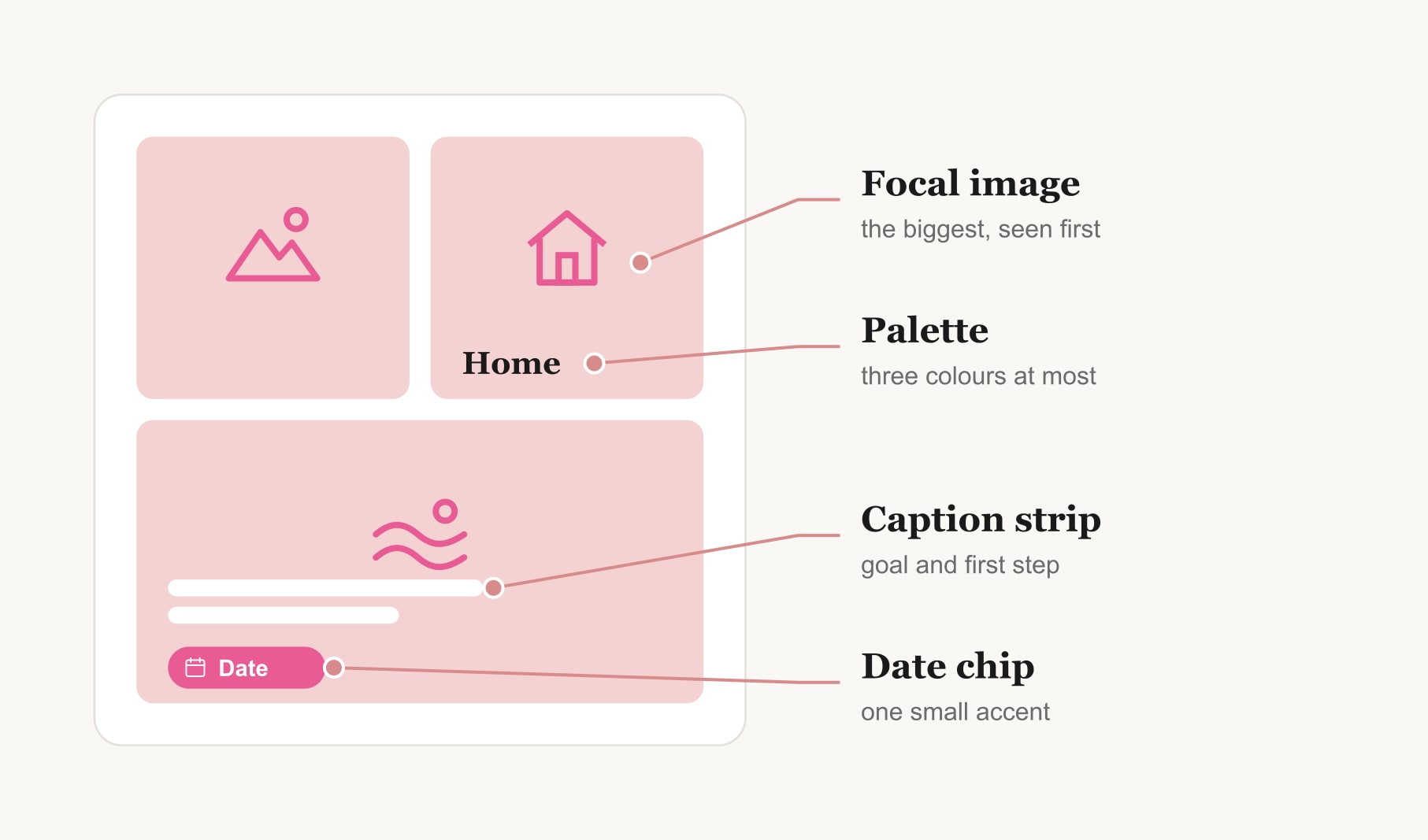
Make one image noticeably bigger than the rest, roughly twice the size, and give it your most important goal. Place it slightly off-centre or in the top left, where the eye tends to start. Everything else supports it. If every image is the same size, nothing leads.
2. How many colours should a board use?
Three, as a rule: one main colour, one supporting colour and one neutral such as white or cream. Pull them from your favourite image. A limited palette makes even very different photos feel like a set, and it calms the whole board down.
3. Should you colour code by life area?
It works beautifully if your board covers several areas. Give each area one colour from your palette, then use it for a thin border, a pin or a small dot beside each image. Work in one colour, home in another, rest in a third. At a glance you can see whether one area is crowding the others.
4. How do you make photos look like a set?
Give every photo the same treatment. All warm, all cool, all slightly faded, or all black and white with a single colour image as the focal point. Match the shape too: all square or all landscape. This one change makes a board look considered rather than collected.
5. Which fonts work on a board?
Two at most. One expressive font for a title or word of the year, one plain font for captions. Handwriting counts as a font, and it is often the warmest choice for captions. Keep captions large enough to read from across the room.
6. What are caption strips?
A caption strip is a narrow band of card or paper under each image holding the goal and its first step. Using the same width and colour for every strip makes the board look tidy and keeps text from spilling onto the pictures. Keep longer notes off the board, in a goal tracker for your vision board.
7. What is a date chip?
A date chip is a small rounded tag with a season or target month, set in your main colour. It is the one bright accent on each square. Because it is small, it adds energy without overwhelming the image, and it makes every goal feel dated and real.
8. Do frames and borders help?
A simple frame finishes a board and makes it feel worth keeping. Thin wood, plain white or a slim black line all work. Inside the frame, a consistent white border around each photo, like an instant print, helps images stand apart. Avoid heavy patterned borders, which compete with the pictures.
9. How much breathing room does a design need?
More than feels natural. Leave a gap between every image and a wider margin around the edge. Empty space is not wasted; it is what lets each goal be seen. If you have no room for space, you probably have too many goals.
10. What background suits a board?
A plain one. White, cream, pale grey or natural cork all work. A busy patterned background fights with your images. If you love texture, use it in one place, such as a strip of linen across the top behind your title.
Does design matter on a digital board?
Even more. A phone screen is small, so every extra colour or font shows. Keep the same three colour palette, use one font for captions, and give your focal image the space just below the clock. Matching photo tones matter on a screen too, because the bright light exaggerates any clash. A calm digital design is one you will not want to change the moment you see it.
What does a well designed board look like?
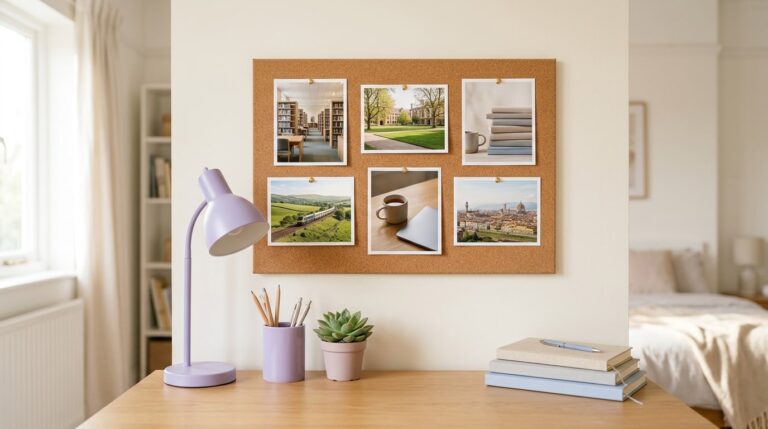
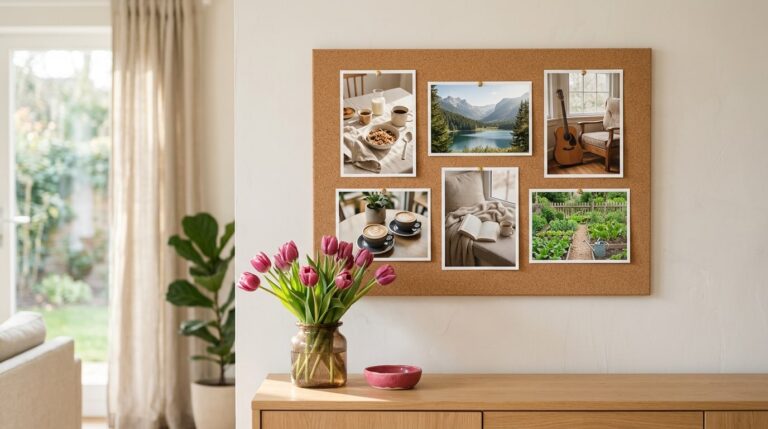
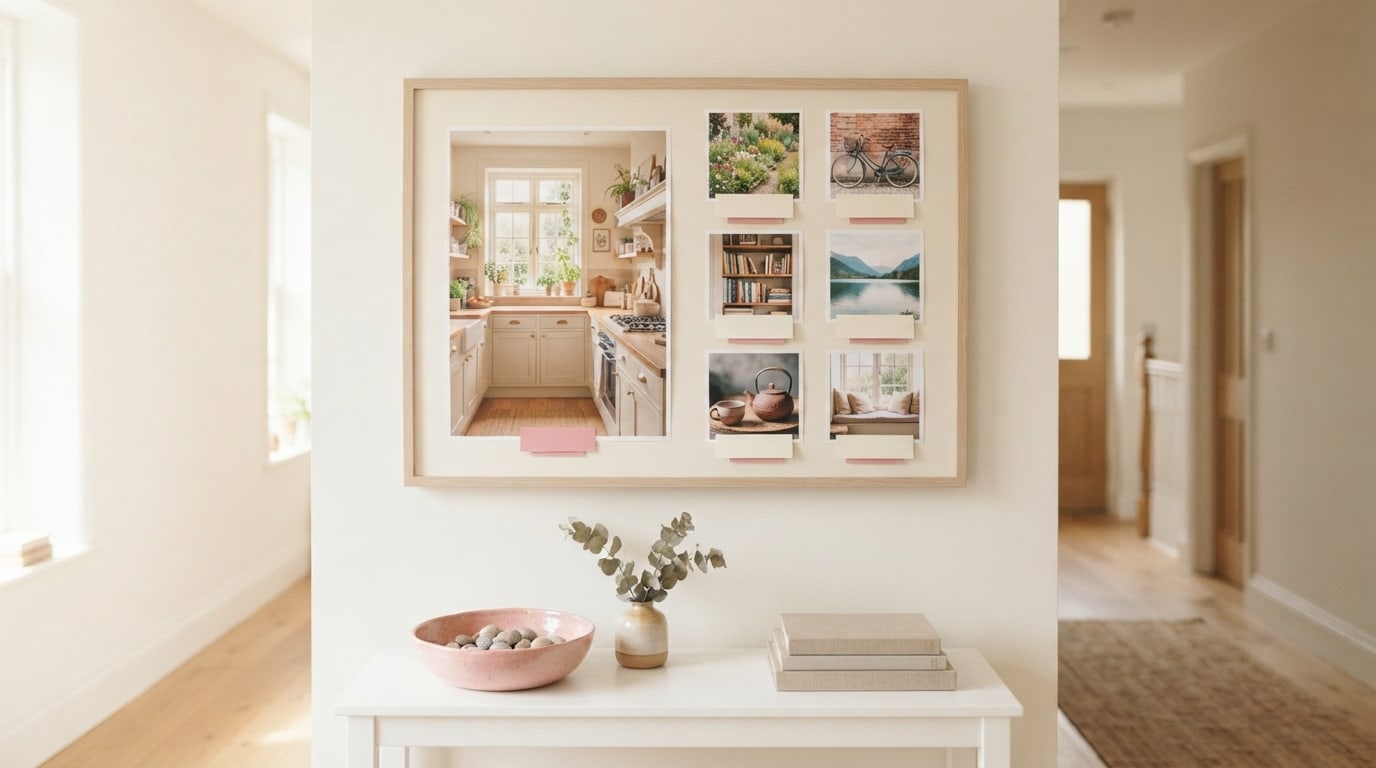
Picture a slim wooden frame. Inside, a cream background with a wide margin. A large photo of a sunlit kitchen sits top left as the focal image. Beside it, six smaller photos run in a neat column, all with the same warm tone and a thin white border. Under each, a cream caption strip in handwriting and a small pink date chip. Across the top, one word in a soft serif. Three colours, two fonts, plenty of space. You can read the whole thing from the doorway. For ready made starting points, browse the vision board template gallery, or explore the goal aesthetic vision board for a polished, design-led layout.
Keep reading
Vision board design ideas: your questions
Good vision board design ideas include one large focal image, a three colour palette, colour coding by life area, matching photo treatments, two fonts at most, tidy caption strips, small date chips, a simple frame and generous breathing room. Together they make the board easy to read at a glance.
Three colours suit most vision boards: one main colour, one supporting colour and one neutral such as white or cream. Pull them from your favourite image. A limited palette makes very different photos feel like a set and keeps the whole board calm.
Use two fonts at most on a vision board: one expressive font for a title or word of the year and one plain font or neat handwriting for captions. Keep captions large enough to read from across the room, since tiny text is easy to ignore.
Framing a vision board makes it feel finished and worth keeping. A thin wooden, white or black frame works well. Inside it, a consistent white border around each photo helps images stand apart, while heavy patterned borders tend to compete with the pictures.
A plain background is best for a vision board: white, cream, pale grey or natural cork. Busy patterns fight with your images. If you love texture, use it once, such as a strip of linen behind the title, rather than across the whole board.
Make a vision board look less cluttered by choosing one focal image, matching every photo’s tone and shape, limiting the palette to three colours and leaving a gap around each image. If there is still no space, remove a goal rather than shrinking the pictures.
Keep your vision board alive
A board built in your browser resets when you close the tab. Vision Boardly saves your boards, reminds you as each vision date arrives, and tracks the habits and moods moving you toward them.
Get Vision Boardly Free