Vision Board Ideas PowerPoint
A slide is a blank canvas you already know how to use. Here are nine ways to turn one into a board you will look at.
Good vision board ideas for PowerPoint include a one-slide grid, a deck with one slide per goal, a tall slide sized for your phone, a timeline across the year, a word-of-the-year title slide, a now and next pair, a weekly review deck, a shared family deck and a printed poster slide.
Most people already have a presentation program on their computer, and most people have never thought of it as a place to make a vision board. That is a shame, because a slide is a tidy, flexible canvas. These vision board ideas PowerPoint can handle range from a single slide you print to a short deck you click through on a Sunday evening. None of them needs design skills. If you can insert a picture and type in a text box, you can make every one.
I like slides for boards because they force a frame. A slide has edges, so you have to choose. That small limit is good for a vision board, which works best with a handful of goals rather than everything you have ever wanted.
Why use slides for a vision board at all?
Three reasons. You can move every image freely, so you are never fighting a layout. You can change the slide size to fit a phone, a desktop or a printed poster. And you can save the result as a picture or a PDF, which means the board can live on a screen and on your wall from the same file. If you would rather start from a ready layout, a vision board template for PowerPoint gives you the frame and leaves the choosing to you.
What are the best vision board ideas PowerPoint can hold?
1. The one-slide grid
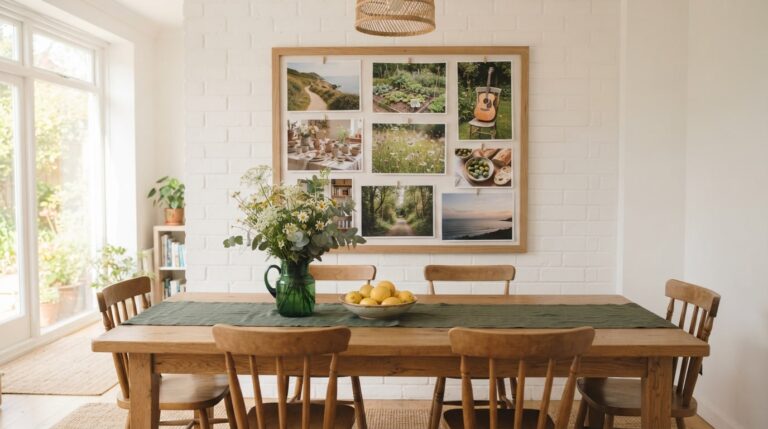
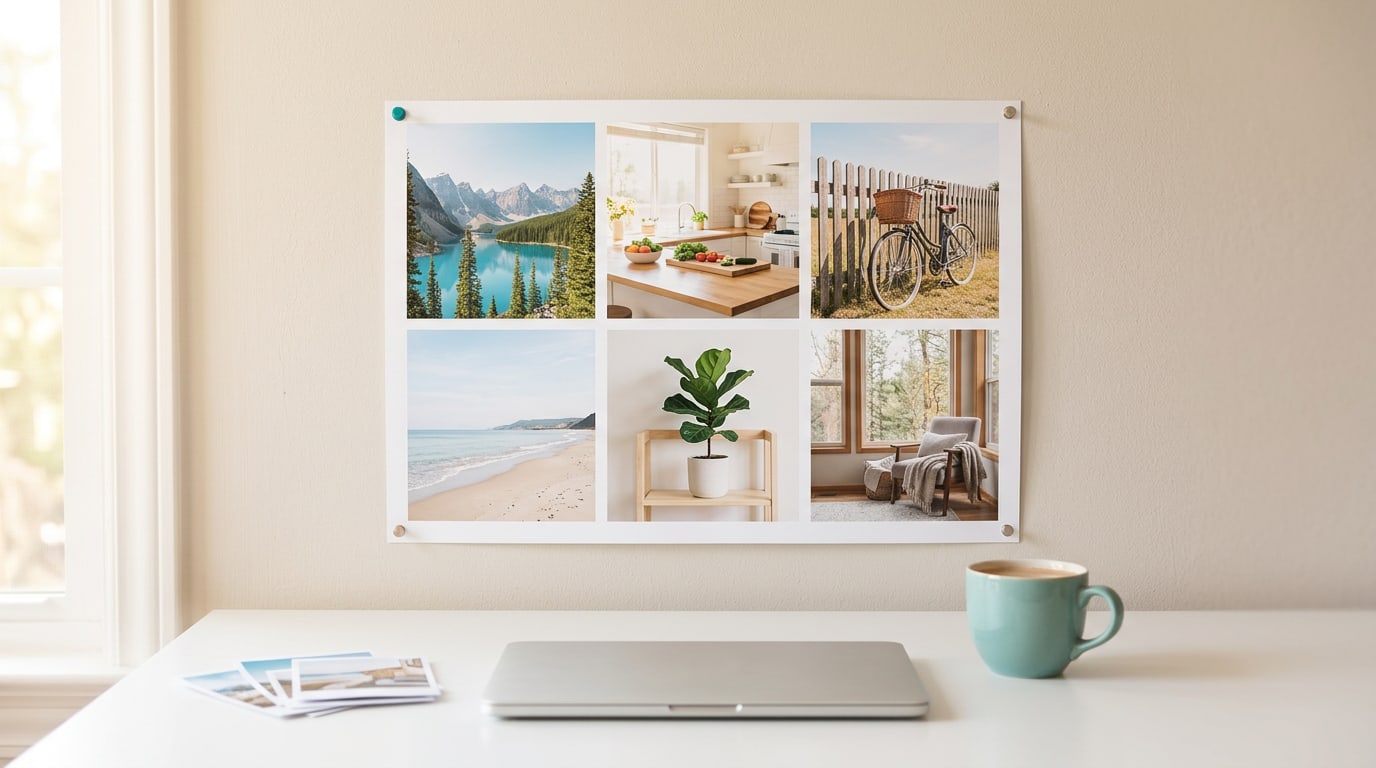
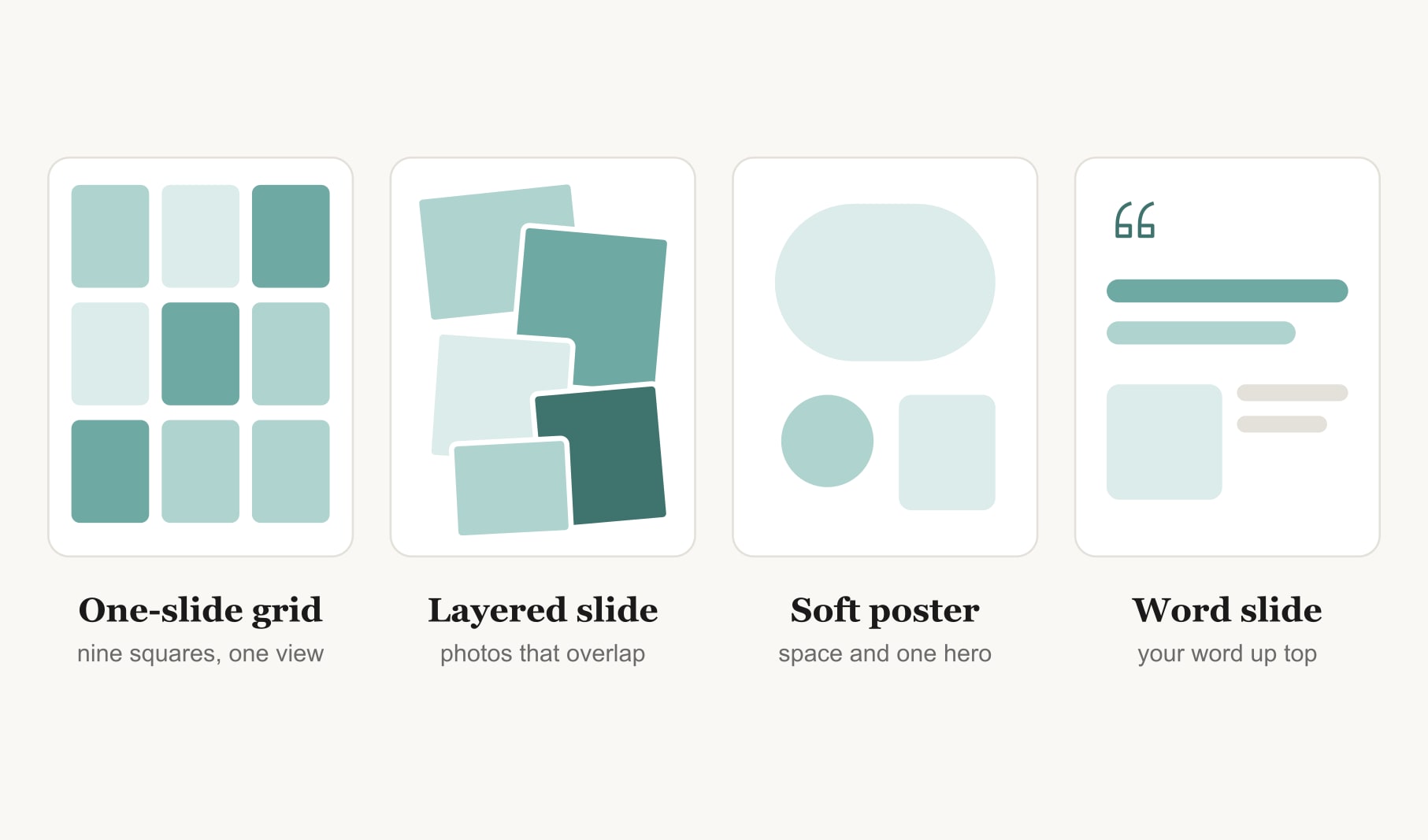
The classic. Draw a grid of six or nine equal squares and drop one image into each. Add a short caption under every picture with a month and a first step. It is calm, readable and easy to update. When a goal is done, swap one picture and the rest of the board stays put.
2. A deck with one slide per goal
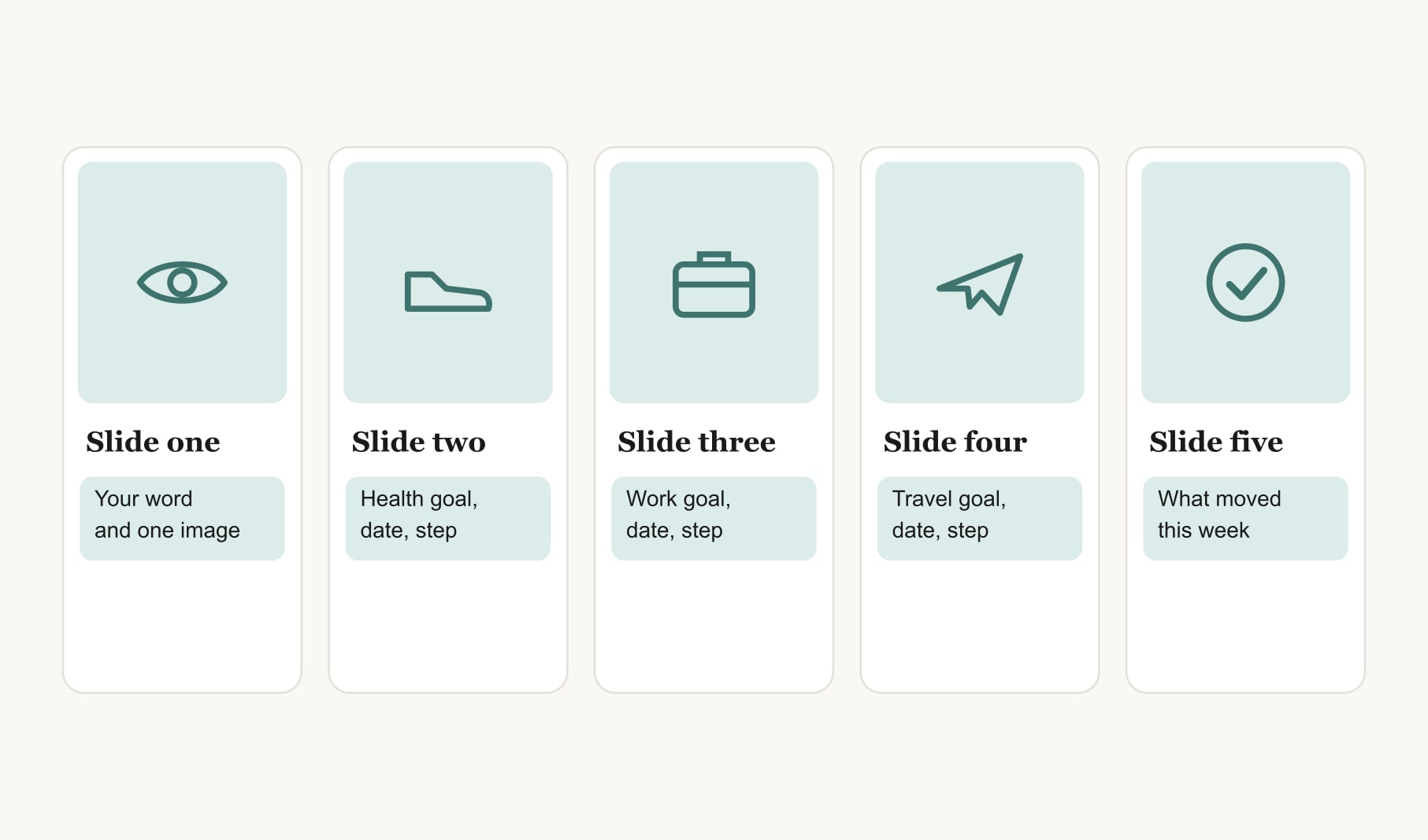
This is my favourite idea for people who like words as much as pictures. Give each goal its own slide: a big image on the left, and on the right three short lines for why it matters, the target month and the first step. Open with a title slide and close with a review slide. Clicking through five slides takes two minutes and feels like reading a letter from your future self.
3. A tall slide sized for your phone
Change the slide size to a tall custom shape, roughly nine wide by sixteen high, and build a board for your lock screen. Keep the top third clear for the clock and place your most important goal in the middle. Save the slide as a picture, send it to your phone and set it as your wallpaper.
4. A timeline across the year
Draw one long line across a wide slide and divide it into months or seasons. Place each goal above the point where you want it finished, with its first step beneath. A timeline shows at a glance whether everything is bunched into one busy season, which is useful to see before you start.
5. A word-of-the-year title slide
Type one word in large letters across the top, such as Steady, Open or Brave, and place three images below it that show the word in action. It is the simplest board on this list and one of the most powerful, because a single word is easy to remember on a hard day.
6. A now and next pair
Two slides side by side. The first shows where you are today, in honest photos: the cluttered desk, the trainers by the door. The second shows where you are heading. Seeing the two together makes the gap feel like a path rather than a wall.
7. A weekly review deck
Add one extra slide at the end of your deck called This Week. Every Sunday, type what moved for each goal and the next small step. Keep the old notes by duplicating the slide each week. After a few months you have a record of real progress, which is far more motivating than the board alone. If you want those steps tracked in one place, a goal tracker for your vision board pairs well with a deck.
8. A shared family or team deck
Give each person one slide in a shared file. Everyone fills their own with an image, a goal and a first step, then you click through together. It works for households and for small teams alike. For a home version, a family vision board builder gives everyone a square on one shared board, and a vision board template for Google Slides suits groups who already work in that program.
9. A printed poster slide
Set the slide to a large poster size, build your board, then save it as a PDF and print it at a shop on thick matte paper. Slides print sharply at large sizes as long as your images are big enough to start with, so choose photos from your own camera rather than small screenshots.
How do you make a slide board look polished?
Use one font for headings and one for captions, and keep both simple. Crop every image to the same shape. Line things up using the alignment guides that appear as you drag. Leave some white space between pictures so each one reads on its own. And choose a single accent colour for small touches, like the month under each image, rather than colouring everything.
How do you keep a PowerPoint vision board in use?
Put it where you will see it. Print the grid for your wall, set the tall slide as your lock screen, or open the deck every Sunday. Pick one habit and stick with it. The file is easy to update, so think of it as a living document: swap images when goals change and celebrate the slides you get to retire because the goal is done.
Which PowerPoint idea should you start with?
If you have never made a vision board before, start with the one-slide grid. It takes about half an hour and teaches you the basics of choosing one image per goal. If you love writing, start with the deck. If your phone is the screen you check most, start with the tall slide. You can build the others later from the same folder of photos, and many people end up with two: a grid on the wall and a tall slide on the phone.
Keep reading
Vision board ideas powerpoint: your questions
Yes, PowerPoint works well for a vision board. Insert your pictures onto a slide, arrange them in a grid or collage, add short captions with a month and first step, then save the slide as a picture or PDF. You can set it as a wallpaper or print it for your wall.
Choose the slide size by where the vision board will live. A wide slide suits a desktop background or a printed sheet. A tall custom size, about nine by sixteen, suits a phone lock screen. For a wall poster, set a large paper size before you build anything.
A vision board deck works best with five to eight slides: one title slide with your word or theme, one slide for each of three to five goals, and a review slide at the end. Short decks get opened every week, while long ones tend to sit unopened in a folder.
Save the vision board slide as a PDF, then print it on thick matte paper at home or at a print shop. Use large, sharp photos so nothing blurs at full size. Set the slide to your paper size before you build, so the layout fits without awkward cropping.
Yes. Build the vision board on a tall slide, keep the top third clear for the clock, then save the slide as a picture. Send that picture to your phone and set it as your lock screen or home screen in your wallpaper settings.
Each goal slide in a vision board deck needs one strong image, a short line on why the goal matters, a target month and a first step you can take this week. Keep the text brief so a glance at the slide still tells you exactly what to do next.
A slide deck is one of the easiest team vision board formats. Each person fills one slide with an image, a goal and a first step, then the group clicks through together. Revisit the deck at a monthly meeting so the shared board keeps pace with real work.
Keep your vision board alive
A board built in your browser resets when you close the tab. Vision Boardly saves your boards, reminds you as each vision date arrives, and tracks the habits and moods moving you toward them.
Get Vision Boardly Free