How to Make a Digital Vision Board for Free
Everything you need is already on your phone. Here is the route that uses only what you own.
To make a digital vision board for free, write three to five goals, pick one photo for each from your own camera roll, crop them to the same shape, and arrange them in a free browser board builder. Add a date and a first step to each image, save the board and set it as your wallpaper.
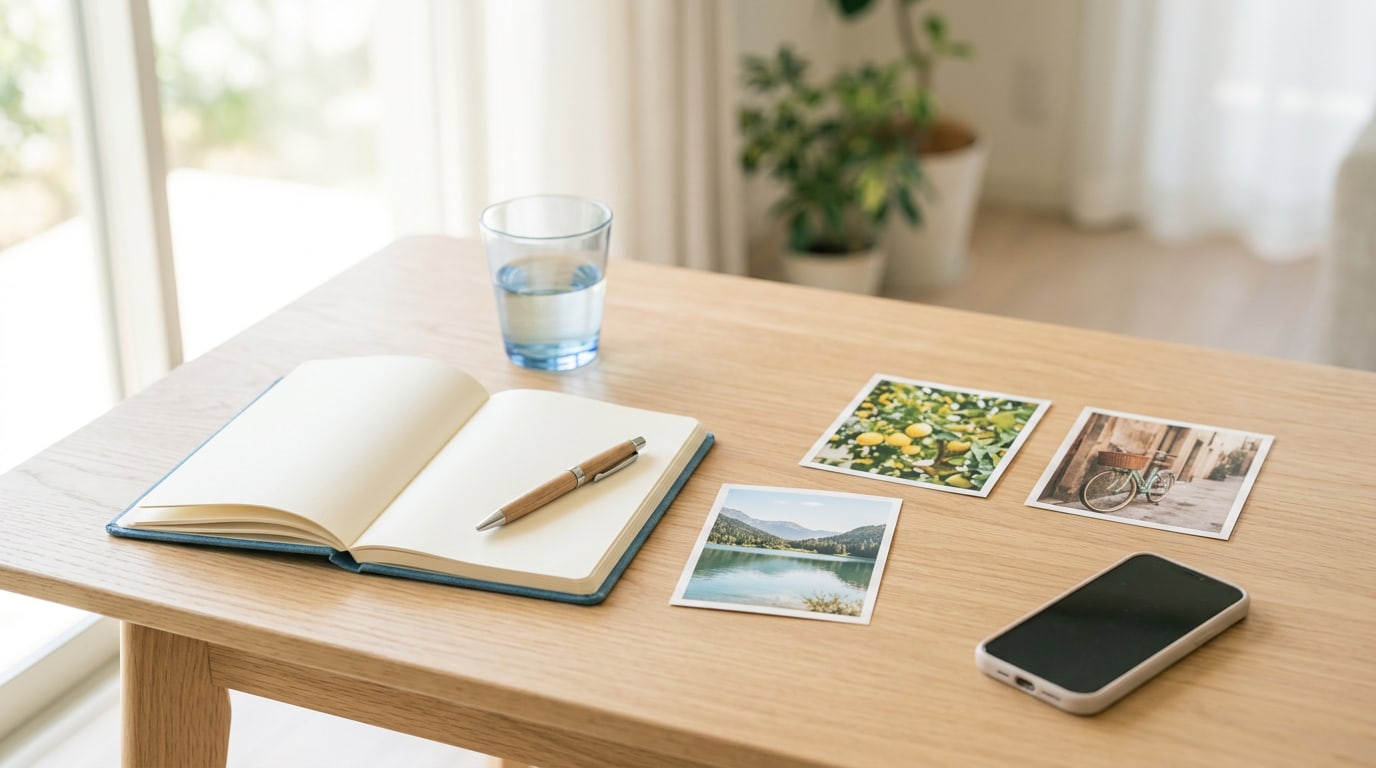
If you want to know how to make a digital vision board for free, here is the honest answer: you already own everything you need. A phone or laptop, your camera roll and a browser will take you from blank to finished in about forty minutes. You do not need a template shop, a photo library or a design program. In this guide I will walk you through the route I recommend to anyone starting out, using only what is already on your device.
What do you need for how to make a digital vision board for free?
Four things you almost certainly have: a device, your own photos, the photo editor built into that device, and a browser. That is the whole kit. Everything else people add is optional, and most of it can wait until you know you enjoy the habit of looking at a board every day.
How do you make a digital vision board for free, step by step?
1. Write your goals in your notes app
Before you open a single photo, write three to five goals, one sentence each. “Swim twice a week by summer” is a goal. “Be fitter” is a mood. Writing first stops you from spending an hour scrolling pictures with no plan, which is the most common way a quick board turns into a lost evening.
2. Gather your own photos
Search your camera roll for one image per goal. You will be surprised how much is there: the café you want to return to, the trail you loved, the shelf you want to finish. If a goal has no photo yet, take one of a stand-in this week. A pair of running shoes by the door, a library book, a plant on a windowsill. Your own photos are personal, and they are yours to use however you like.
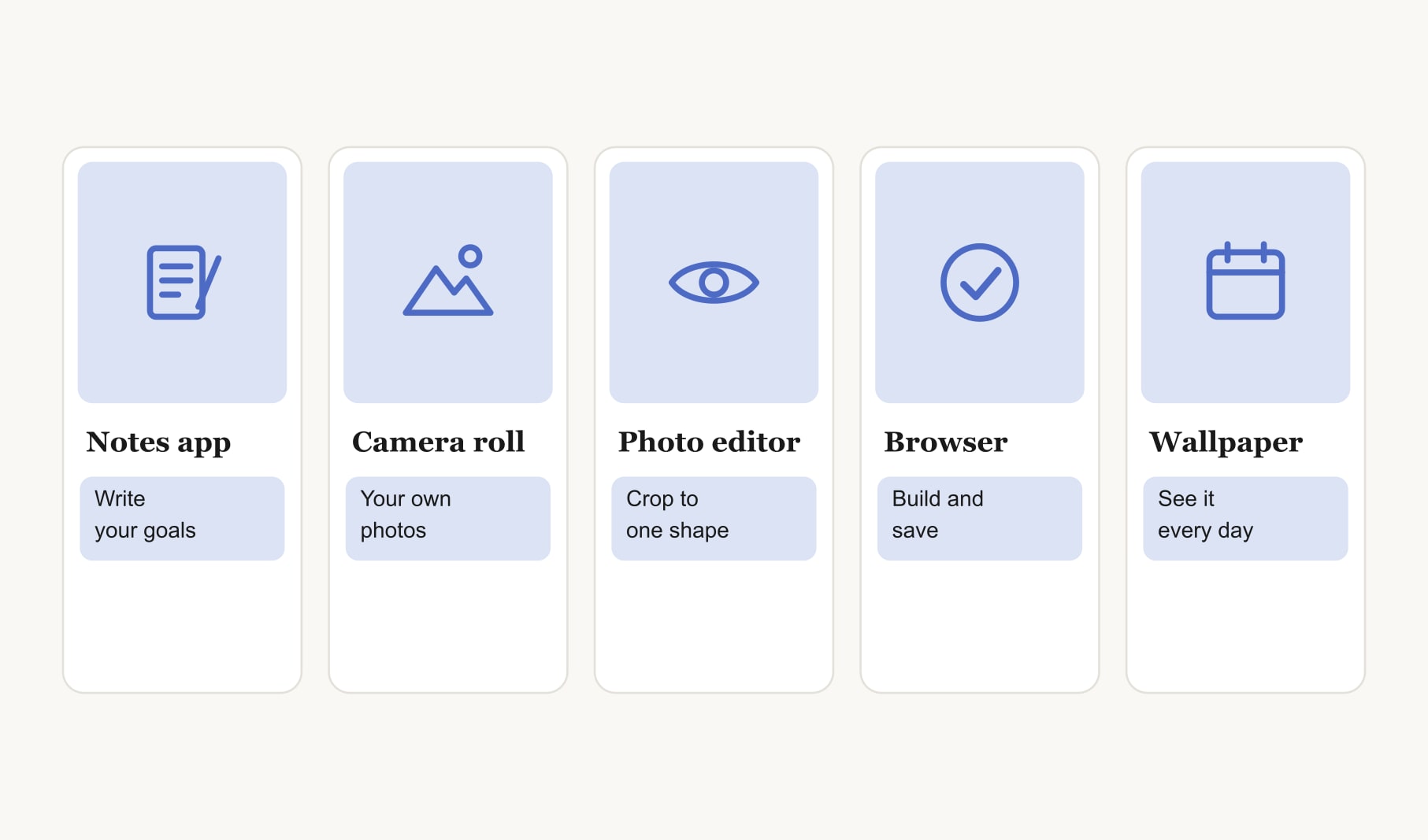
3. Crop the photos to one shape
Open each image in the editor that came with your phone or computer and crop it to the same shape, square or portrait. Matching shapes make the finished board look calm and deliberate rather than patched together. This takes about five minutes and makes the biggest visual difference of any step.
4. Open a free browser board builder
A free vision board maker that runs in your browser is the quickest place to build. It opens with a ready grid, and you click any square to add your own image. If you prefer a board shaped for screens from the start, the free digital vision board builder works the same way.
5. Add a date and caption to each vision
Under every image, type a target month and the first small step. “Swim, June, find pool times Friday.” That one line is what turns a pretty picture into a plan you can act on this week. Keep captions short, because they will be small on a phone.
6. Save the board and set it as your wallpaper
Save the finished board as an image before you close the tab. Then open your wallpaper settings and set it as your lock screen or desktop background. You will see it dozens of times a day without trying, which is exactly what a vision board needs.
7. Track one step a day
The board shows you where you are going. A tracker shows you that you are moving. A habit tracker for your vision board runs in your browser, so you can tick off the small daily actions behind each goal in seconds.
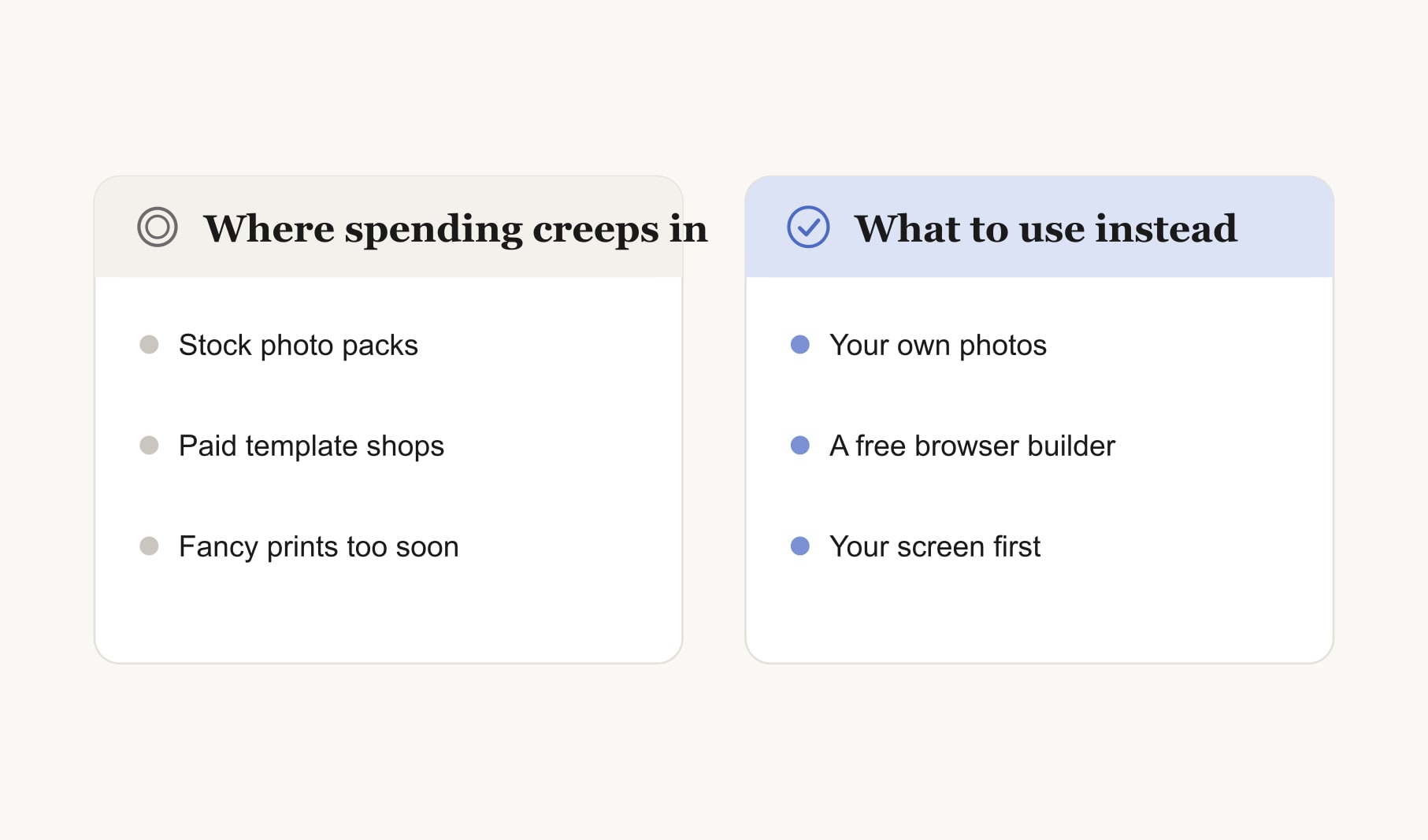
Where does spending creep into a digital board?
Three places, usually. The first is stock photo packs, bought because the camera roll felt too ordinary. Ordinary is good: your own photos carry meaning that a polished stock image never will. The second is template shops, which sell layouts you can build yourself in minutes, or start from a free digital vision board template. The third is printing large and glossy before you know the board is right. Live with it on your screen for a month first.
How do you make the board look good with only what you own?
Keep the colours roughly similar across your photos. If one picture is much brighter or cooler than the rest, nudge it in your photo editor. Leave a little space between images. Use one short line of text per picture. Put the goal that excites you most in the middle, where your eye lands first. These small choices make a board made in forty minutes look like it took a weekend.
What if your camera roll feels too ordinary?
Most people feel this at first. Scroll for feelings rather than subjects. A blurry photo of friends laughing can stand for a goal about connection. A sunny windowsill can stand for a calmer home. A bowl of fruit can stand for cooking more. Then take a few new photos on purpose this week: walk past the place you want to spend more time in, or set up a small scene at home. A digital vision board made from your own life feels closer than any borrowed picture, and you will notice the real versions of those scenes far more often.
What should you do after the first week?
Look back at the board on day seven. Did any first steps happen? Which picture do you skip over? Swap that one for an image that pulls you in. Move a date if it was unrealistic. A digital board is easy to change, so changing it is part of using it well. Keep each version in one folder, and in a year you will have a quiet record of everything that moved.
Keep reading
How to make a digital vision board for free: your questions
Write three to five goals, choose one photo for each from your camera roll, and crop them to the same shape. Arrange them in a free browser vision board builder, add a date and first step under each image, then save the board and set it as your wallpaper.
Your own camera roll is the best source for a digital vision board. Look for places, objects and moments linked to each goal, and take new photos of stand-ins for anything missing. Your own photos feel personal and are yours to use, print or share as you like.
No. A digital vision board needs only a device, your photos, the photo editor already on that device and a browser builder. Crop images to one shape, arrange them in a grid, add short captions and save the result as an image for your wallpaper.
A simple digital vision board takes about forty minutes: ten to write goals, fifteen to gather and crop photos, ten to arrange them and add captions, and five to save the board and set your wallpaper. Later updates take only a few minutes each.
Save the finished digital vision board as an image, then open the wallpaper settings on your phone or computer and choose it from your photos. On a phone, keep the top third of the board clear so the clock does not cover your most important goal.
Printing is optional. Live with your digital vision board on screen for a few weeks first, so you know the images and goals feel right. Then print it on matte paper at home if you want a copy on your wall as well as on your phone.
Check your digital vision board once a week. Ask what moved for each goal, choose the next small step and swap any image you have stopped noticing. Track daily actions in a habit tracker so progress stays visible while the board itself stays clean and simple.
Keep your vision board alive
A board built in your browser resets when you close the tab. Vision Boardly saves your boards, reminds you as each vision date arrives, and tracks the habits and moods moving you toward them.
Get Vision Boardly Free